Software Updates — Week of July 21, 2026
Hello everyone! It was great seeing all of you at the MASC conference; I look forward to hopefully seeing the rest of you at the small cities conference next month!
This is grants week in the newsletter, fresh off a recording of the Mighty Municipalities podcast. This week Mark and I review our impressions of the conference.
- 7/29: DOJ – COPS Hiring Program - up to $125k over three years, 25% match, Law enforcement hiring
- 7/31: NY Municipalities – Grants for Climate Action - $35k-$2m for climate change mitigation (flood control, renewal energy)
- 8/3 - HUD Pathways to Removing Obstacles to Housing Program - $5m-$10m Decrease the cost and increase the supply of affordable housing, especially in Opportunity Zones and rural communities. Remove barriers to affordable housing
- 8/15 - Leary Firefighters Foundation Grant - $5k-$25k – FD training and equipment
Here's what's new this week in GovPossible:
Portal Dashboard Upgrade
We've redesigned the community portal dashboard to put everything users need front and center the moment they log in. While they can still navigate to each section sections to check on permits, licenses, and meetings, the dashboard now brings all of that information together in one convenient view.
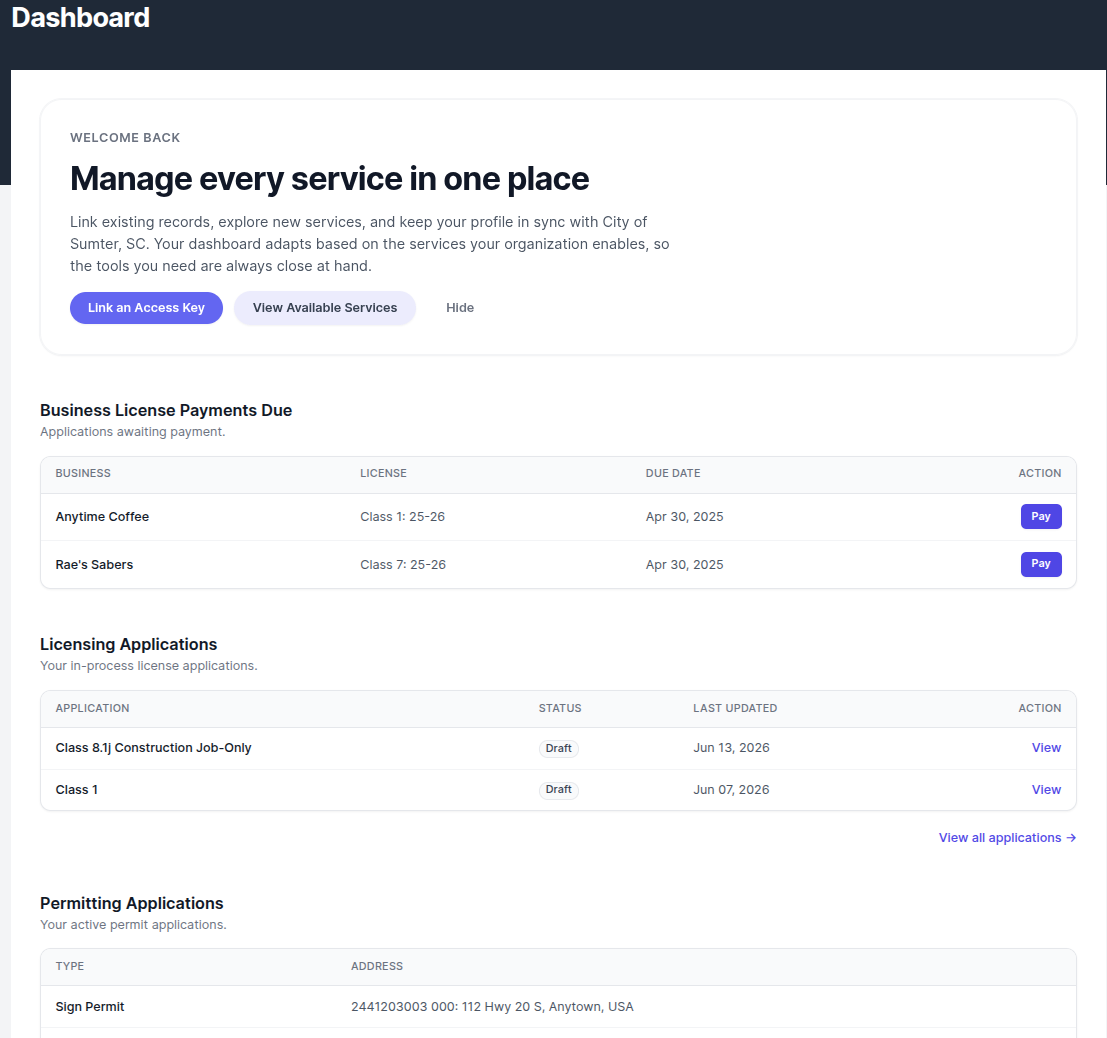
Here's what now of the updated dashboard:
- Any outstanding license or permit fees
- Top five active license and permit applications show their current status so you always know where things stand, and issued permits now include and the ability to request inspections right from the dashboard.
Automatic Due Dates for Task Types
When setting up a task type, you can specify the number of days until the task is due and choose whether to count by calendar days or business days. For example, if a building permit review must be completed within 10 business days, simply set the interval to 10 and select "Business Days." Every new task created with that type will automatically have the correct due date calculated and displayed right on the form.
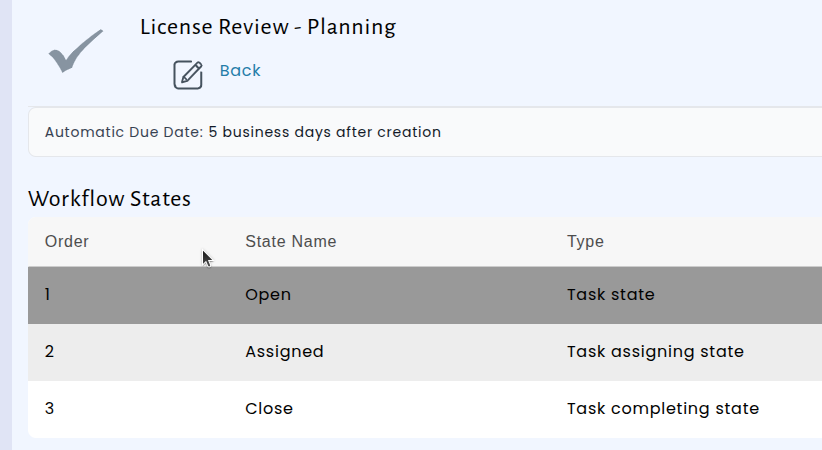
The due date appears immediately when you open the new task form, so you can verify it before saving — and you can always adjust it manually if a specific situation calls for a different deadline. This update helps teams stay consistent with regulatory timelines and reduces the chance of a missed or miscalculated due date.
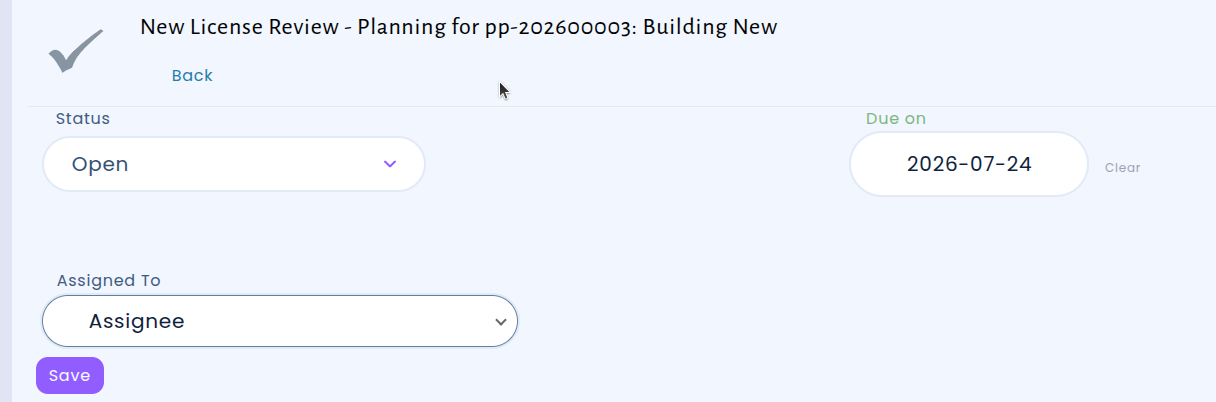
Automatic Due Dates for Planning Cases
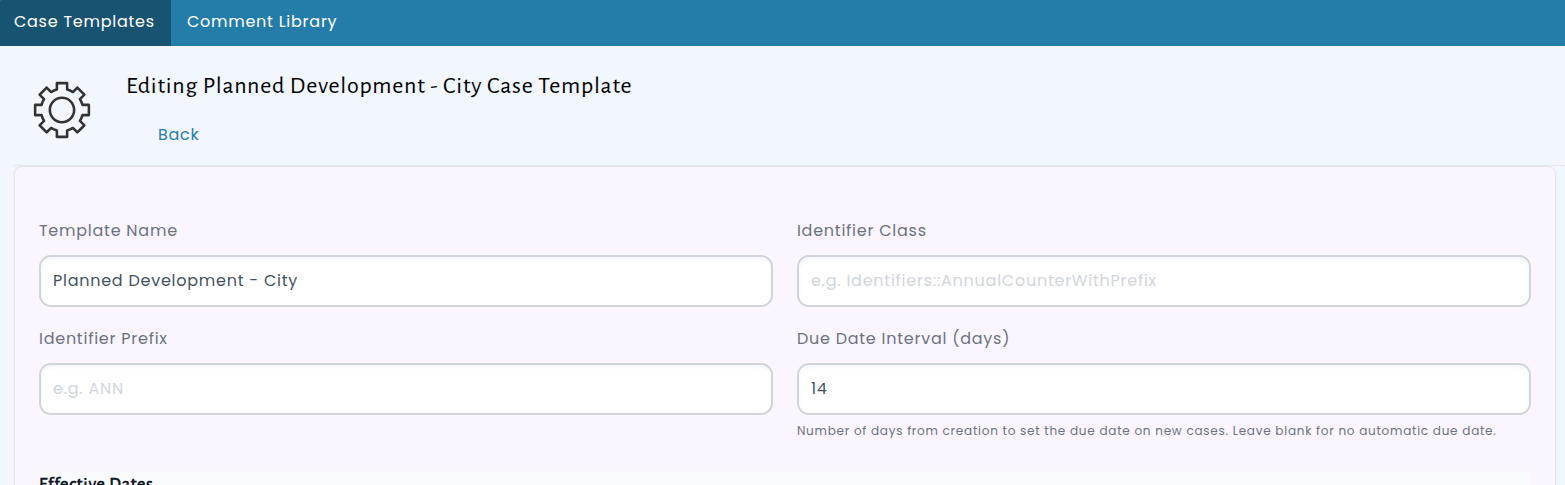
Planning cases can also now automatically receive a due date when they are created. Each case template defines a standard timeframe, and when a new case is opened from that template, the system calculates and assigns the due date for you — no manual entry required.
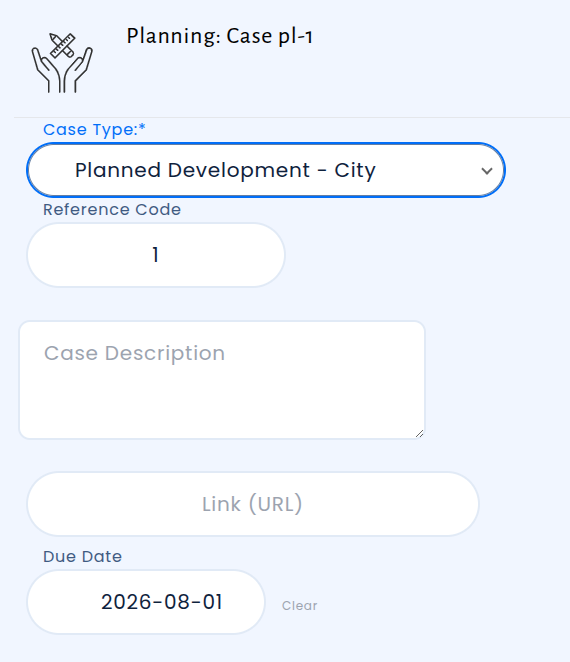
Set the due date by editing the Case Template:
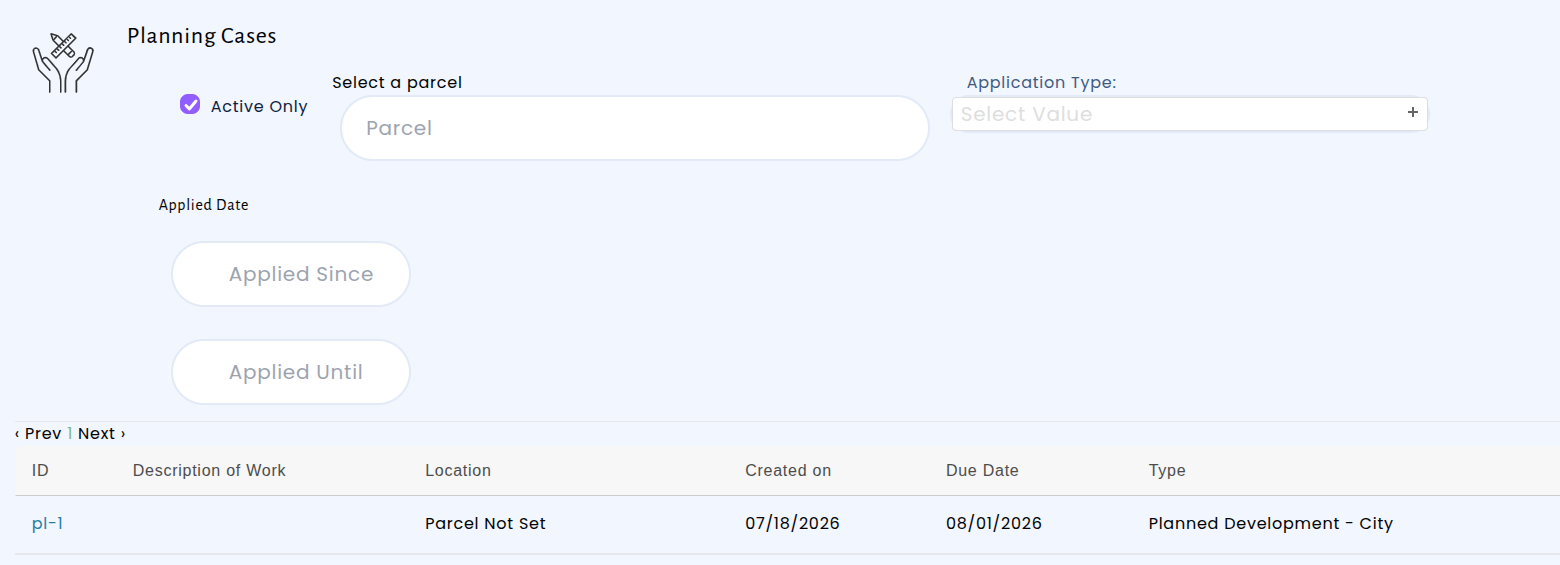
The due date appears on the cases list, making it easy to see at a glance which items need attention first. You can also sort the cases list by due date:
Inspection Photos Now Visible on the Public Portal
Condition photos taken during inspections are now automatically displayed on the public permit portal. When inspectors attach photos to inspection conditions, those images appear alongside the condition details that residents and contractors already see — providing a clearer, more complete picture of inspection results without any extra steps from your staff.
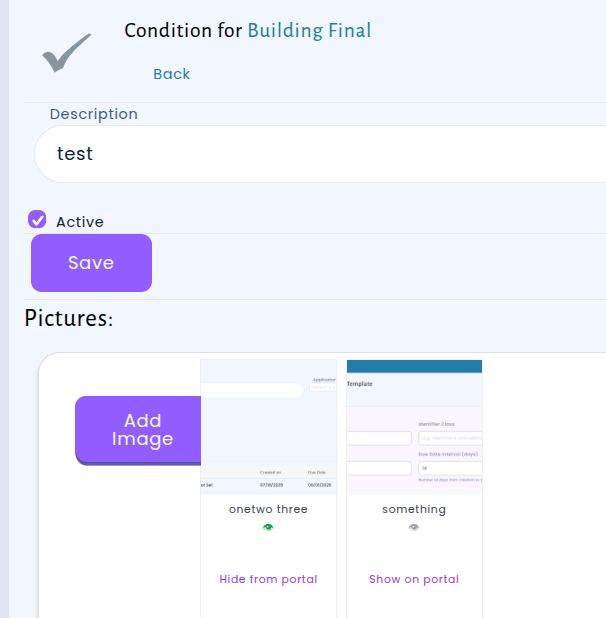
Photos are shown by default, but staff have full control over which images appear publicly. A simple show/hide toggle next to each photo lets you remove any image from the portal view while keeping it in your internal records.
Easier Navigation Between Licenses and Applications
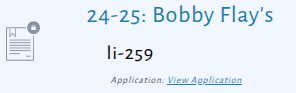
We've improved how business licenses and their originating applications are connected in the system. When viewing a license, you'll now see a convenient "View Application" link that takes you directly back to the application that was used to create it. This makes it much easier to reference the original application details without having to search for them separately.