GovPossible Updates — Week of June 23, 2026
Good morning everyone!
On the Mighty Municipalities Podcast, Mark and I discuss ways to manage hot weather in your town. We also have an article about it on GovPossible with links to worksheets to help inventory your cooling centers and conduct a neighborhood survey to help determine who needs help in case of extreme heat!
And, of course, grants!:
Grants
- 7/1: National – Tomberg Family Foundation: $5-20k
Health, environment, and poverty alleviation - 7/10: National: Roy Hunt Foundation Opportunity and Inclusion: ~$50k
Minority Entrepreneurship, Health Outcomes, Fresh Food access, Leadership Programs - 7/11 - Deadline for SC Farmers and Foresters: Helene Block Grant
- Rolling NC, SC, OH, IN, KY, FL: Duke Energy Grants
Licensing: Renew License Applications Directly from the Application Card
We've made it easier to manage license renewals by adding a Renew option directly to license application cards. Previously, the Renew action was only available from a license card after an application had been fully processed. Now, you can start a renewal right from the application itself — even before a license has been issued.

This is especially helpful when a business is registering for the first time and needs to backpay for multiple past periods. Instead of waiting for each license to be issued before creating the next renewal or creating the renewal manually and backdating it, staff can now generate renewal applications in sequence directly from the application list. The system automatically carries forward the correct license type, classification, and business details, so there's no need to re-enter information manually.
To prevent accidental duplicates, the Renew link only appears when a valid renewal period exists and no renewal application for that period has already been created. This keeps your records clean and ensures each period is covered exactly once.
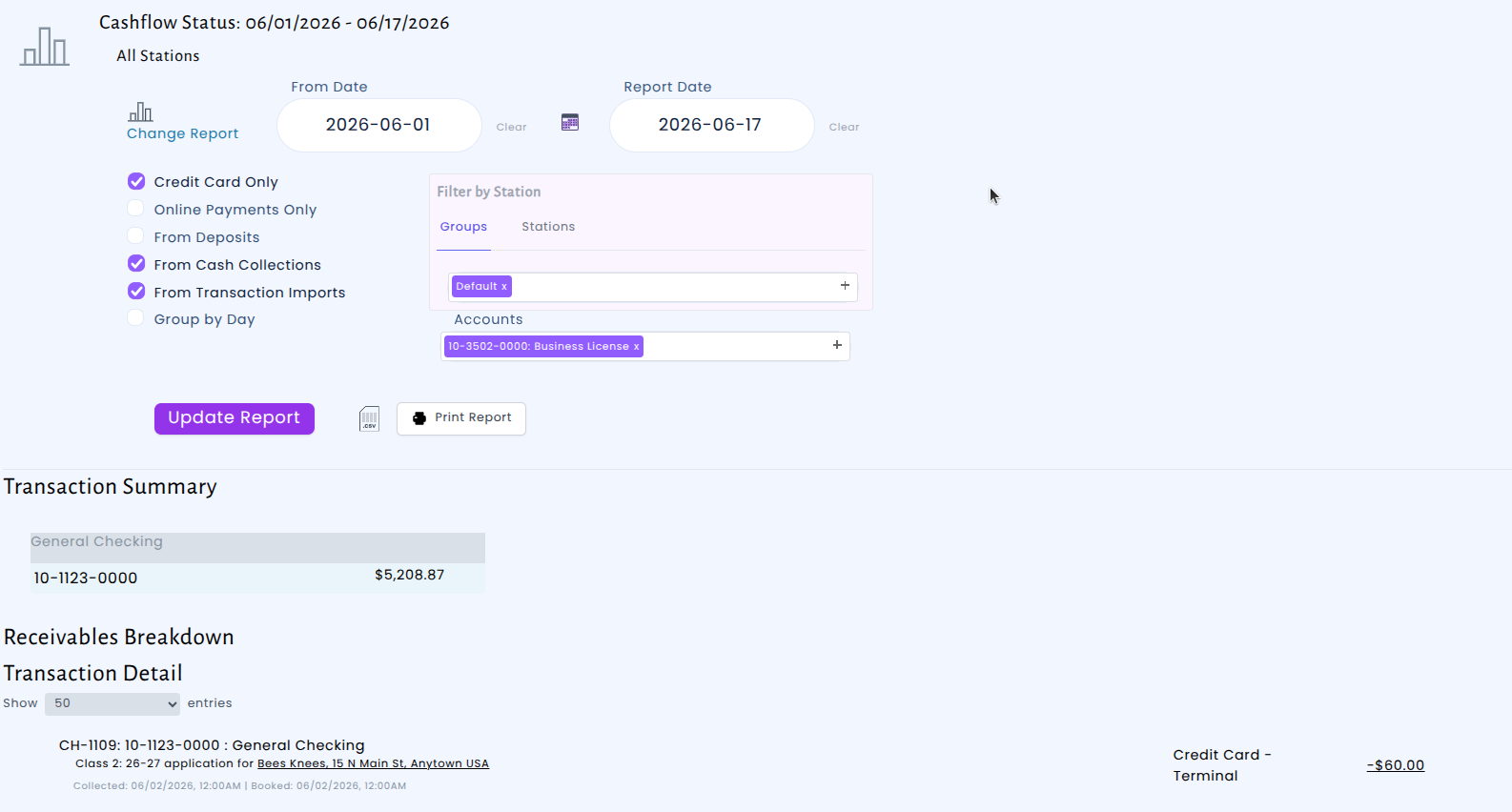
Cash Collections: Filter Credit Card Transactions by Revenue Account
We've improved the Cash Collections report so you can now filter credit card transactions by revenue account. Previously, when you checked the "Credit Card Only" option and then tried to narrow results by a specific revenue account — such as Licensing Revenue — the report would come back empty. This is now resolved:
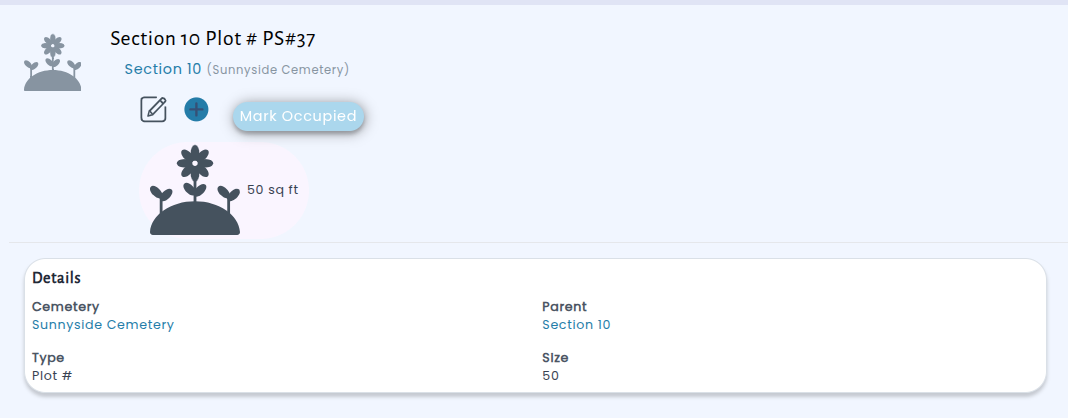
Cemetery Mgmt: Quickly Mark Cemetery Plots as Occupied — No Paperwork Required
Managing older cemetery records just got easier. We've added a new "Mark Occupied" button to individual plot pages, allowing staff to flag plots that are known to be in use — even when there are no contracts, deeds, or interment records on file. With a single click, you can update a plot's status so it no longer appears in your list of available plots.
Once marked, the plot displays as "Occupied (No Records)" directly, and the system will automatically keep them out of open plot listings, search results, and contract creation workflows.
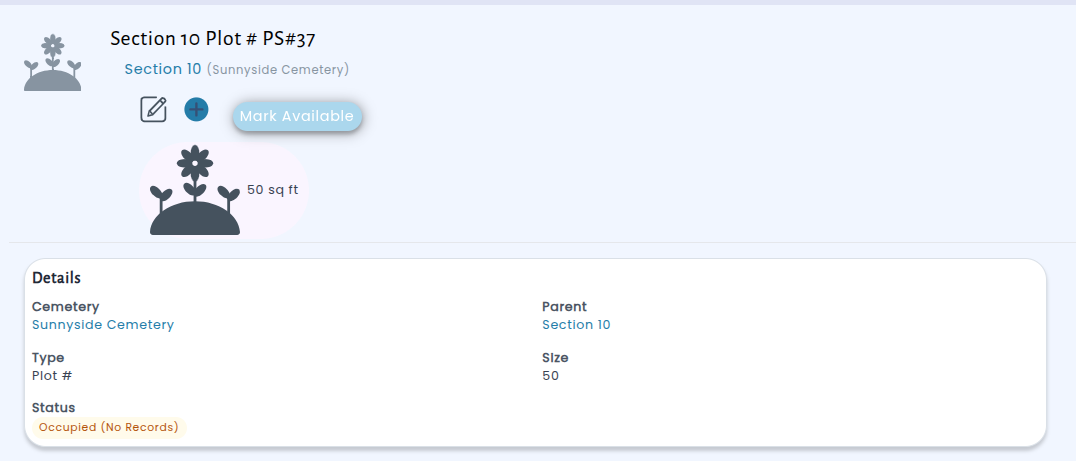
The status is easy to reverse, too — if a plot was marked by mistake, just click "Mark Available" to restore it. This feature is available on any individual plot that doesn't have sub-plots.
Codes Enforcement Daily Dashboard and Morning Email
Codes enforcement inspectors now have a dedicated daily dashboard that shows everything they need to know at a glance. The new page displays all inspections scheduled for the day alongside any violation deadlines that are due, so inspectors can quickly plan their routes and priorities. An interactive map plots each item with color-coded markers — purple for inspections and orange for deadlines — making it easy to see where the day's work is concentrated. Inspectors can also center the map on their current location to orient themselves in the field.
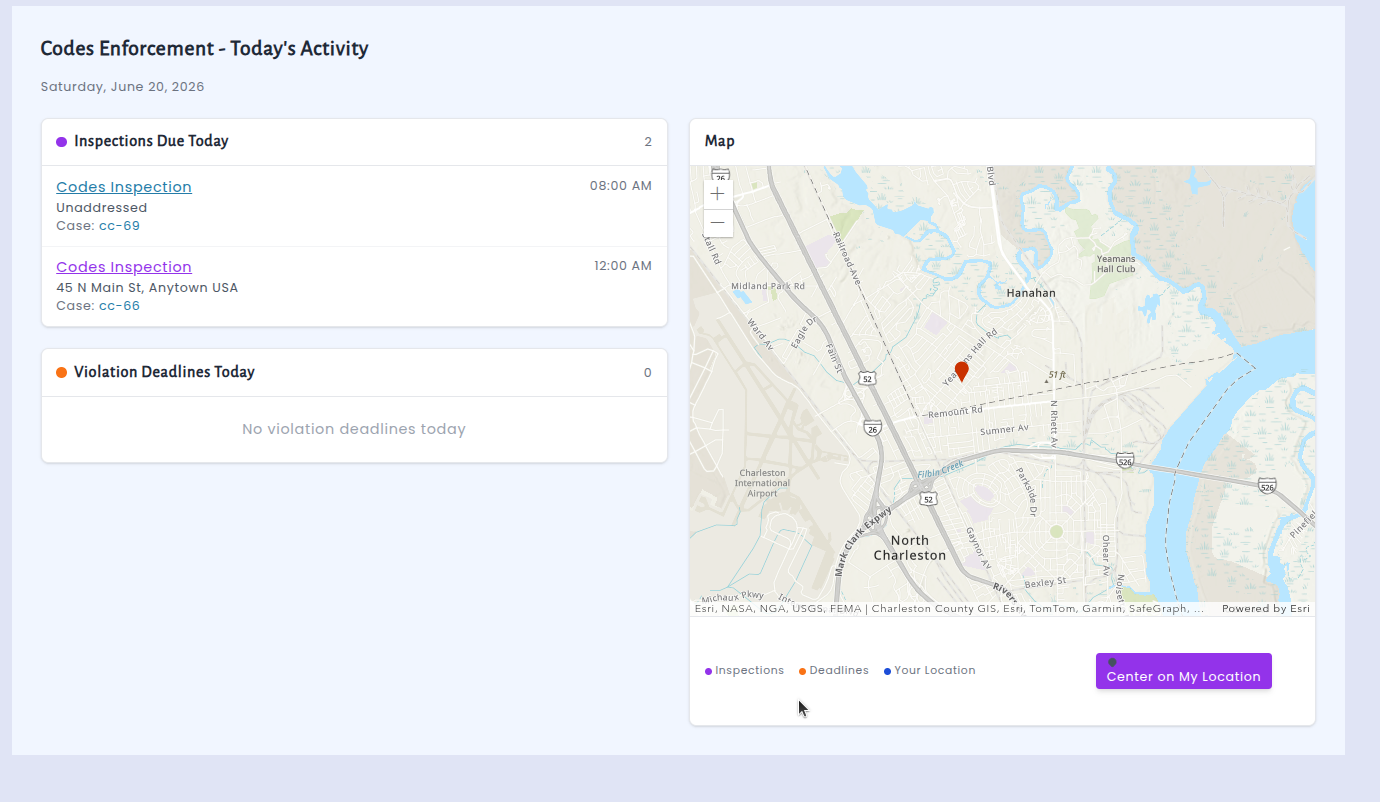
In addition to the dashboard, each codes inspector now receives an automated morning email every weekday at 7:00 AM summarizing their inspections and deadlines for the day. The email includes the same information as the dashboard along with a map snapshot, so inspectors can review their schedule before they even log in. If an inspector has nothing on the calendar for the day, the system skips the email to keep inboxes clean. Supervisors and other staff can also be added as recipients through the system settings.
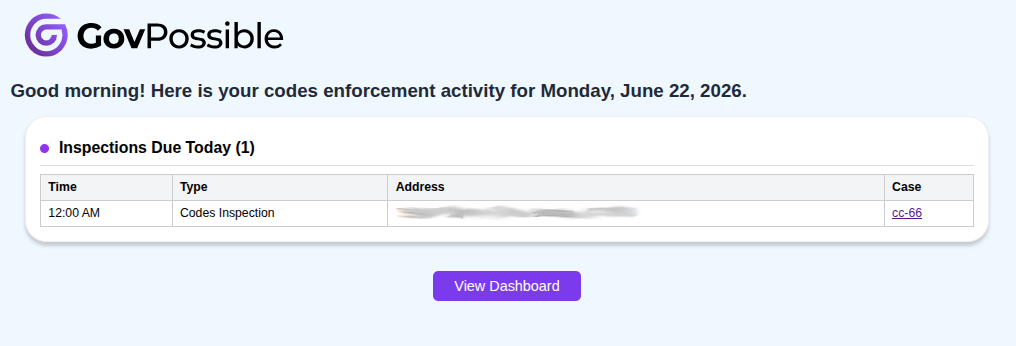
Together, the daily dashboard and morning email help codes enforcement teams start each day organized and informed, reducing the time spent tracking down what needs attention and making it easier to stay on top of inspections and compliance deadlines.