In the works: vidCut, a PMV maker for people who don't edit
A sneak peek at the next goonstack tool, and the first two videos it made.
The Wall plays your clips at random. That was the whole point: no editor, no curation, just vibes. Then I went and built the opposite, a tool that edits for you. It's called vidCut for now, and it's in development. It lives inside our chapter tool, so the clips it cuts from are the highlights you already picked there.
Here's what it can do today, and the two videos I made with it.
Strobe: pick clips, it cuts every x seconds
The simplest mode. Pick a handful of clips and choose how long each piece lasts. vidCut jump-cuts between them, and each clip carries on where it left off, so you get a strobe of the good bits with no dead air.
That's all it takes. No timeline, no keyframes, no dragging.

JadeyAnh - Pretty Faces (Vertical Cum Jumpcut) on PMVHaven
Pretty faces, plastered. A fast jumpcut of JadeyAnh and other performers getting their faces covered in cum, with no filler. It's vertical 9:16 (720×1280) for your phone or a vertical second monitor. Put it on loop and let it run beside your main screen. 3:16 long.
Beatsync: add music and the cuts land on the beat
The next step up from Strobe.
- Pick your clips, same as before.
- Add music. Drop in a track, or paste a link to it.
- It analyses the song. The tempo and beats are found automatically, and the song is split into its parts: intro, verse, chorus, bridge, drop and outro.
- Group your clips so each group plays on a certain part of the song. Teasing clips go in the verse, and the heavy stuff waits for the chorus.
- The cuts follow the beat. They snap to it by default, or you choose every ½ beat, every beat, every other beat and so on. The pace can change per part, slower in the verse and frantic in the chorus.
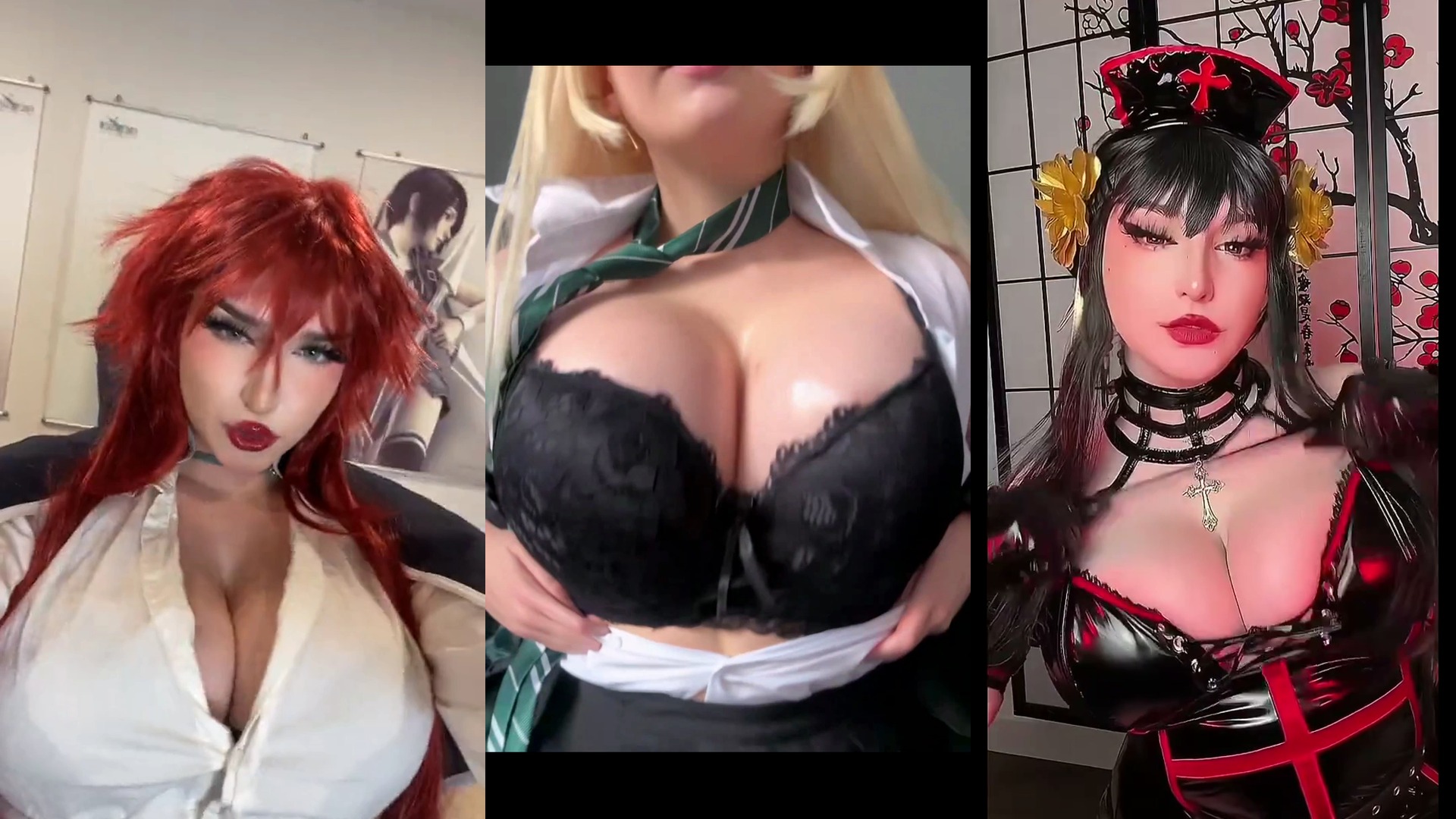
babiegth - Money (Vertical Big Tits Jumpcut PMV) on PMVHaven
babiegth and an assortment of ♥ plapmeats ♥ with big bouncing boobies, jump-cut hard and beatsynced to "Money" by Mystery Skulls. Every cut lands on the beat. It's vertical 9:16 (720×1280), made for your phone or a second monitor. 3:36 long.
The hard part: where to put the slider
The hardest part isn't the beat detection. It's deciding how much to show you.
On one end is braindead mode: pick clips, pick music, watch the result. No knobs. It's great for a quick goon session, but you're stuck with whatever it decides.
On the other end is every knob there is: cut rate per song part, clip groups, beat offsets, nudges, trims and tile layouts. Super customizable, but keep adding knobs and one day you wake up having built another video editor. The world doesn't need another video editor, and you don't want to learn one.
We're hunting for the sweet spot between the two. The defaults should make something good with zero effort. Everything else hides under Advanced for when you want to fiddle, and stays out of the way when you don't.
Tell us where you sit
Would you rather have a one-button PMV, or more control? Which knob would you miss first? Reply to this email and tell us. You're shaping what ships.
Want more goonfuel like this? Build your own stack at goonstack.com.
For adults only (18+).