goonstack for Mac is out. Clear your evening.
Hey,
You've had the Wall. Now take the whole thing.
goonstack for Mac is out on itch.io: every room, every tool, all your porn on every inch of your screen at once. Download it, open it, and sink in.
What's waiting for you
The Wall, the way you like it
- The packed wall: a wall of clips, edge to edge, all playing at once, each in the shape it was filmed. Nowhere to look that isn't porn.
- Hold and skip: found one that does it for you? ↻ keeps it looping as long as you want. Not feeling one? × and something fresh takes its place. + pulls your favourite into the middle, big.
- Sound per clip: turn up the moans you want to hear and mute the rest.
- Kept walls: save a wall to match your mood. Slow and teasing, rough and relentless, or that one niche you'd never admit to. Bring it back with one click, exactly as you left it.
What the full stack adds
- Main clip: pick the one clip you can't stop watching. It stays big in the middle, looping, its sound filling your ears, while everything around it keeps changing.
- Scroller: an endless wall drifting slowly down your screen, new clips sliding in at the top. Fully hands free, because you know your hands will be busy.
- Warp: clips rush at you from the centre of the screen. One Intensity slider takes you from a slow, teasing trickle to forty clips on top of each other. Press Ramp up and it starts from black and builds, and builds, and holds you there.
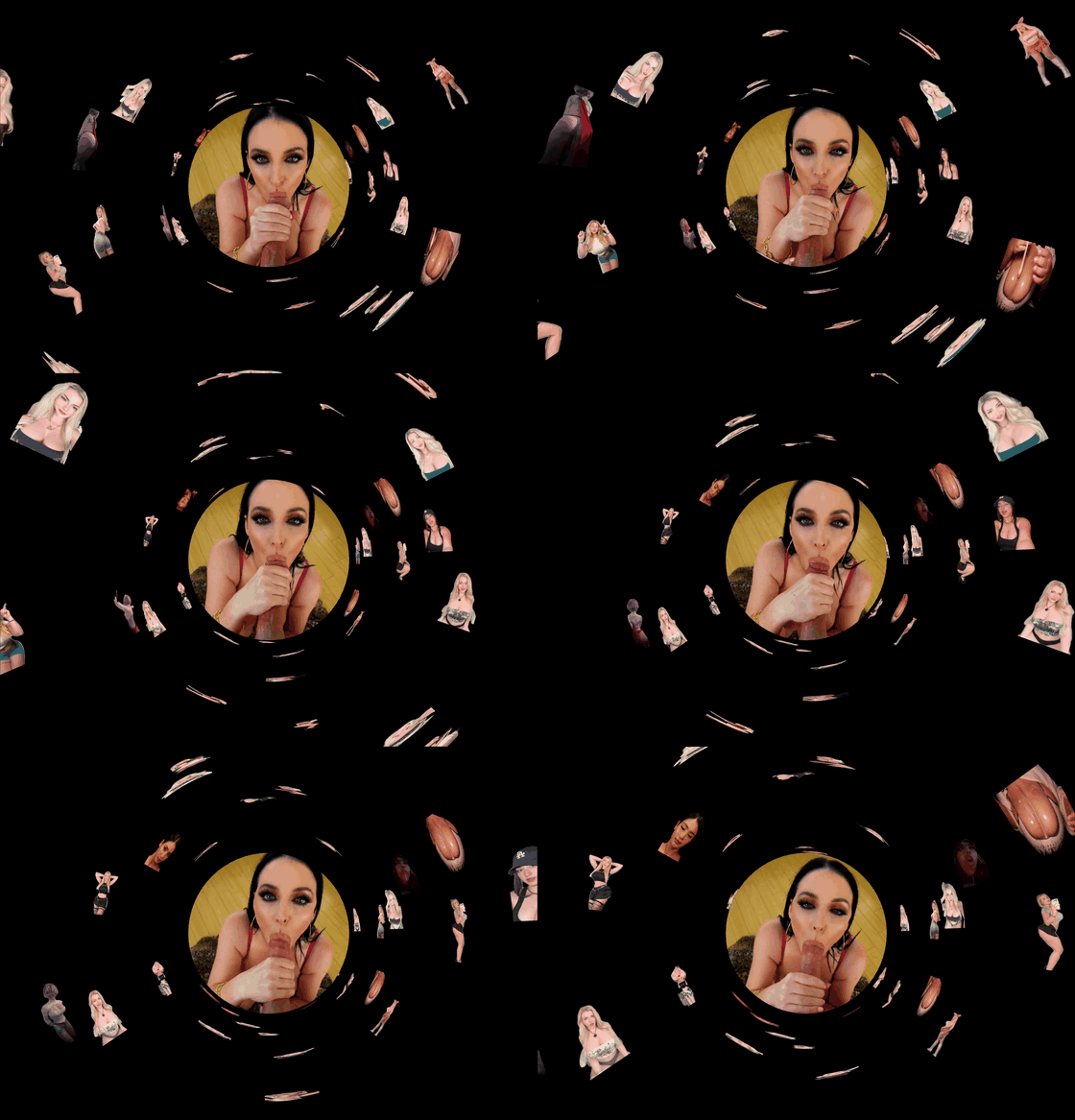
- Tunnel: fall down a tunnel lined with porn, the walls flat or curved round you. Keep your eyes on the main clip at the far end while fresh porn keeps popping up at the edges of your vision. Get overstimmed. That's the point.
- Binaural beats: your new hypno tool. Two soft tones, one in each ear, a few Hz apart, pulling your brain toward a deep, empty trance. Layer up to three, add a bed of noise, and let it drop you under while the wall does the rest. Headphones on.
- Record: save your session as a video, sound and all, and relive it later. Smooth record turns a Warp session into a buttery 60 fps MP4.
- Tag filter: tell it exactly what you're in the mood for. Pick tags as all, any or not, and only those clips make it onto the wall. Tag clips right from the wall, too: hover one and click its tags.
Coming next
A clip maker that finds the hottest moments in long videos and cuts them for you, auto tagging and sorting, Reframe, Strobe, Lasso, a clip downloader, multi-device and VR. You'll hear first.
How it works
Open it and goonstack slips into the background and opens your browser. The first time, it asks where you keep your stash: point it at your folder, or let it make ~/Documents/goonstackFuel. Open it again to get back in, and press Back to reality when you're done.
Nothing else to install. Your clips never leave your computer: no uploads, no account, nobody watching but you.
Before you dive in
- Apple Silicon only (M1 or newer) for now. Windows is coming.
- It isn't notarized yet, so macOS will block it the first time. Try to open it once, then go to System Settings → Privacy & Security and press Open Anyway. Only once.
It's a first version, so a few rough edges. Found a bug or something you're craving? Reply to this email. It comes straight to us.
goonstack
For adults only (18+). You're responsible for the content you play.