Story
The team that builds Grok Bot showed how its own sales team works: three bots, one job each. One preps for calls, one builds quotes, and one handles the weird requests.
The trick is the handoff. When a job crosses lines, one bot passes it to the next instead of guessing, and a person still makes the final call (read the official post).
You don't need a sales team to copy it. Try a Bills Bot, a Meals Bot, and a Family Calendar Bot, and add a coordinator only when you catch yourself passing notes between them.
Steal this: "Your only job is my household bills. Remind me three days before each one is due, and never pay anything without asking me."
Start with one bot and run it for a week before adding the next. Full how-to: Build your own small crew of one-job bots.
Heads up: bots help us find, write and build Desk Signal. A human checks it before it ships.
This week on Desk Signal
Our other how-tos since the last issue:
- Grok Bot can be your personal fitness coach. Here's how to set one up that you'll actually stick with: A lot of folks on X have quietly hired their Grok Bot as a fitness coach.
- Grok Bot can find the dead accounts you still follow on X. Here's how to clean up your list without getting in trouble: Ask your Grok Bot who you still follow on X that isn't really there anymore.
- Got a "Grok Bot is now connected to your X Money" alert? Here's what it can do, and how to turn it off: Many people on X just got a notice that Grok Bot is connected to their X Money account.
- Grok Bot can now remember your logins, cards, and address. Here's how to set up the Vault without oversharing: Grok Bot can now save your logins, cards and contact info, so set it up with care.
- Grok Bot can now use your phone's Calendar, Reminders, and Contacts. Here's how to turn it on without handing over everything: Grok Bot can now use Calendar, Reminders, Contacts and more apps on your phone.
- Grok Bot can now build you a report, memo, or dashboard page. Here's how to make one that keeps itself up to date: Grok Bot can now build a report, memo or dashboard page that keeps itself up to date.
Tools
Remind Bot
Problem: Little to-dos from screenshots, group chats and school emails slip through because they never make it onto a calendar.
Solution: Drop in a screenshot or paste a chat message and it turns it into a reminder.
→ Open on Desk Signal
Install also: x.ai share link
Personal Shopper
Problem: Buying clothes and gifts for a whole family means remembering everyone's sizes and dates.
Solution: It keeps a household book of sizes, styles and birthdays, then builds size-matched carts from real stores that you check out yourself.
→ Open on Desk Signal
Install also: x.ai share link
Photo Curator
Problem: After a trip you have hundreds of photos and no time to pick the keepers.
Solution: It culls the weak shots and gives the rest a natural touch-up in a new folder, never touching your originals.
→ Open on Desk Signal
Install also: x.ai share link
The Page
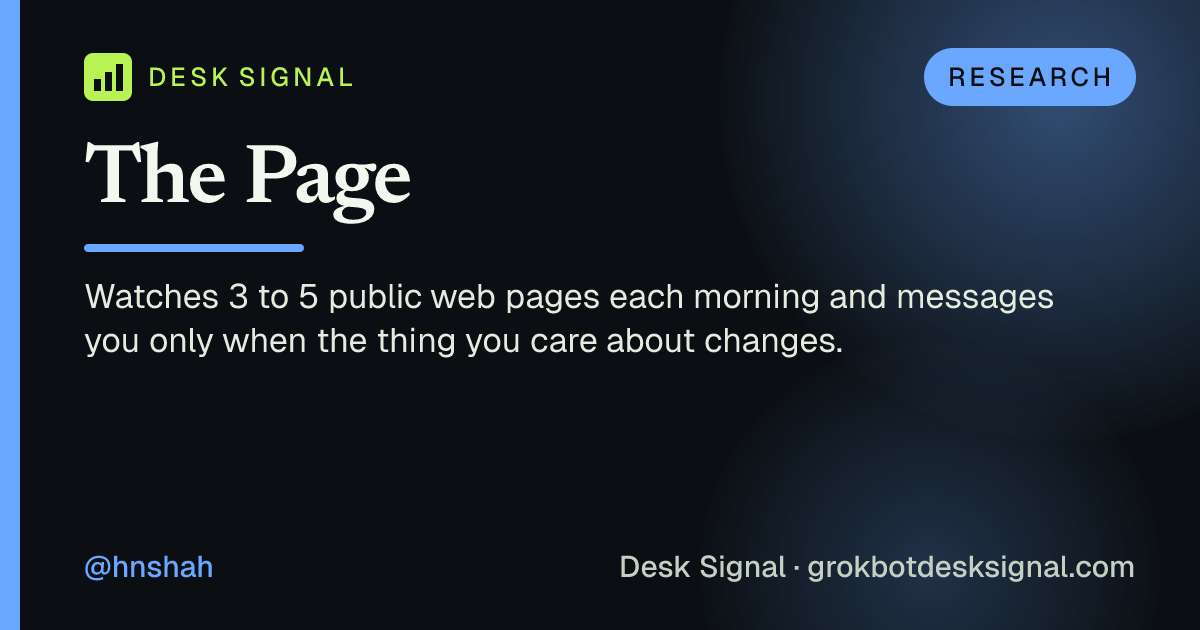
Problem: Checking the same pages over and over for a price or an update wastes time, and you still miss changes.
Solution: Give it a few public pages and what you care about, and it pings you only when that thing actually changes.
→ Open on Desk Signal
Install also: x.ai share link
Cost-Smart Health Brief
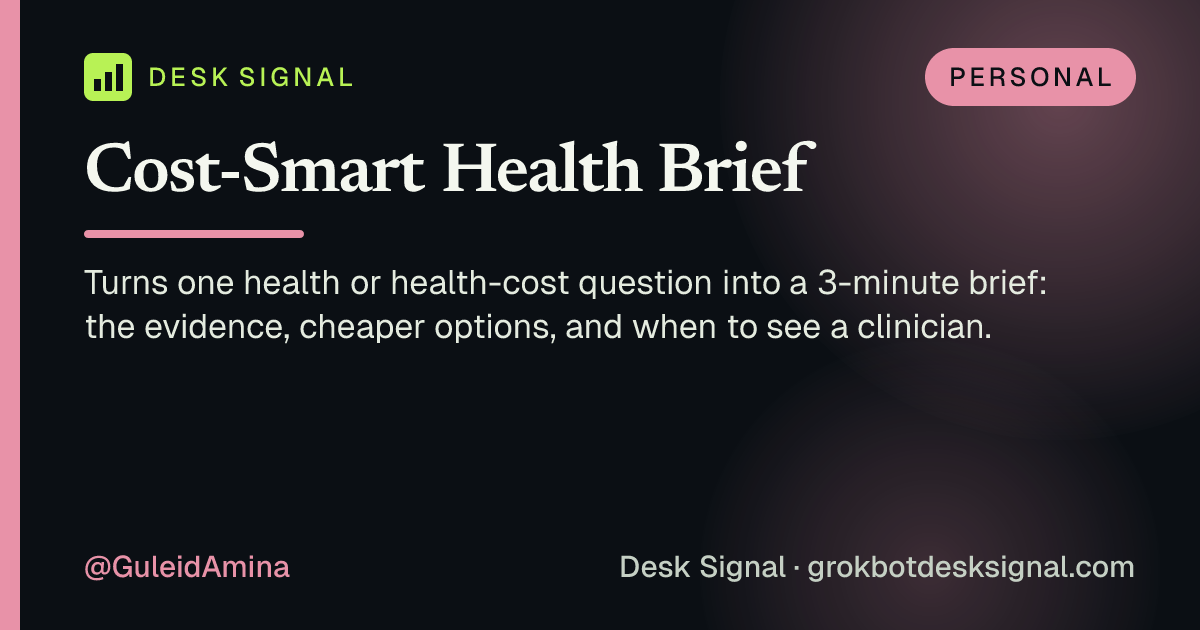
Problem: Health questions come with confusing advice and surprise bills.
Solution: Ask one question and get a short brief with the evidence, cheaper options, and clear signs it's time to see a clinician (it's not a doctor).
→ Open on Desk Signal
Install also: x.ai share link
More new bots daily, plus subscribe: grokbotdesksignal.com
Tutorial

The ONLY Grok Bot Tutorial You Need 2026 — a beginner walkthrough from your first one-job bot to connected apps and routines that run while you sleep.
→ Watch on YouTube
Lesson
The ONLY Grok Bot Tutorial You Need 2026 - How To Use Grok Bot For Beginners
Watch →
|