

Tool Time - Clipboard History
A reminder that all previous articles can be found in the online archive. Premium subscribers have full access. As I've worked with PowerShell over the...

Creating a GitHub Repository Tool - Part 4
I've come a long way with the project and the end is in sight. Hopefully, we can wrap up building my GitHub repository tool today. At this point, I have a...

Creating a GitHub Repository Tool - Part 3
We've come pretty far in building a PowerShell tool around a command-line utility. The fact that gh.exe can output JSON makes all the difference in the...
Creating a GitHub Repository Tool - Part 2
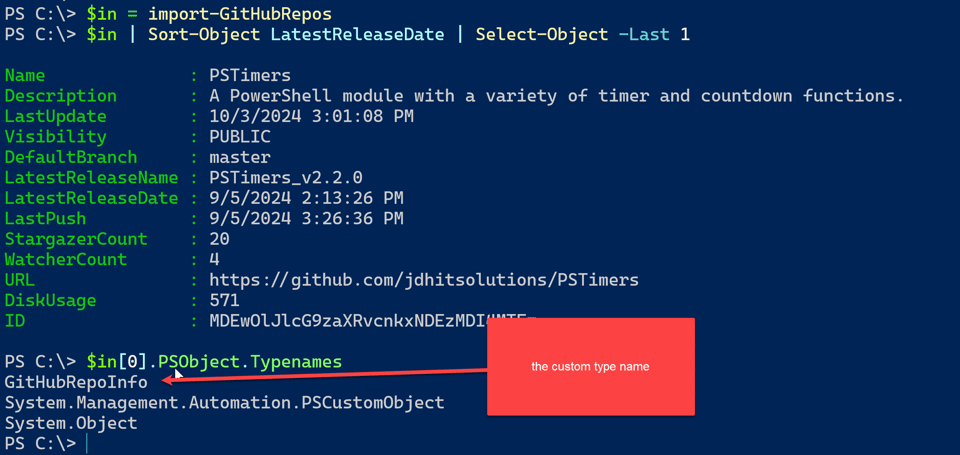
I've been sharing my experiences and work process in building a PowerShell tool to manage my GitHub repositories. Instead of fussing with the GitHub API,...
Creating a GitHub Repository Tool
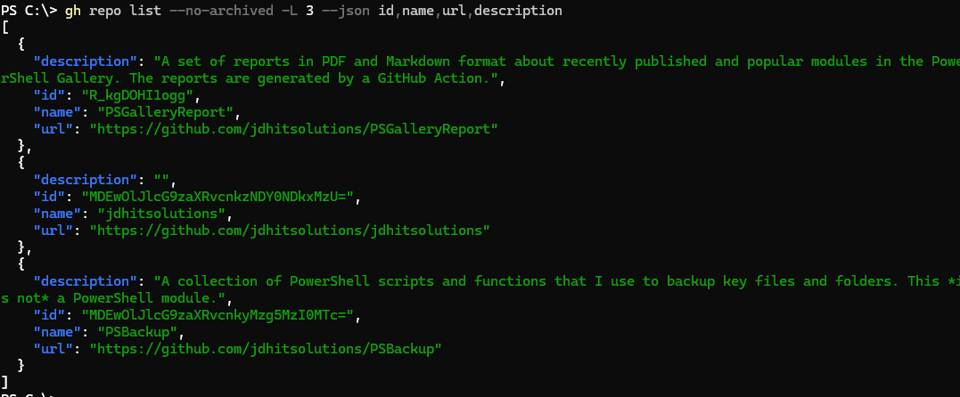
Not that long ago, I saw something on social media that got me thinking, and as usually happens, one thing leads to another and before I knew it I was heads...

Automatic Traditional Modules
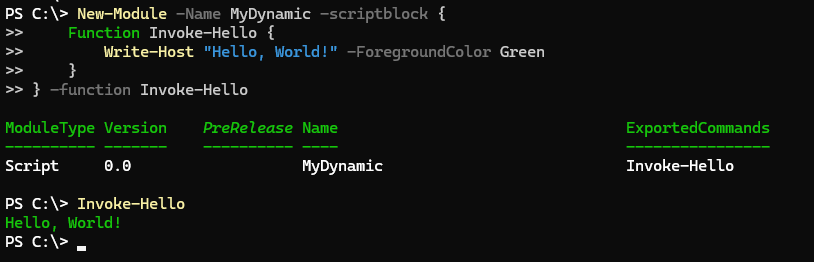
In the last email, I demonstrated how to use the New-Module command to create a dynamic module. The result was a temporary module that existed only in...
Automatic PowerShell Modules
In a previous email I demonstrated PowerShell code that generated custom PowerShell functions. This is a clever way to create commands with a very specific...
PowerShell Potluck - September 2024
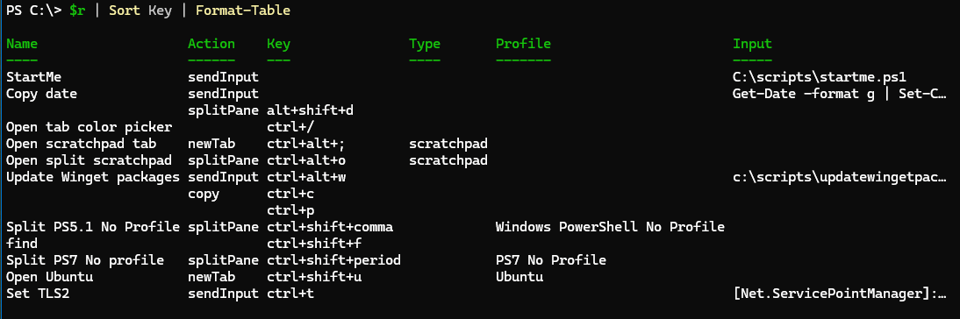
Welcome back to another PowerShell Potluck, and you didn't have to bring a thing, other than a little curiosity and a willingness to try new things. Here's a...
Creating a PowerShell Code Factory
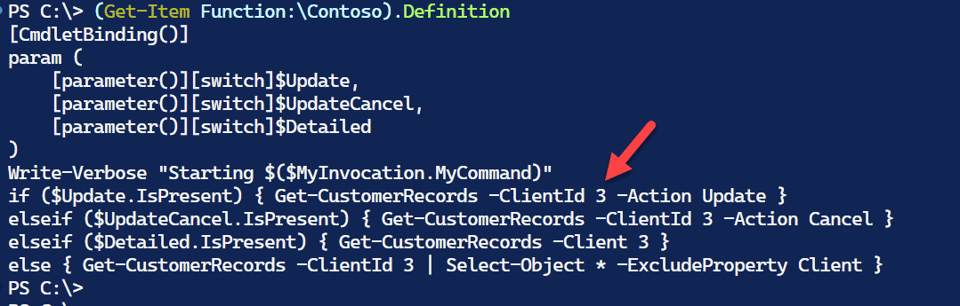
I am always on the look out for ways to get more done faster and with less effort. Especially when it comes to writing PowerShell code. I have lots of VSCode...

What Is That Thing Called?
Recently, I was looking at a friend's new module on GitHub. He is by no means a beginner, but hasn't written many modules. He was creating a module based on...

Master Your Environment Part 3
Note: I am aware that code samples are not respecting HTML tags and rendering some characters with their HTML codes. Buttondown is working on this issue. I...

Master Your Environment Variables
In the previous email, we started looking at ways to use the [System.Environment] .NET class. Even though the ENV: PSDrive exposes some of the class's...
Master Your Environment
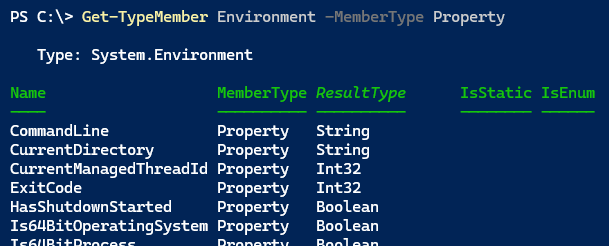
PowerShell, as its name implies, is a shell. It is an interactive command-line interface to the underlying operating system. PowerShell is designed so that...

Creating Pandoc PowerShell Tools Part 2
I've been sharing my experiences in building Pandoc-based PowerShell tools. My ultimate goal is to create a tool that will convert a Markdown README file...
Creating Pandoc PowerShell Tools
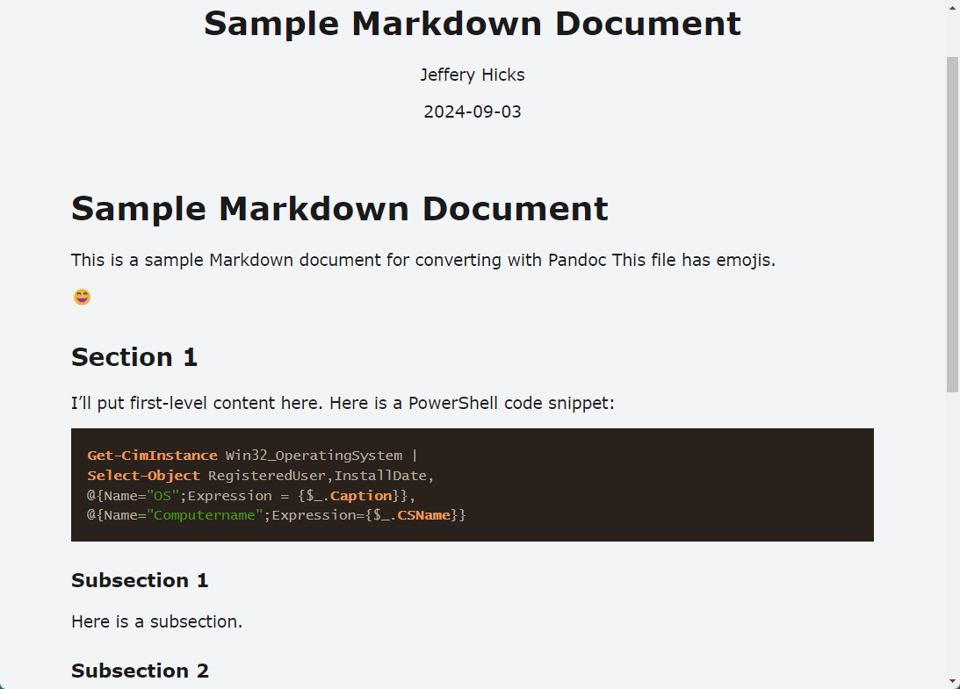
One of the things I enjoy about creating a PowerShell-based tool is discovery. When writing code, I will realize that it would be helpful if I could use a...
August 2024 PowerShell Potluck
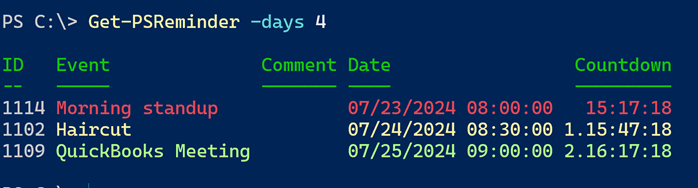
Here we are again at the end of another month. I hope you found this month's content helpful. I am always open to suggestions on topics that you'd like to...
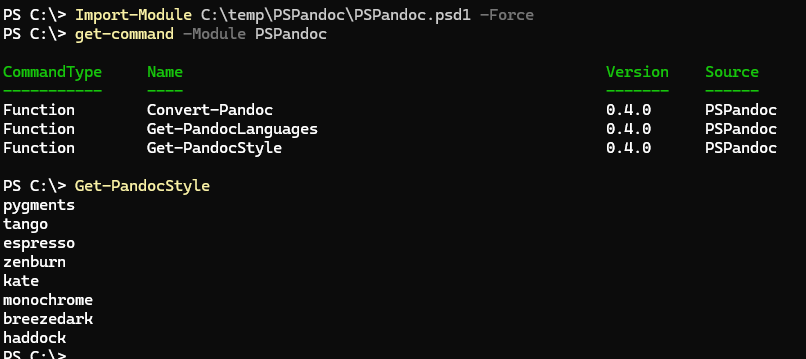
Pandoc, PDFs, and PowerShell
I hope that you've been intrigued by the possibilities of Pandoc. It's a powerful tool that can help you convert documents between a wide variety of formats....
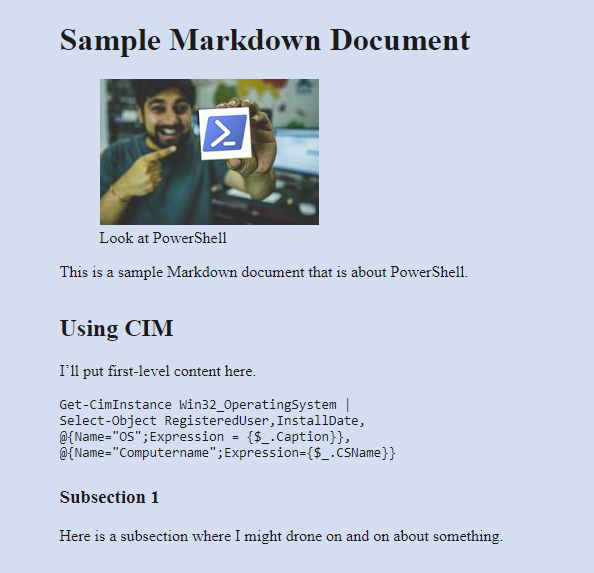
More Pandoc and PowerShell Possibilities
Let's pick up where we left off, exploring how to use the pandoc utility to convert markdown files to HTML. In the previous post, we looked at the basics of...

Document Tricks with Pandoc and PowerShell
Today's content is a little different. I'm not going to focus on a specific PowerShell topic, but rather something I think of as "PowerShell adjacent." You...
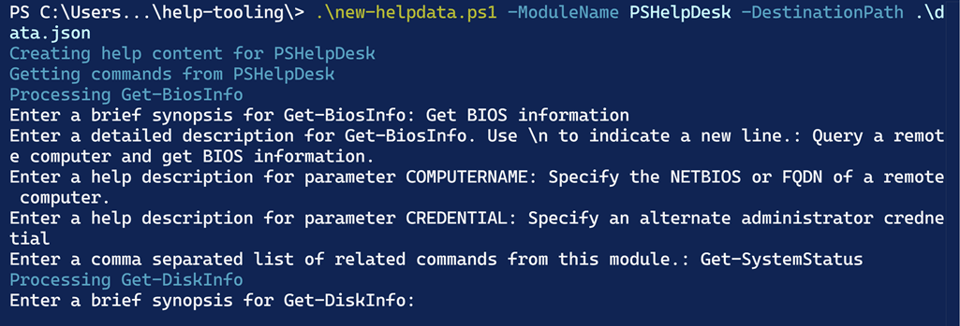
Accelerating Your PowerShell Help Documentation
If you are creating PowerShell modules, I hope you are creating external help documentation. The easiest way to do this is with the platyPS module which you...


