

Climbing Higher in the Abstract Syntax Tree
We've started an exploration of using the Abstract Syntax Tree` (AST) to analyze PowerShell code. You can use the AST to dissect PowerShell code to its...

Going Out on a Limb on the Abstract Syntax Tree
I thought I'd start out the new year by revisiting a topic I haven't covered in quite awhile. This is a topic that definitely fits the theme of this...

PowerShell Potluck December 2024
You've done it. You've reached the end of another month and for that matter, an entire year of hopefully interesting and useful PowerShell content. I'll keep...
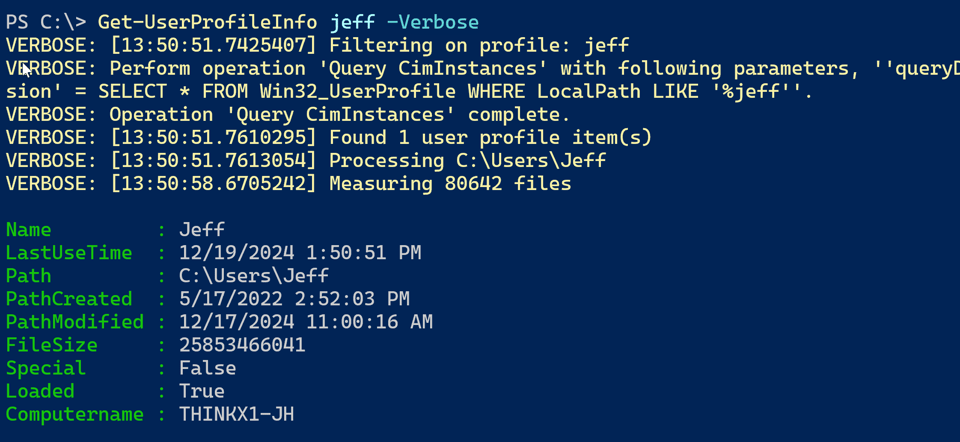
A Profile Scripting Challenge Solution
Because of the Christmas holiday this week, I'm sending this out a little early, and there will only be one issue this week. 🎁 I hope you have a wonderful...
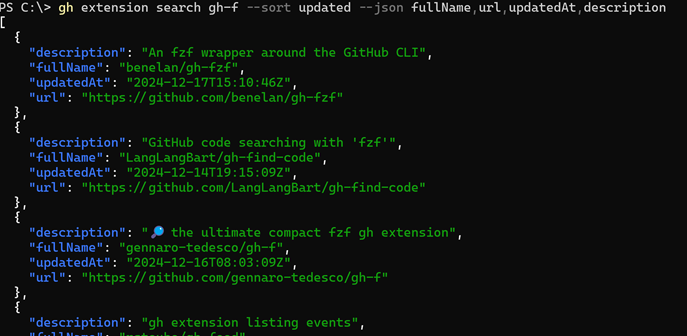
Creating GitHub Extension PowerShell Tools
In the last newsletter, I introduced you to extensions in the gh.exe command-line tool for managing GitHub. I showed you some PowerShell code I had written...
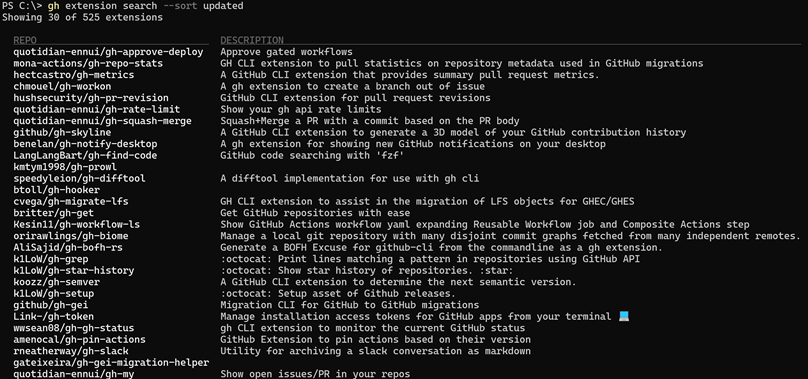
Extending the GitHub CLI
I know I've mentioned the GitHub command line tool, gh.exe, in the past. This is a great tool for working with GitHub repositories from the command line. I...

Taking It Apart with PowerShell
In the last issue, I explored techniques and concepts for putting things together with PowerShell. This time, I'm going to take things apart. There's nothing...

Putting It Together in PowerShell
It should come as no surprise that we often use PowerShell to build things, and I mean more than custom object output. We often need to build strings,...

Learning How to Learn
Photo by Kaushal Moradiya: https://www.pexels.com I have always valued the importance of learning how to learn or how to teach yourself. This concept is much...
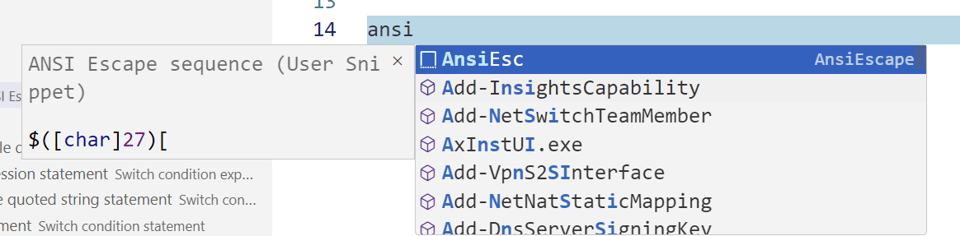
Super Size Your Snippets
Today I want to return to a topic I've covered, at least briefly, in the past and that is taking advantage of snippets in Visual Studio Code. The PowerShell...
November 2024 PowerShell Potluck
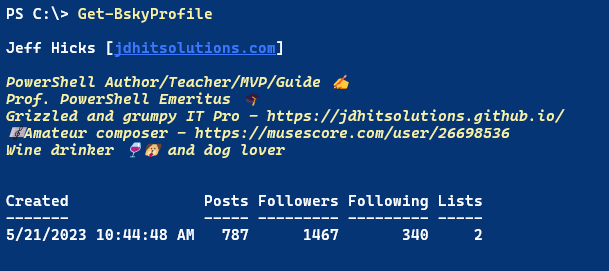
I'm back with another PowerShell Potluck! This month, I have a variety of topics to share with you. I have a new module for working with Bluesky, a new...

October 2024 Scripting Challenge Solution
Last month I left you with a PowerShell scripting challenge. I hope you take the time to at least begin working on a solution. I believe that the best way to...
Dynamic Parameter Validation - Part 2
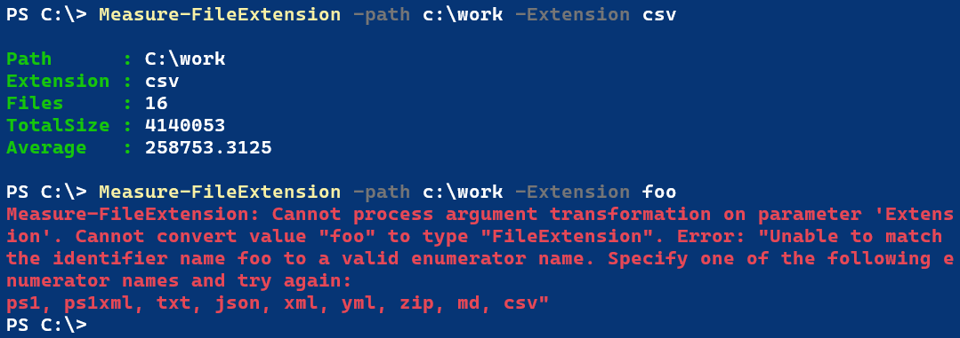
Last time I demonstrated a technique you can use in PowerShell 7 as an alternative to the static [ValidateSet()] parameter validation attribute. There is an...

Dynamic Parameter Validation
I want to continue exploring parameter validation with a new technique introduced in PowerShell 7. If you are still on Windows PowerShell, don't run away....

PowerShell Parameter Validation Part 2
Let's continue exploring the world of parameter validation in your PowerShell scripts and functions. As I mentioned in the previous article, you can't make...
PowerShell Parameter Validation
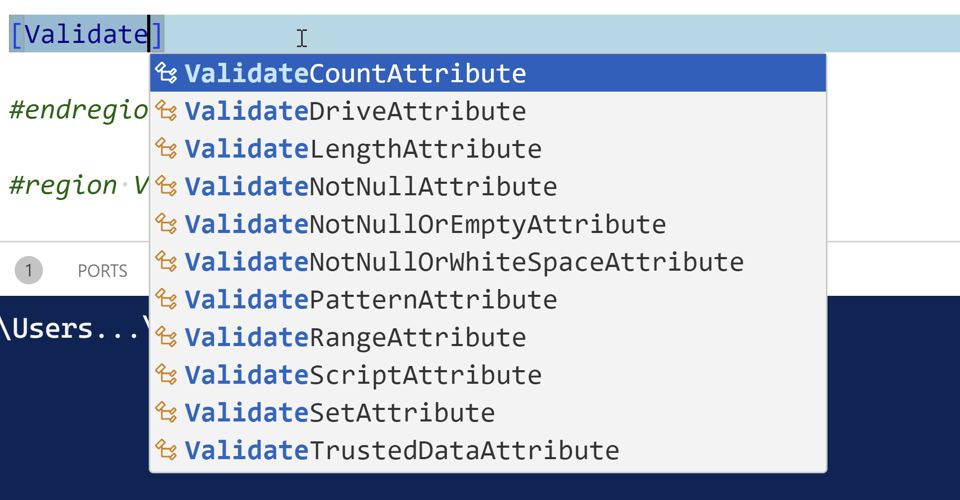
I've mentioned before that I'm an old-school IT Pro and scripter. I used to worry about my scripts failing halfway through because of bad data or values....
Tool Time - WiFi Info
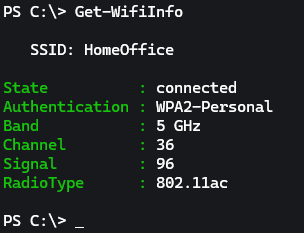
I want to continue the introduction of a new set of PowerShell tools I've been working on. Today's tool was developed to solve a problem I had, although the...
A Registry Scripting Challenge Solution
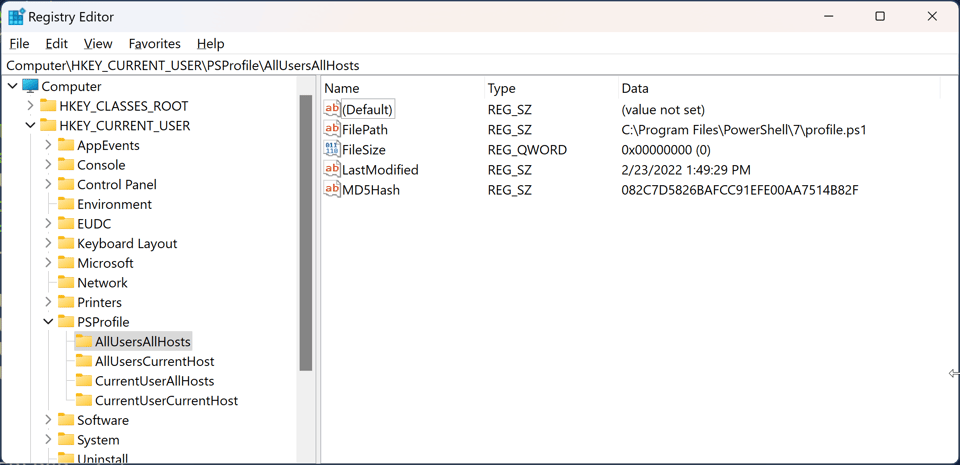
In the September 2024 round-up, I gave you a PowerShell scripting challenge. The best way to learn PowerShell and improve your skills is to do it. The...
October 2024 PowerShell Potluck
Here we are once again at the end of another month. I hope the content this month has been helpful and informative. If you are not a premium subscriber, I...
New Tools - File and Folder Archiver
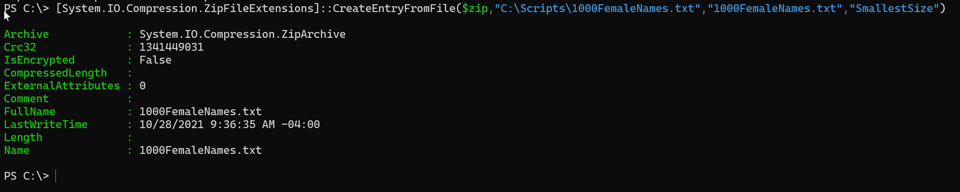
Let's continue with recent additions to my PowerShell toolbox. Another recurring task is that I often want to create a ZIP file of selected files from a...


