Sensei Notes #10 - Three.js Conf Paris, scroll-driven WebGPU, and AI texturing in the browser
Hey!
This week: the first-ever Three.js conference is happening in Paris, a Codrops case study with some of the cleanest R3F architecture I've seen in a while, and an AI 3D studio where you can generate, paint, and rig a model in minutes.
🇫🇷 The first Three.js Conference is finally happening

Two days of talks, panels, drinks, and an after party on a boat on the Seine. September 10-11 at Maison de la Chimie, with mrdoob, Bruno Simon, and a long list of legends on the lineup. Makio64 and Hervé Studio are behind it, and the conf website is already a WebGPU/SSGI flex.
Plot twist: I won't be there. So if you're going, take a thousand pictures for me, tell mrdoob I said hi, give Bruno Simon a fist bump, and please eat one extra croissant on my behalf 🥐
🎨 Shader.se: scroll-driven WebGPU done right
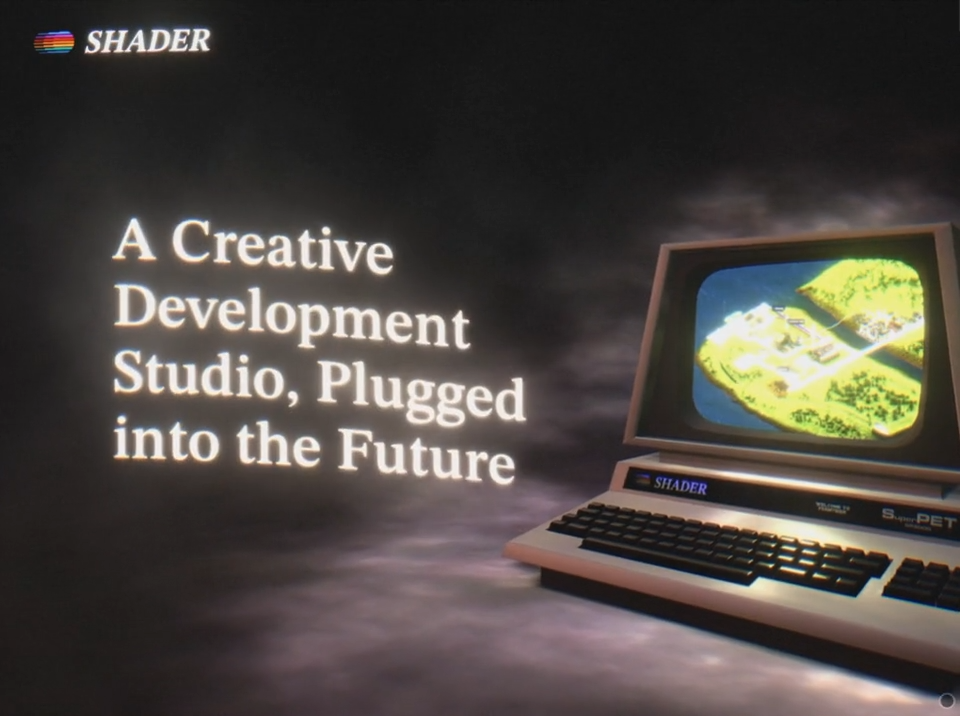
Filip Kantedal (Shader Development Studio) just dropped a Codrops case study on the site they built for their Swedish creative dev studio. It's an 80s corporate satire (feel Severance) wrapped around a lovely threejs experience.
The core idea: each "page" is its own scene with its own render pass. Only scenes currently in view actually render, no draw calls otherwise. Each scene exposes its render function via useImperativeHandle, and the parent calls them in reverse order so every scene can pass its FBO texture to the scene before it. That's how transitions get to sample the next scene as a texture, all from a single useFrame.
Two transition techniques worth stealing:
- Screen-space sampling: any mesh shape samples the next scene at its fragment's screen position. Great for non-anchored reveals like the corporate handshake into the contact page.
- Frustum-matched plane: the camera moves to exactly cover a screen mesh in 3D space using its world-space normal. The hero-to-next-scene transition leans on this.
If you want the shader-transition fundamentals before diving in, I cover the technique in the shader transitions lesson of my course React Three Fiber Ultimate Guide.
🤖 Generate, paint, and rig your 3D model in the browser
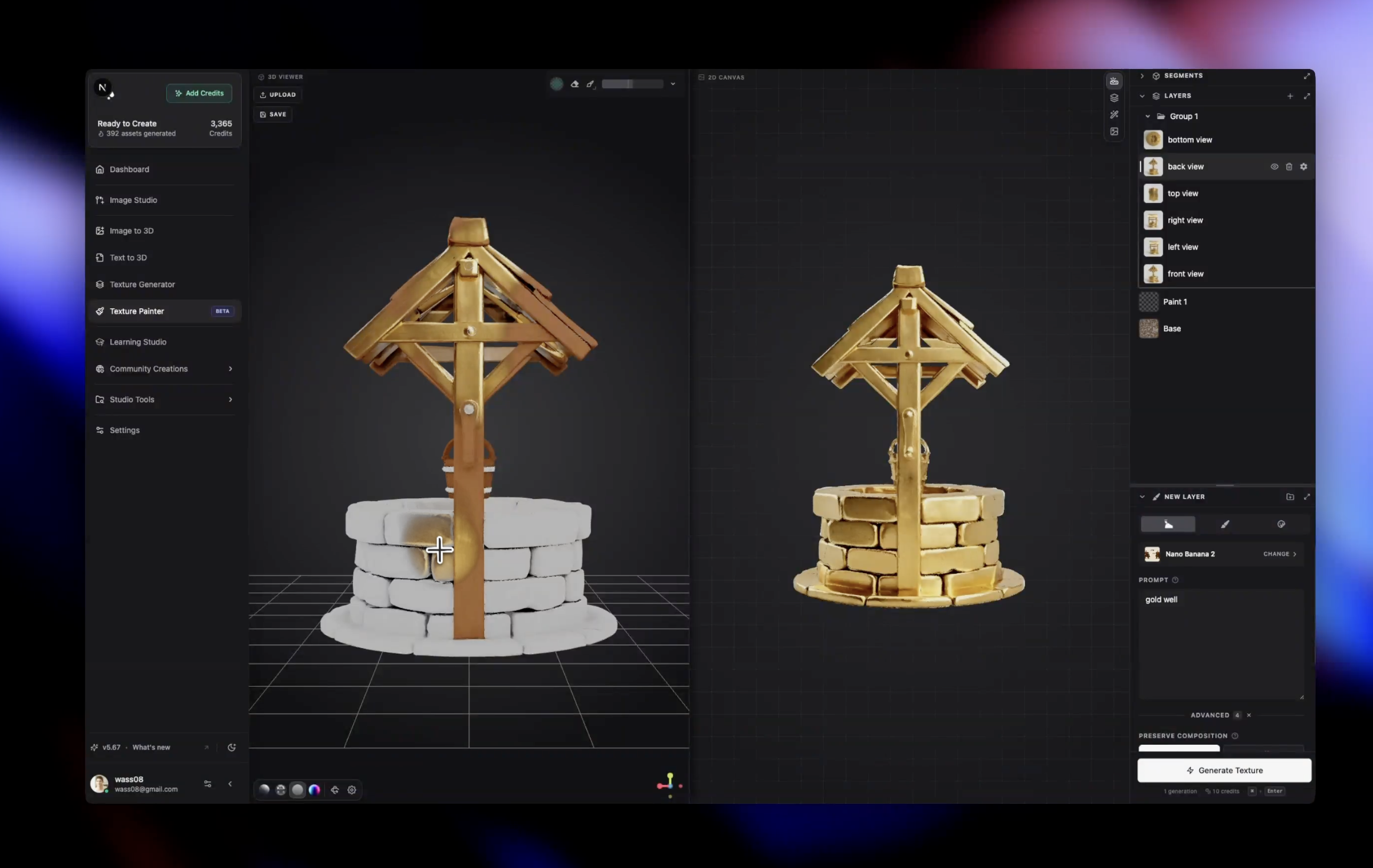
3D AI Studio packs the best 3D generation models available into a single workflow: image/text to 3D, mesh painting, and rigging in one place. No Blender detour, no swapping between tools.
I want to talk about the texture painter specifically, because it's the part I had the chance to contribute to. It works like a stripped-down Substance Painter running in the browser:
- Brush painting: paint colors and details directly on the mesh, with proper UV-aware strokes.
- Decals: drop any image onto the surface as a sticker, projection-mapped onto the geometry.
- AI texture generation: describe what you want and the painter generates a matching texture you can stamp or brush with.
If you're curious how it works under the hood, it's plenty of render targets work. UV-space passes, brush projection, layer compositing, all happening on the GPU so it stays responsive even on heavier meshes.
Not affiliated and not currently working on it anymore, but I'm proud of how it landed and the team is great!
Happy coding 🧑💻
Wawa


