
New Feature: Default Schedules
Happy Friday everyone!
I wanted to share with you all an exciting new feature in the app: default schedules!
Instead of having to manually build your daily schedule every day, you can easily set default time blocks that recur for you every day. No more repetitive and annoying data entry!
How to use
In the daily schedule editor, click the new button in the bottom left corner: Set Default Schedule:

Personally, I always try to have a focus block twice a day (AM and PM), so I’ve defaulted those blocks onto my schedule.
Confirm the dialog to save your default schedule:
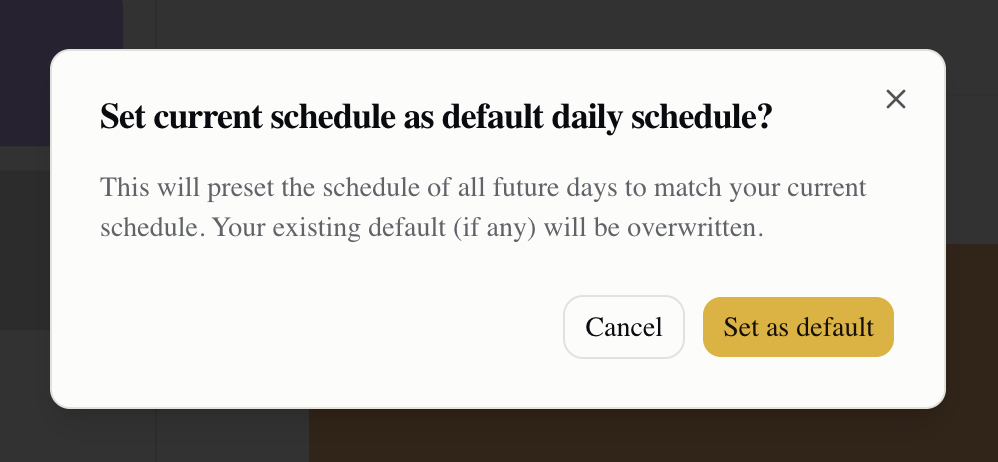
After setting this, the time blocks will pre-fill onto all future days. You can change this any time by simply setting new default schedules from within the schedule editor.
Exciting new features coming soon:
Adding Google calendar integration (bi-directional sync)
Optimization for mobile UI (especially scheduling)
We have many other features on the roadmap, but mostly want to hear from you! We will prioritize the features users really want.
Request a feature
To request a feature, join our private Discord community!
https://discord.gg/dfRxvtwR
We also have some discount codes available, and will be running free account giveaways for Discord members.
Happy planning! 🥳