The lh unit, Wrap balancing, Text scale
Vertical spacing with the CSS lh unit, flex-wrap balancing, and better text scaling.
Hello everyone,
In this newsletter issue, I will share a recent article I published, along with some articles that I think are worth sharing.
New Article: The lh unit
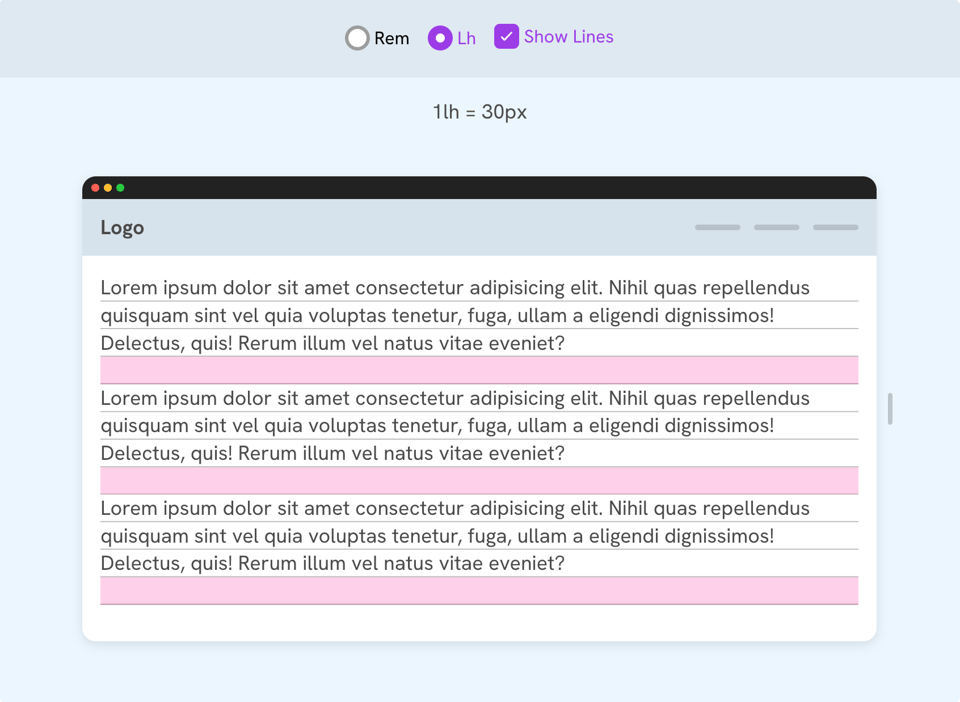
In this article, I explored the lh unit in CSS and how useful it is for a common need: adding vertical spacing between paragraphs. I also covered a few other use cases.
Testing Google's "modern-web-guidance" skill against a real React app
Modern Web Guidance is a set of recommendations that can be used with any LLM to spot areas that can be improved. This is a great article by Ahmad Alfy on testing it in a real project.
Making a triangle with conic gradients
I really like this use case for conic gradients. It makes it easy to draw a triangle with a single line of CSS. This is by the one and only Chris Coyier.
Flexbox wrap balancing is now in Chrome!
This was one of my CSS wishes! Now we can balance wrapped flex items to avoid leaving an orphan one.
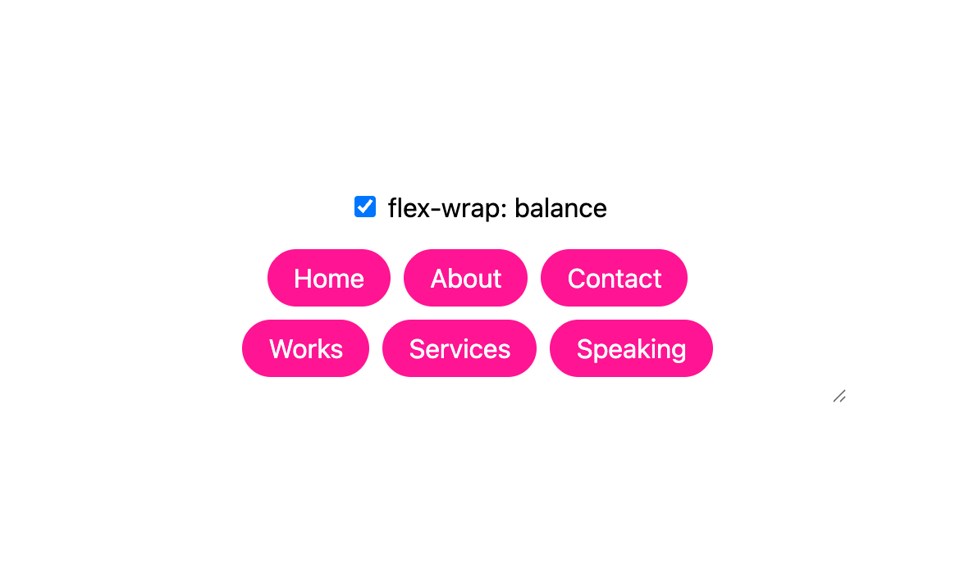
ul {
  flex-wrap: balance;
}
The good thing? We can use this as an enhancement. Check out the demo on CodePen.
Better text scaling
Text scaling has always been a challenge. This is a new update that is now supported in Chrome. In short, we can opt in to text scaling by using the following meta tag.
<meta name="text-scale" content="scale">
We can also use the text scale along with calc() on a specific element, like a button.
.button {
  font-size: calc(16px * env(preferred-text-scale));
}
On a related note, you might like The Layout Maestro, my interactive CSS layout course, which I built to help you understand layouts and know which layout method to use when.
Check out The Layout Maestro and enroll for just $199. Use the code "AUG26" for a $20 discount. A student discount and purchasing power parity pricing are available, too.
Thanks a lot! If you have come across something interesting in CSS or design recently, please feel free to share it in a reply. I'm happy to hear from you
Ahmad


Add a comment: