GovPossible Updates: 3/8/2026: Online License Applications
Online Business Licensing Applications
Hello everyone! We're happy to announce ability to accept new license applications online!
What's New?
Now, in addition to renewing existing licenses,users can now apply for new business licenses completely online through your community portal.
The Application Process
When someone visits your portal to apply for a business license, they'll be guided through a step-by-step wizard tailored to your license types. Here's what they'll experience:
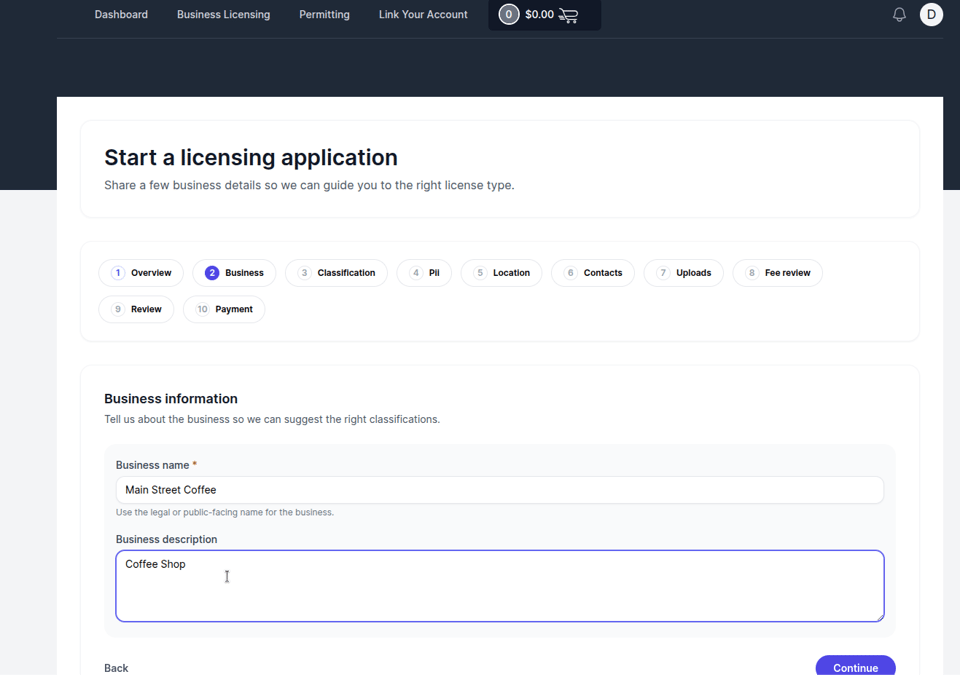
Business Information
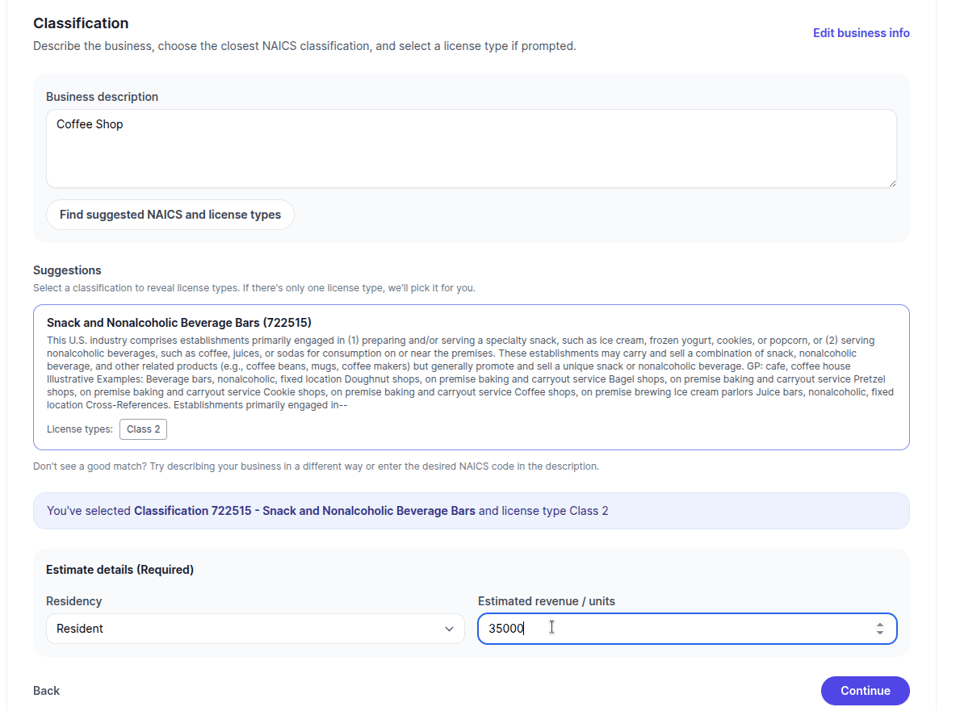
Applicants provide details about their business including business name, description, and NAICS classification. The system includes guidance to help them select the appropriate classification code.
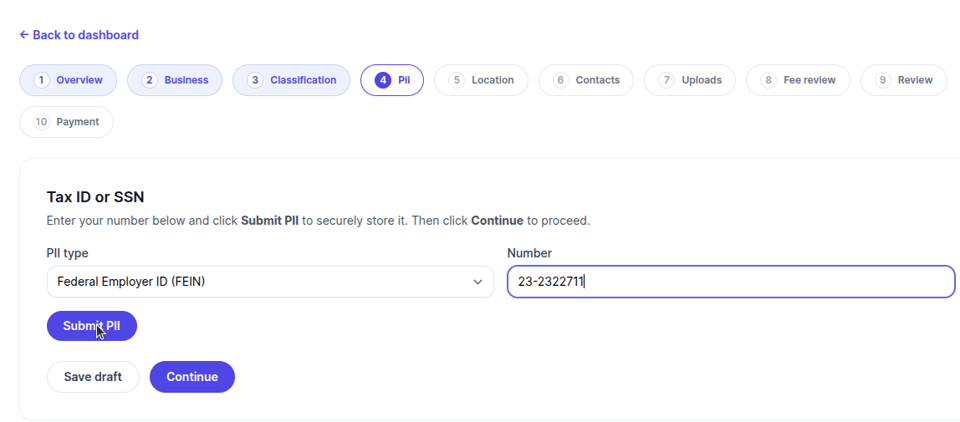
Tax ID
Users input their FEIN or SSN
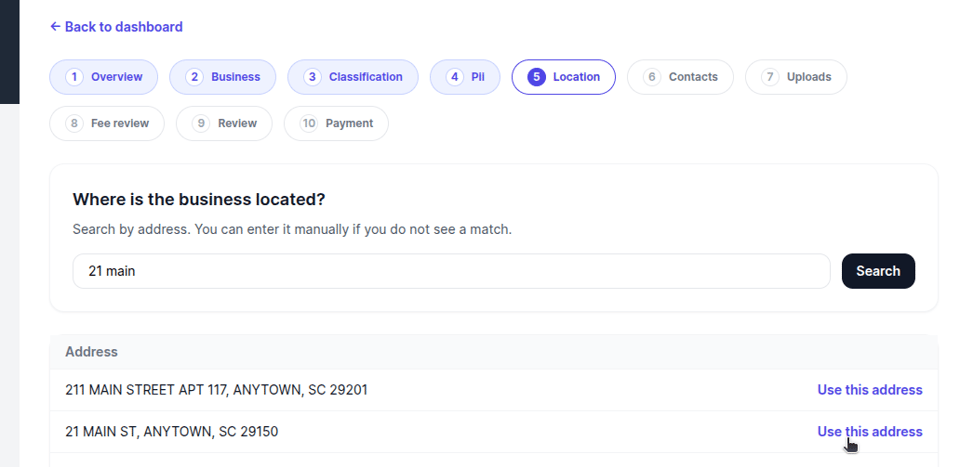
Location Details
The system includes an address search feature, so applicants can easily find and verify their business location. This ensures the license gets tied to the correct address automatically.
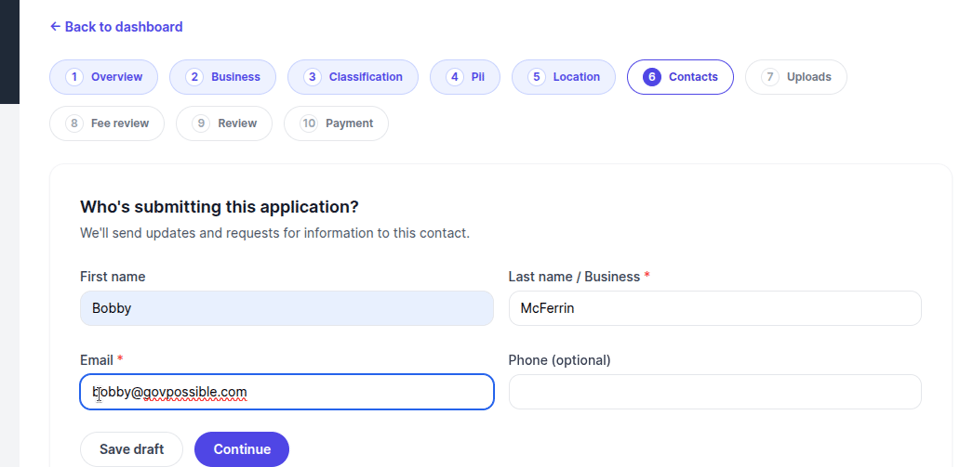
Contact Information
Applicants provide their contact details, which sync with your ERP system. If they're a returning user, their information is pre-filled from their profile.
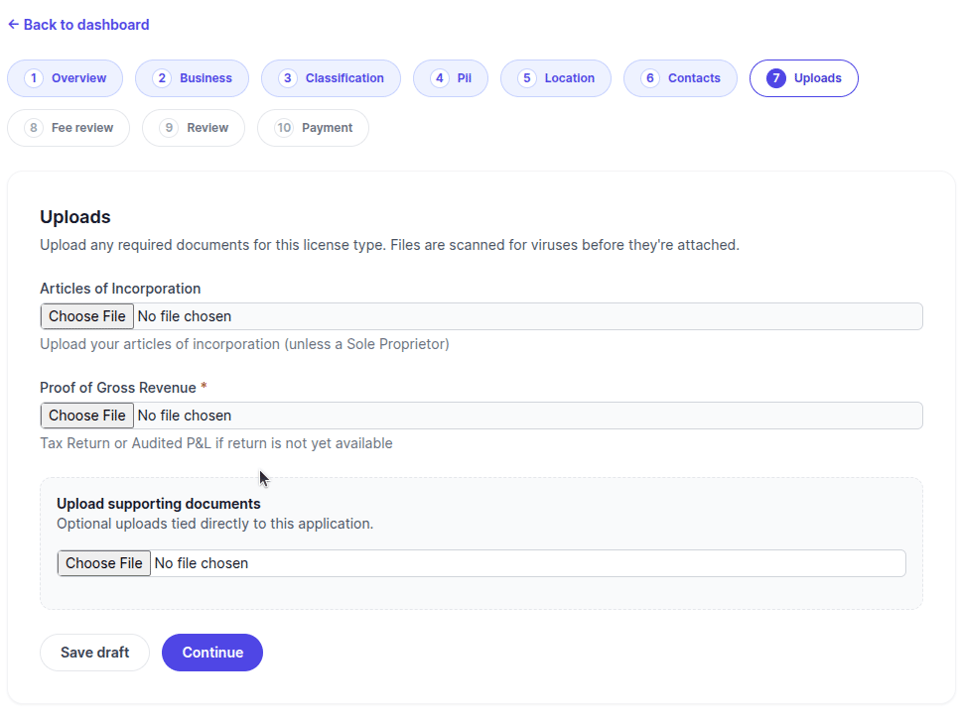
Document Uploads
Here's where applicants can upload required documents like business plans, certifications, or other supporting materials. All uploads go through virus scanning automatically, and once cleared, they're transferred directly to your ERP system and attached to the application request.
Fees & Payment While applying the application will see a preview of their fees. Once you accept their application and any adjustments are made, the user will be emailed and their fees will be available to them for payment.
Review & Submit Before submitting, applicants see a complete summary of their application. This also let's them know if they missed any required information. Once submitted, the application goes to your staff for review.
After Submission
Once an application is submitted, you'll receive an email letting you know. The applicant can see the status of the applications on their applicant's dashboard:
- Current status (draft, submitted, in process, approved, etc.)
- Any feedback or requests from your staff
- Outstanding fees that can be paid online
- License details once approved
For Your Staff
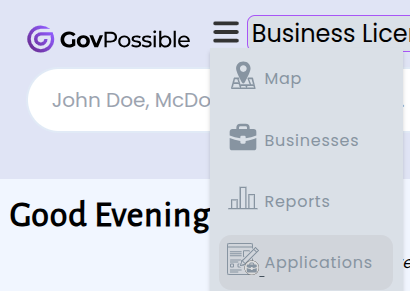
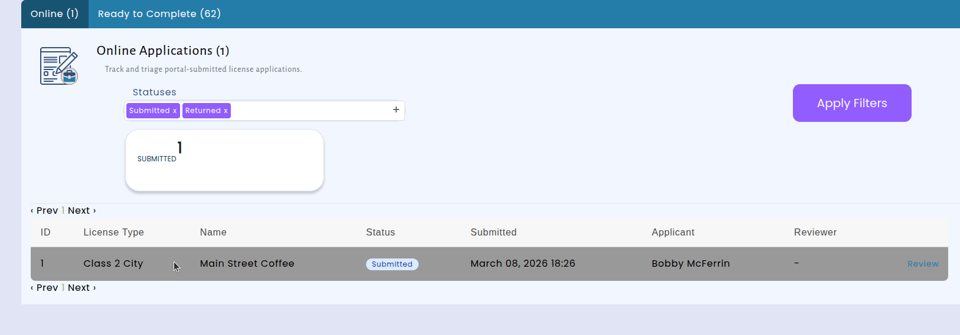
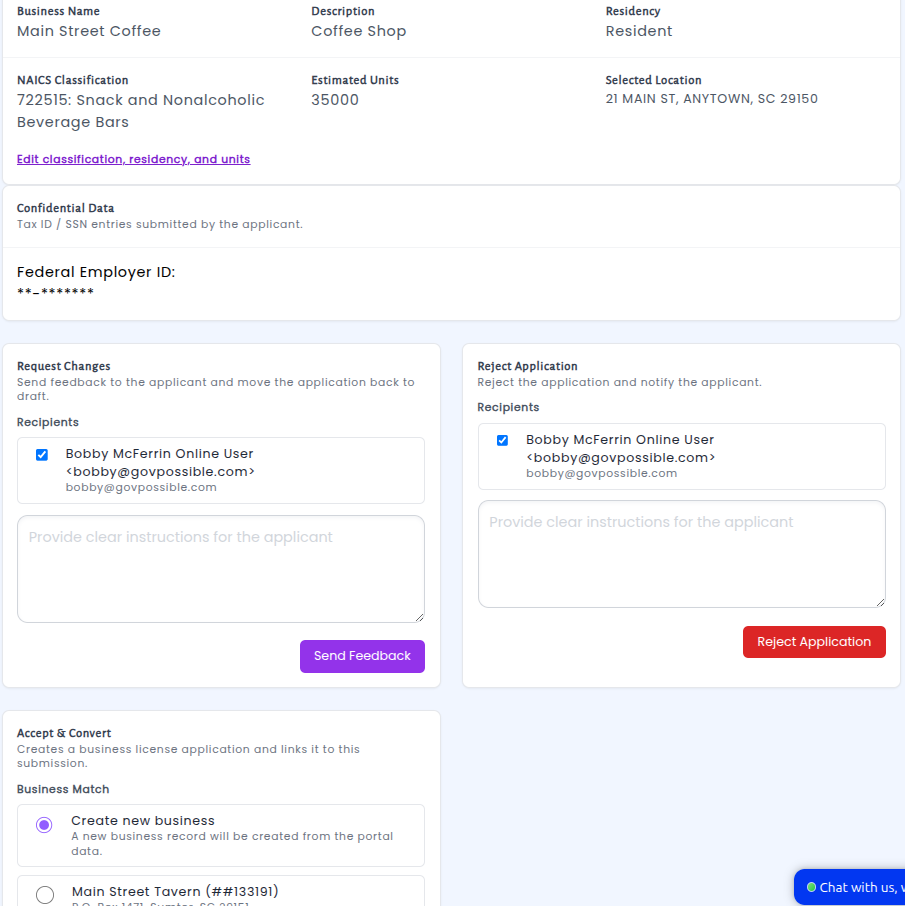
On the admin side, you can process incoming applications from the new 'Applications' menu item:
You can:
- View and search submitted applications
- Review application details and uploaded documents
- Edit classification and NAICS codes if needed
- Send feedback to applicants requesting changes or additional information
- Mark fees as payable when ready
- Approve applications and convert them to official licenses
We've also made renewal processing available under the new "Applications" menu so you don't have to go through reports.
When you approve an application, the system:
- Creates the business record
- Issues the license
- Links the applicant's portal account to their new business
- Notifies the applicant that their license is ready
Getting Started
This feature works with your existing license types and fee structures. When you're ready we can turn it on for all, or just select license types.
If you'd like to enable online business licensing for your community, reach out to us and we'll help you get it set up!