3060 eGPU setup
A short one today due to being on a real “away from home” vacation.
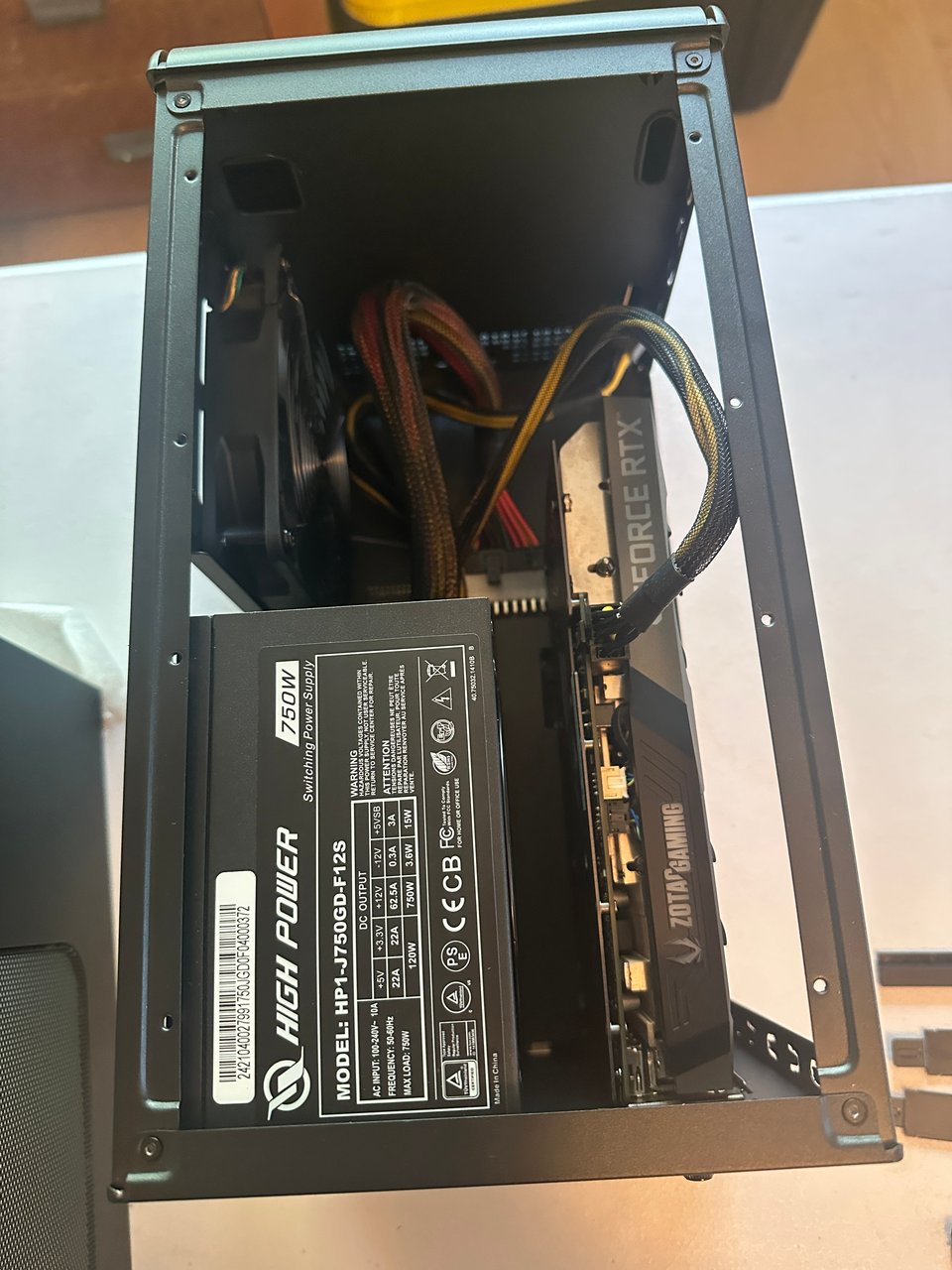
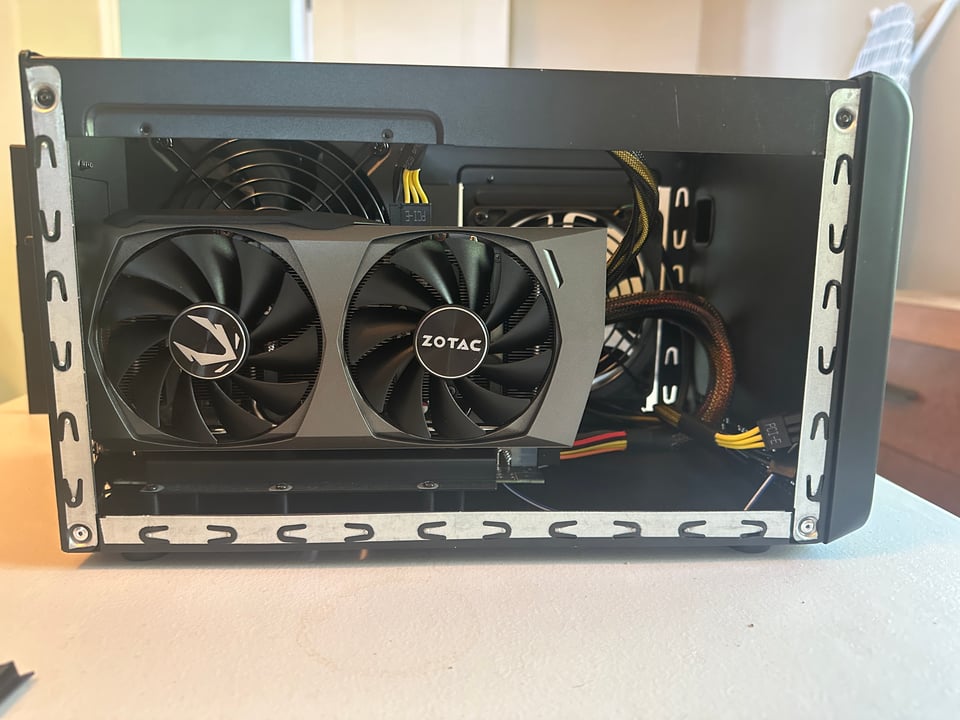
I finally set up the 3060 in the Sonnet eGPU enclosure. This is an enclosure with power supply and fan, exclusively to host a GPU (or two). And typically hooks up to a laptop. (A desktop machine presumably has or should have space, power and cooling to host the GPU(‘s) in its own case).
The interface from the eGPU enclosure to the laptop is a Thunderbolt 4 cable. Thunderbolt is a protocol supporting display (drive two 4k monitors), data transfer (40Gbps), power delivery (100 watts), networking (10Gbps) and critical for this use case, PCIe tunneling. All via a connector in the USB-C form factor.
The magic is PCIe tunneling makes the RTX 3060 appear to Windows as an in-the-box native GPU (“PCIe device #3: nvidia GPU”). Pretty nifty for a Surface Pro laptop. 🙂
This gives the laptop direct access to:
CUDA cores
Tensor cores
VRAM (12GB in this case)
ONNX model buffers
GPU memory maps
After loading the nvidia “studio” driver, Photoshop and Topaz utilize the GPU for AI model processing. Photoshop’s Object Select becomes snappy and the 2023 era Topaz sharpen tool (the last non-subscription, permanent license version) is significantly faster. ON1 AI Resize 2026 does not seem to speed up at all 😢 despite being told to use the nvidia driver. No CUDA or tensor core support?
Sonnet is the last player standing in the eGPU enclosure market. They were there first and they have endured despite Apple failing to support eGPU in M1 and later Apple silicon. So this is an Intel Mac and Windows PC exclusive playground.
Under 85% GPU load (task manager) the enclosure is cool to the touch and you can barely hear the fan. World’s best house guest. 🙂
This was a drama-free, inexpensive and most worthwhile investment and build.