Agent UIs, Pi coding harness, GPT-5.6-Luna
Trying to find a good approach to running agents
In the past few months I have been using coding agents just like everybody from the terminal. I am now exploring options that have some kind of better UI: in the terminal you cannot really do mouse controls, scrolling is weird, copy and paste is weird. I am trying to find a agent-independent solution (instead of just using the Codex app), because I have credits/students accounts from many different model providers. Some of the programs I have tested so far:
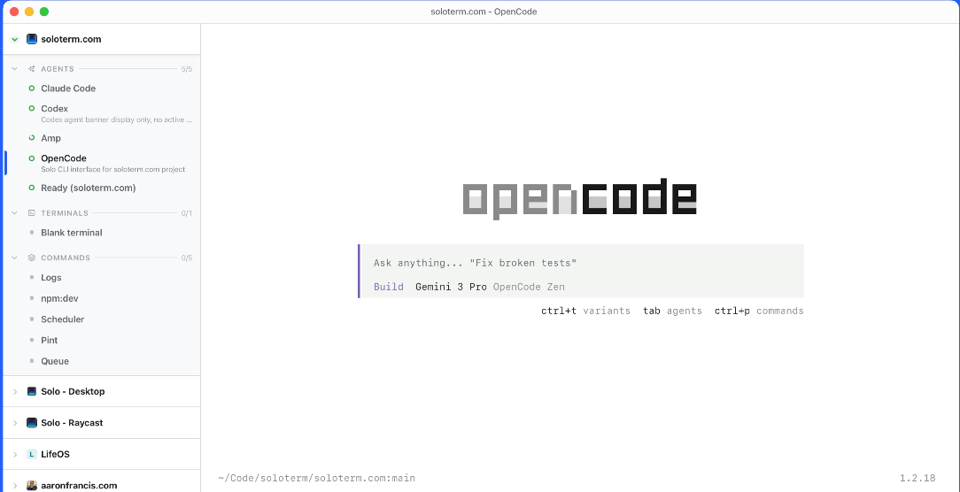
Solo by Aaron Francis: it is basically a better terminal emulator app. So instead of Ghostty (which is also very good!) with multiple tabs, you can use Solo which supports saving projects, running multiple agents for those projects, notifications when agents are finished, commands, notes and TODOs.
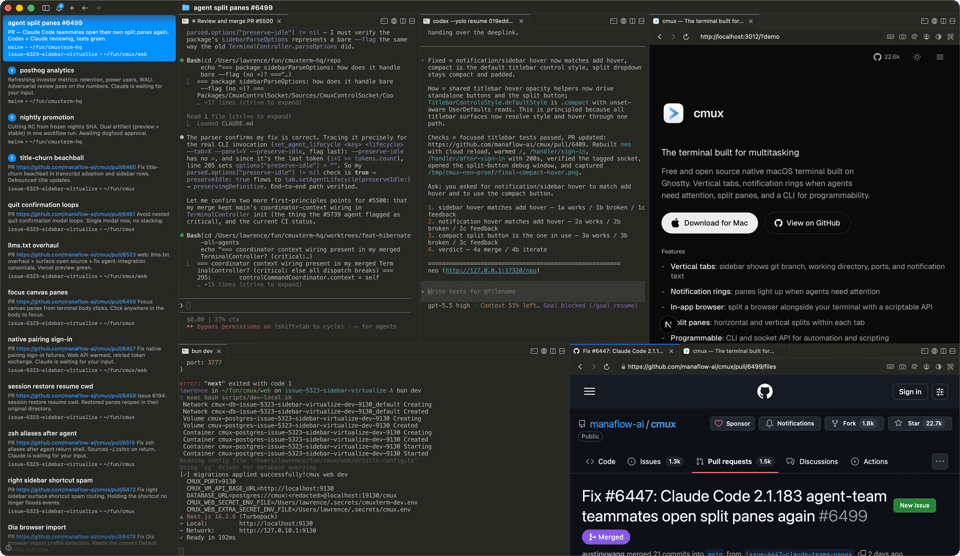
cmux: is even more like Ghostty, because it uses Ghostty internally. It’s extremely similar to Solo and I would describe the trade-off as: the terminal experience is better because it uses Ghostty, but the surrounding app experience is worse.
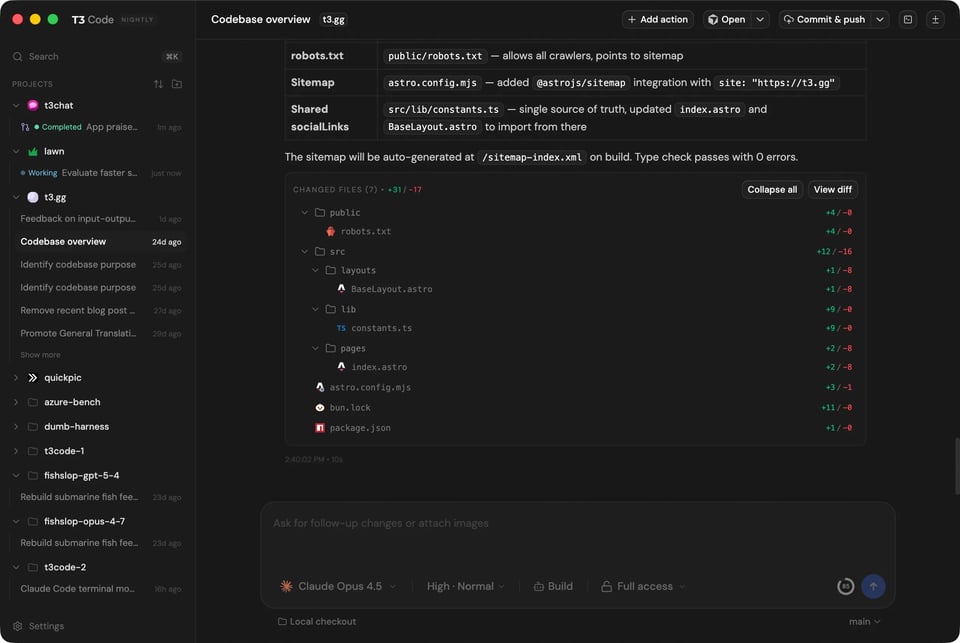
T3 Code: feels a bit unfinished, but can connect to many agents (Claude Code, Codex, OpenCode, Cursor). Also, it has a mobile app, with which you can control the agent running on your computer. Unfortunately, I didn’t find it stable enough.
Tools I have not yet tried, but will:
Paseo: I have seen it recommended many times, it’s a GUI and has mobile apps.
Herdr: Is terminal only, can connect to agents running across many machines (for example your laptop, but also your VPS on Hetzner). Recommended by DHH.
For now I am just using Ghostty.
Pi is my favorite harness
While I am trying to find a good UI for coding agents and still nothing has stuck, I am already very happy with the coding harness. For the past months, both privately and in my internship I have used the Pi.dev agent harness. It’s simple, performant, uses very little context, and does not have any features that I don’t need. Secondly, it’s very easy to customize with LLMs. For example: recently there was a bug in the compaction behavior of Pi with the GitHub Copilot Business endpoint. Because Pi has a very open plugin system and includes documentation, I was able to fix the issue in 20min with GPT-5.6-Sol. Pi.dev works with basically all the model providers, so try it out!
GPT-5.6-Luna
At work I don’t have access to many tokens, so I cannot just go token maxxing. This is why in the past weeks I was experimenting how to get the maximum out of LLMs for coding, while using the minimal amount of tokens. First of all: by using the Pi.dev coding harness, which is very token efficient. Secondly, by selecting the correct model: GPT-5.6-Luna on Max reasoning for many tasks.
Already on launch Artificial Analysis evaluated the GPT 5.6 models, and found the combination of Luna and Sol (note: not Terra! don’t use Terra haha) being extremely attricative on a Intelligence vs Cost per task scale.
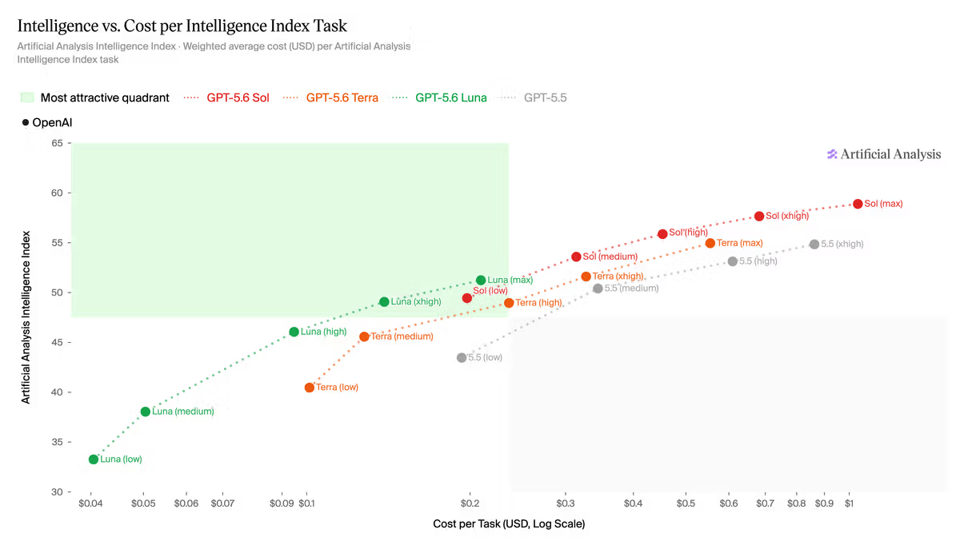
Since seeing this chart, I have heavily used Luna on Max reasoning. Before 5.6 I was very skeptical of using small models (like Haiku, GPT mini, or even older versions of Sonnet) for programming. This has now changed with Luna, because it can go very far in solving problems. But you cannot be as “hands off” in it’s usage as with frontier models like Sol or Opus: it tends to forget handling edge cases and it’s code definitely always needs to be reviewed.