Tangible Tuesday #13 You Can’t Make White without Blue (LEDs)
Every screen in your pocket needs a blue LED to make white light, and three Microbit projects for building your own RGB color mixing.
> Tangible Tuesday is a free newsletter for the upcoming book Designing the Tangible Interface. Past issues in the Archives > > Want to support? Just forward this email to someone who would enjoy it.
Tuesday Tune: "Untrust Us" Crystal Castles covered by Capital Children's Choir Great reinterpretation of the original
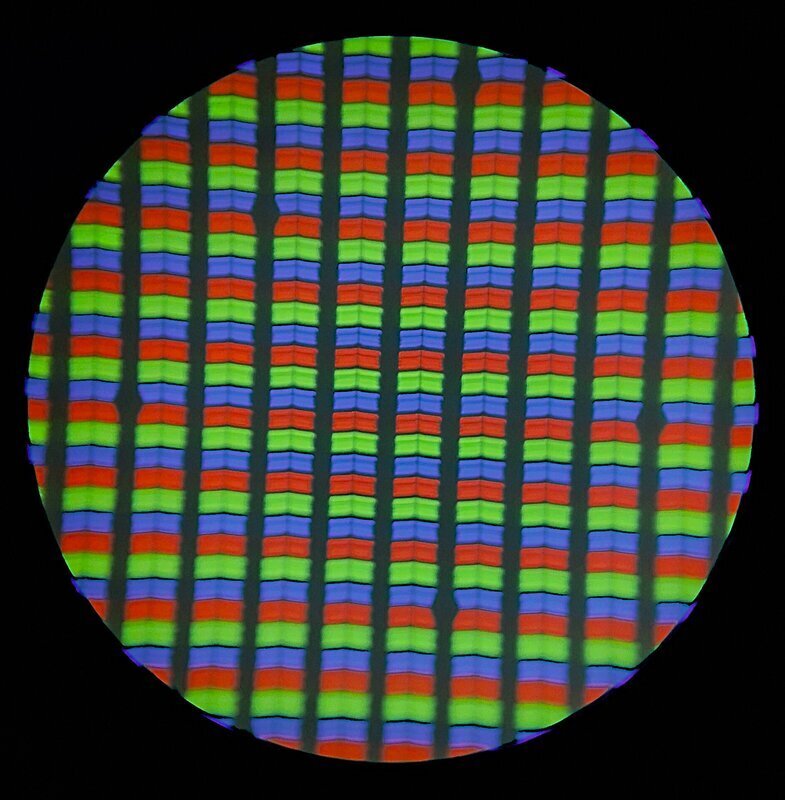 RIT Rajarshi, “Mobile Phone LCD Display Under a Microscope Showing Primary Colors RGB”
Every color on a screen is a trick of the eye. The screen in your pocket only has red, green, and blue subpixels, too small to see individually, building every color including white. Your eyes have three types of color-detecting cone cells, and screens exploit that biology directly: tiny red, green, and blue pixels, blended by your own eye into any color it can perceive — magenta included, a color that has no wavelength of its own. (Full story on that trick: There Is No Frequency for Magenta.)
You can’t Make White without Blue (LEDs)
After all that color theory, you know how important blue is for making white light. For decades, humanity had green and red LEDs, but Shuji Nakamura’s dedicated research created the chemical formula for the blue LED. He shared the 2014 Nobel Prize in Physics with Isamu Akasaki and Hiroshi Amano for the invention, as well as a bonus of ¥20,000 (about US$180) from his company for the patent.
“Why It Was Almost Impossible to Make the Blue LED”
Example Project: Basic RGB color LED
This RGB demo shows controlling 1 color pixel means controlling three sub-pixels, for Red, Green, Blue.
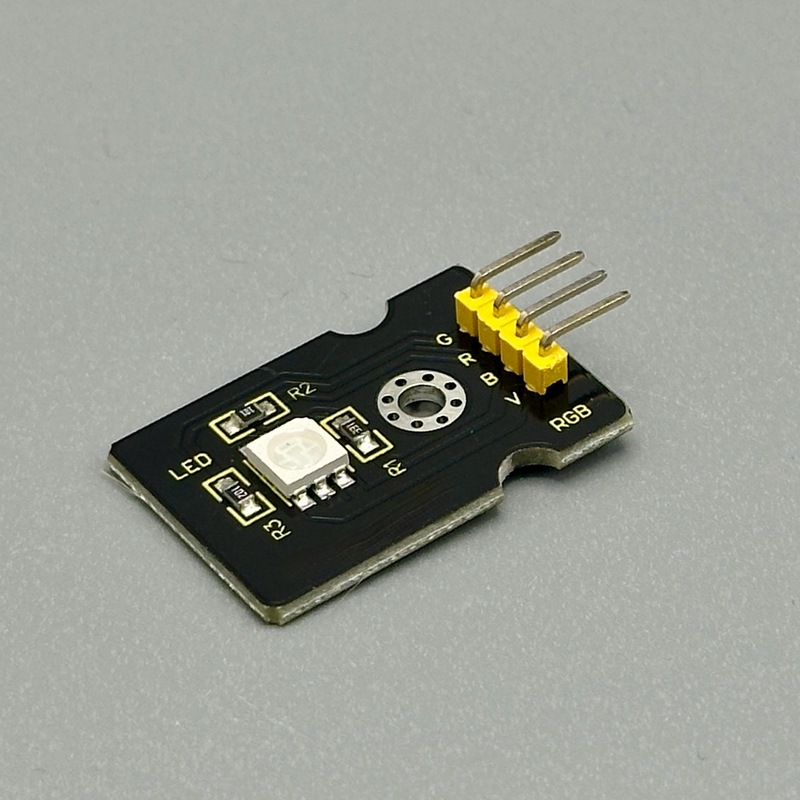
//to make Magenta
// Note many RGB modules have a common power lead, you set how much voltage you allow into your microbit pin
pins.analogWritePin(AnalogPin.P0, 0); // Red LED on
pins.analogWritePin(AnalogPin.P1, 1023); // Green LED off
pins.analogWritePin(AnalogPin.P2, 0); // Blue LED on
Setting one color is a bit boring; here is the code to cycle through the color wheel: https://tangible.turbek.com/examples_microbit#rgb-led-color-wheel
Example Project: RGB rotary encoder
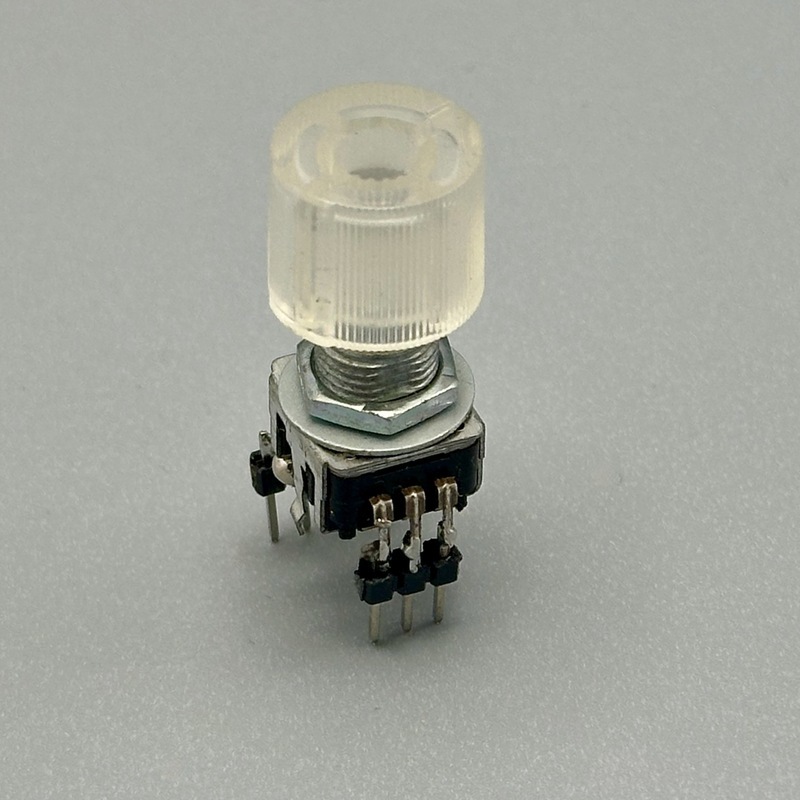
An RGB rotary encoder is simply an RGB LED and a rotary encoder in one housing. It has no brains, and the components don’t even connect. Still, it is a fun package to design with, especially if you make the rotary knob into a color wheel. Full code at https://tangible.turbek.com/examples_microbit#rotary-encoder-with-rgb-color-picker