New TELEVISION release (v1.3.2), now with themes and dark mode
You’re getting this email because you were invited to join the alpha test for Television, the missing GUI for personal agents.
We’ve just shipped a new release of Television. You’ll see a “bell” icon in the upper-right corner of your TV — click it for upgrade instructions!
If you haven’t had a chance to try Television yet, now’s your chance! Simply join our Discord server; you’ll find easy install instructions in the #start-here channel.
Here’s what’s new in this release:
1. Themes: Television now officially supports themes. Themes apply to the entire user experience: not just the UI itself, but also your artifacts. To set your theme, click the “gear” icon in the upper-right corner of your TV. Inside you’ll find a theme selector:
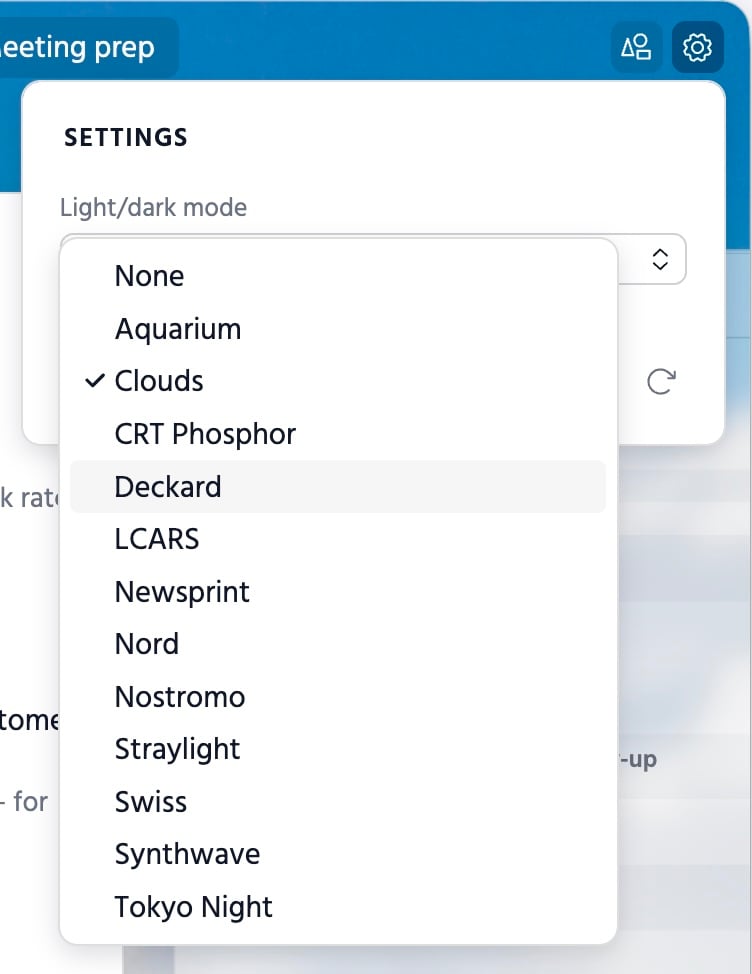
We’ve provided a set of beautiful themes out of the box, and we’ll be sharing more in the days ahead.
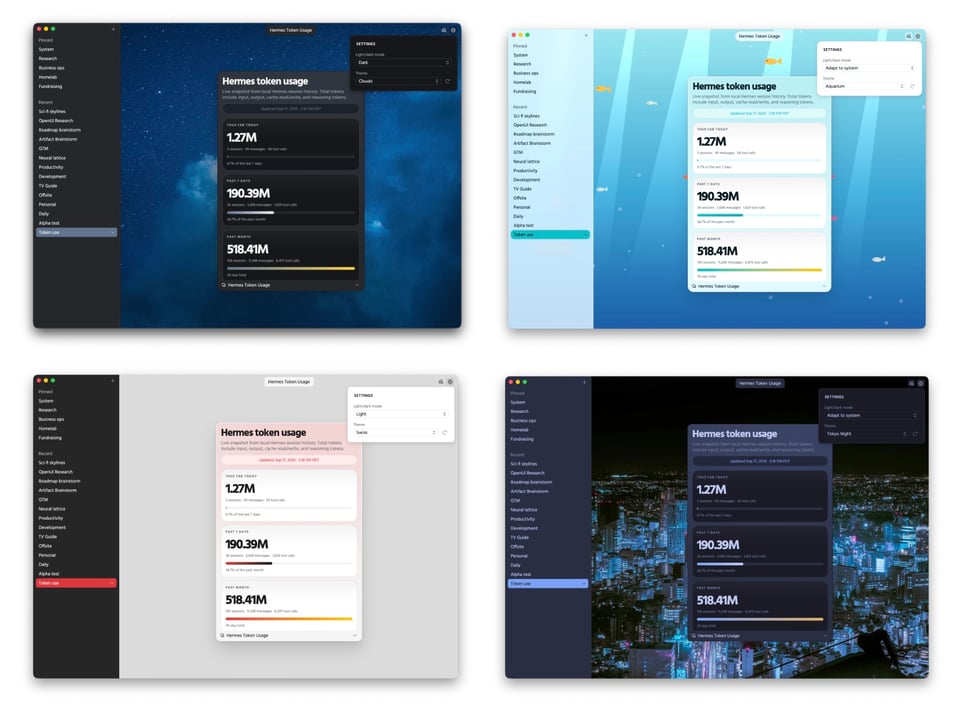
You can also make your own themes. We’ve updated the Telepath skill to teach your agent how to do everything; all you have to do is ask. The theming system is powerful and flexible; your agent can even use JavaScript to create things like animations and transitions.
2. Dark mode: Television now also supports dark mode. You can set it to inherit your computer’s setting, or you can manually select “Light” or “Dark.” Themes can have their own light and dark modes.
Enjoy these updates!
—Stephen, Josh, and Rupert, creators of Television