
October Update
Want to start using StoryTime with your team? Send us a message at [email protected].
We’ve got a lot of changes this month as we prep for allowing solo users to kick the storytires, self-service style. Our early customers have given a ton of valuable feedback and the experience is better for it. Stay tuned.
Searching Drafts
Search can now help you find stories in Drafts. Results are grouped by where they live in StoryTime, either in the Backlog or in Drafts, with a count of results. Matching strings are highlighted everywhere, so you can more easily keep track of what you’re looking for when clicking a search result “teleports” you to the relevant story or marker. This requires a way to view all these things at once, which leads us to…
Multiple Columns
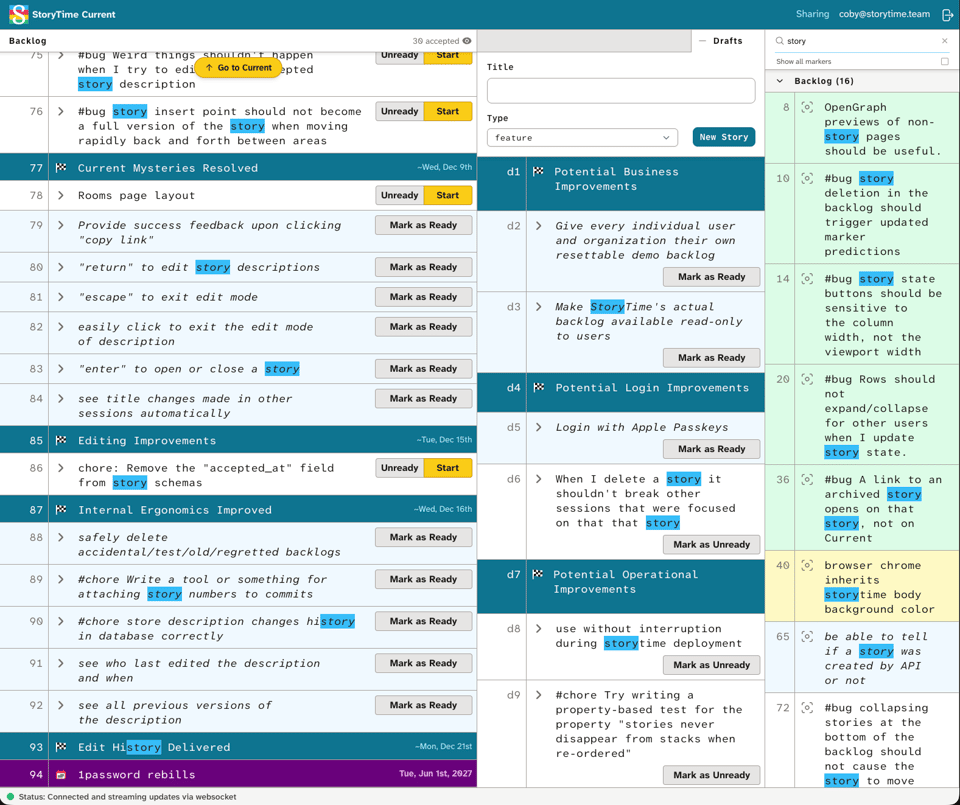
You might have seen the sneak preview last month and we decided to move forward with our take on multi-columnar layout on desktop. Search now opens into a 3rd column in the default view. However, we know it’s important to allow for flexibility, so both drafts and search are independently collapsible.
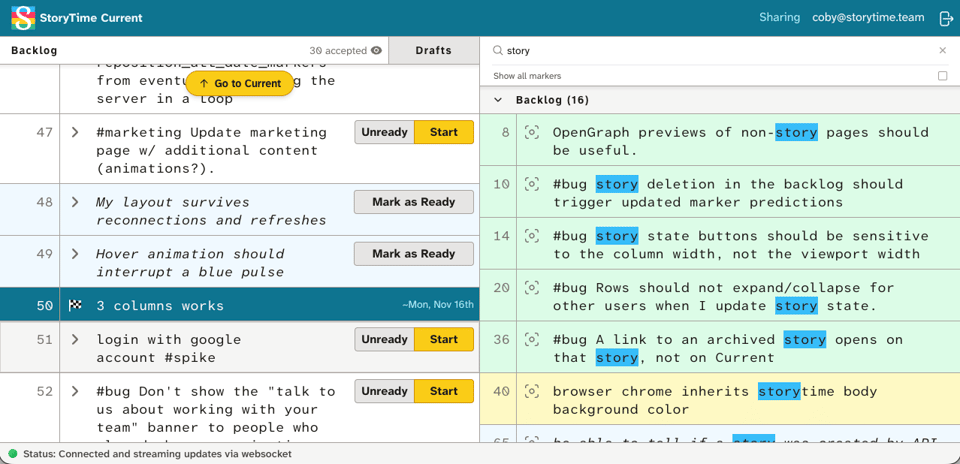
We hope to get feedback from folks on this update. Please test it out and let us know how it’s working for you.
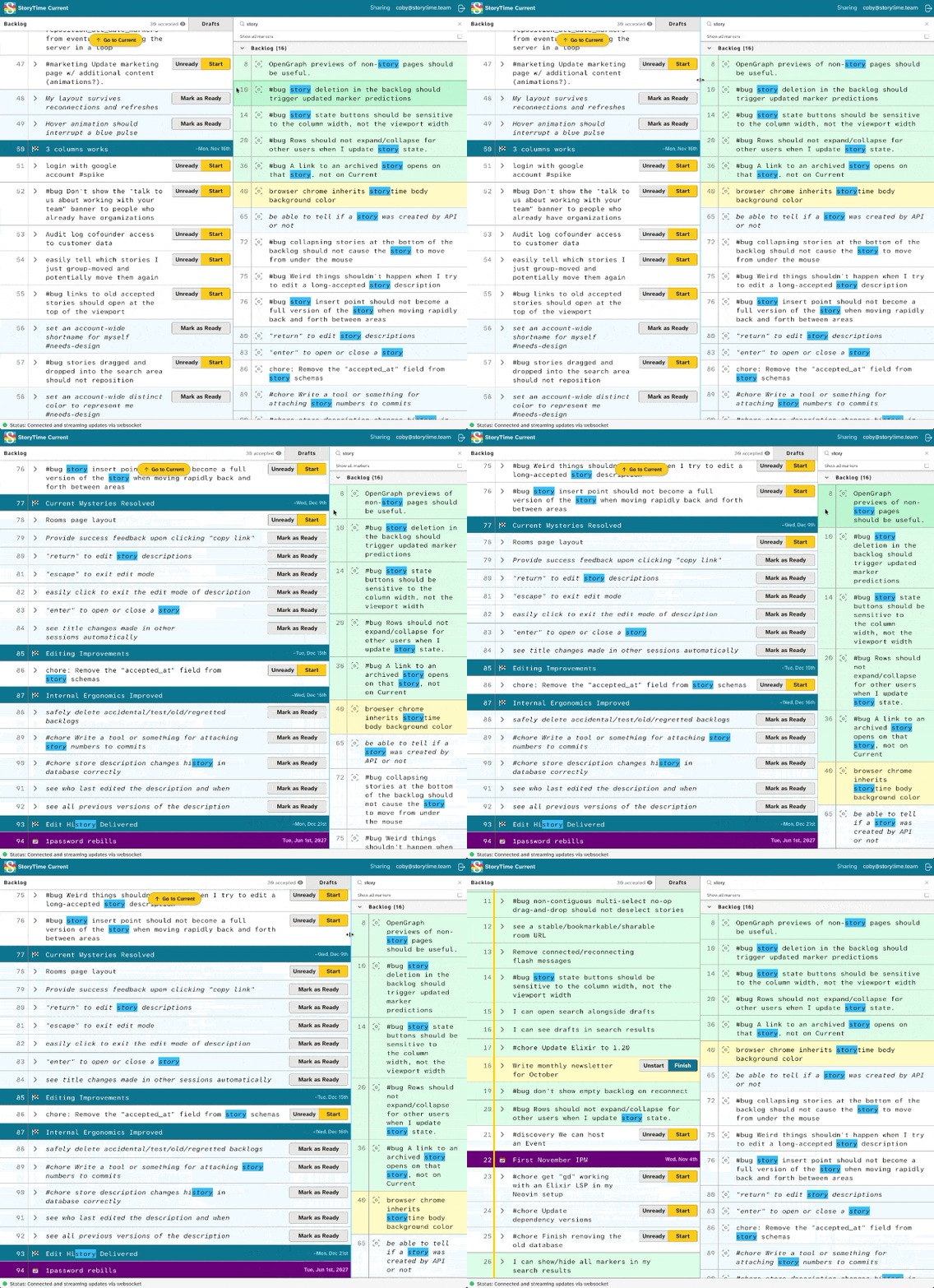
As a ⭐️ Bonus, columns are now resizable on desktop, with sane defaults and graceful degradation as the viewport narrows. If you need to reset the layout, just click a vertical border while hovering, or reload the browser, and you’re back to defaults. There’s also a detent to let you know you’re back while dragging columns around.
Archive UX
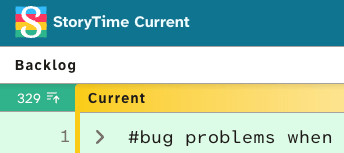
Previously, accessing the archive of done work took you to the very beginning of the backlog by default. This wasn’t very useful on long-running rooms with hundreds of accepted stories. So now, accessing the archive is a quick toggle and a scroll to peek above the current work area. Hide the archived list once you’re done browsing. (Searching the archive is a planned feature, and we’re looking for feedback here from users.)
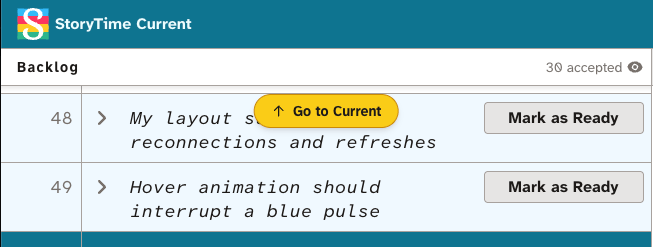
With this, we also noticed that we get tired of scrolling long backlogs, so we made it easy to get back to the current work area with a click.
StoryTime Mobile
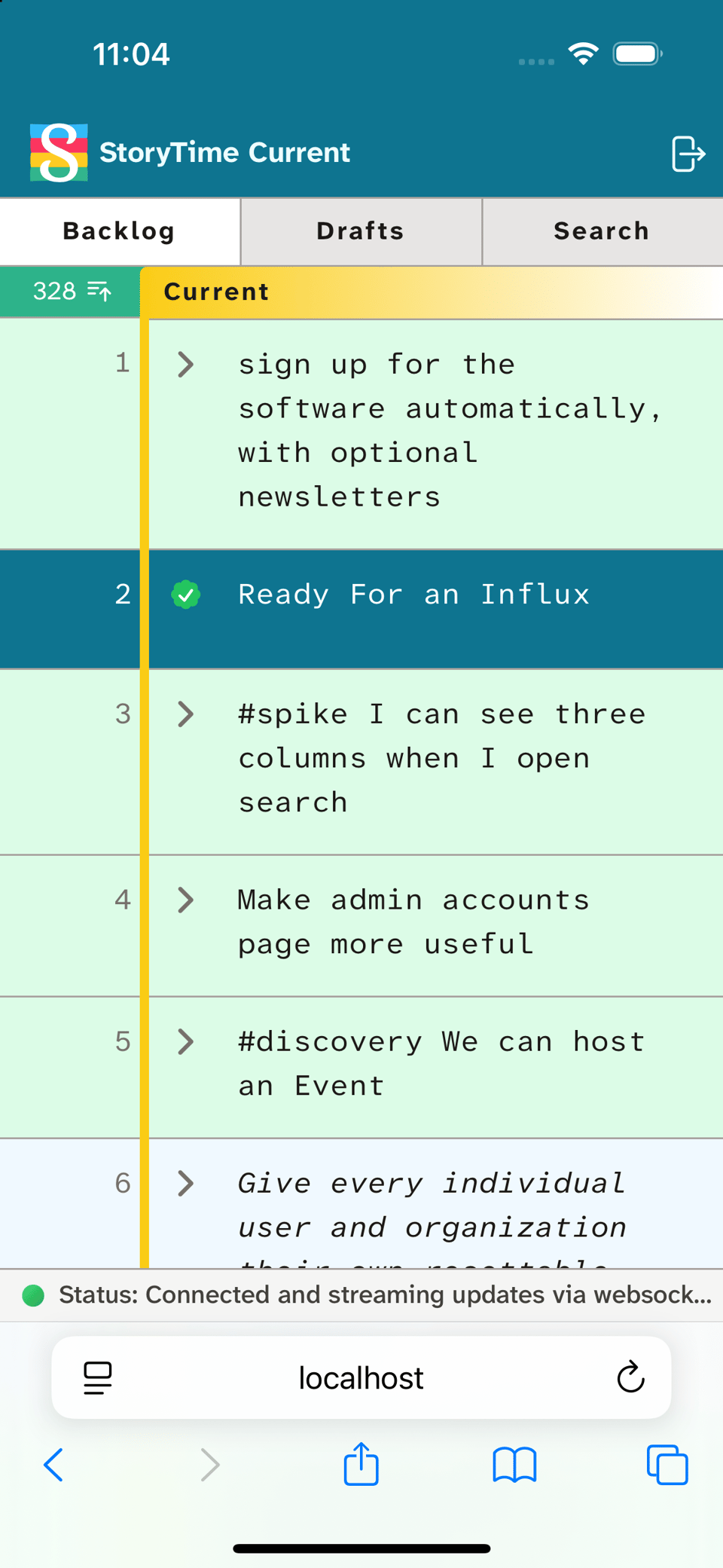
StoryTime has a very serviceable mobile experience now. We imagine this will be welcome for anyone needing to update a story, or check status while on-the-go. You can start new drafts, move stories and markers around in a column, and search for things too. You’re limited to one column at a time, so moving things between drafts and backlog requires the desktop browser right now. We’re thinking of simple ways to enable this in the future, so stay tuned and let us know if you get a chance to try StoryTime on your phone.
Performance Improvements
Much of October was also spent responding to problems one team was seeing when they had their entire team together writing stories simultaneously. They would get into their story writing meeting, start typing, and then see enough errors that StoryTime was basically unusable. (On the backend, the entire application was crashing repeatedly.)
We made a few different changes to resolve this problem.
The biggest improvement came from increasing the memory allocated to StoryTime by Gigalixir. Our memory usage in this scenario was only slightly over-running the allocation, but even a small overrun causes Kubernetes to kill the entire StoryTime application, which shows up as an error in every connected client.
We also substantially decreased the duplicate database queries StoryTime makes in this situation.
One of the core features of StoryTime’s design is that if you’re connected to a room you see changes other people are making in that room, if not quite immediately then as quickly as possible. We refer to this internally as “PM TV” — a Product Manager should be able to keep StoryTime up on one monitor and see developers starting and finishing stories.
The way we implement this right now is that every room LiveView connects to a PubSub channel for the room, and sends every change it makes to the room to that channel. Unfortunately the way we initially built it, the views receiving the broadcast would refetch all the state they need to update their assigns directly from the database. In the case of updates that can affect predictions displayed on markers this could end up being “every story in the room.” Originally, we were doing this on every update, including description updates, which both don’t actually need all that data and are very frequent while someone is typing into the description.
We’ve since changed the broadcast handling code so that they expect all the data they need to render the change in the receiving LiveView from the broadcast. (We now in fact have tests that check that we make no additional database queries when we have a listening view attached to a room.)
Other Updates
better OpenGraph previews for many pages, especially to /rooms/ endpoints
toggle to show all markers in search results for added context
reflow prediction dates on markers at narrow widths to prevent ugly text wrapping
fixed a bug where story deletion didn’t update marker predictions
fixed a bug where a multi-select drag-and-drop that didn’t drop the stories somewhere new would deselect stories
stop showing an empty backlog when we reconnect
make room urls static by moving certain variables we were storing in query params into a “manifest” in the DOM that we then send back to the server on reconnects
fixed a bug where story state buttons were sensitive to viewport width rather than column width
removed certs from eMudhra with weak keys by updating relevant dependencies
update to Elixir 1.20
let Safari browser chrome inherit <body> background color
Until the next update,
Nat, Coby, and Jesse


