
openDAW + Nextcloud
openDAW now connects to a school's own Nextcloud, so a music class can keep all its work on the school's own server, with each student in their own space, straight from the browser.
Why this matters for schools
• Every student signs in with their own Nextcloud account and works in their own space.
• Every project, sample, and soundfont stays on the school's own Nextcloud. openDAW talks to it directly. Nothing is routed through or stored on openDAW's servers.
• The school stays in full control of its data, which makes it easy to satisfy data-protection requirements.
• Shared samples and soundfonts are stored once and reused across projects, saving space.
How it works for the class
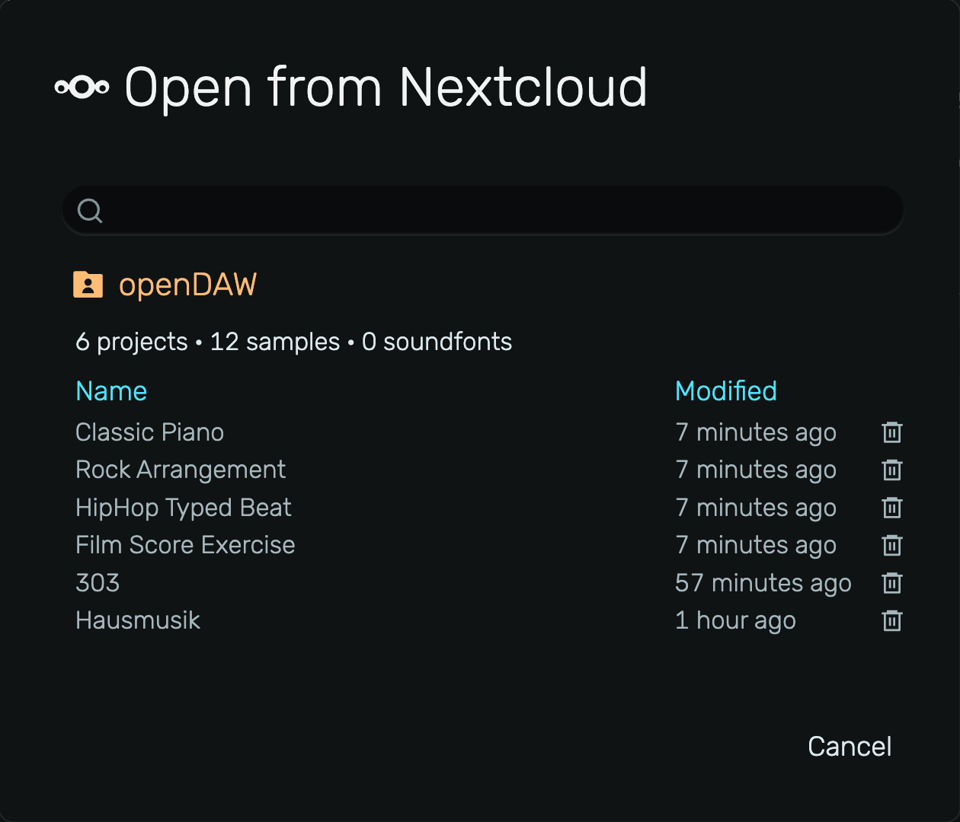
The school runs its own Nextcloud (an open-source, self-hosted alternative to Dropbox or Google Drive). The administrator creates an account per student once. From then on, students just open the Nextcloud menu in openDAW and sign in to save and load their projects.
Getting started
You will need a Nextcloud where you are the administrator. Our step-by-step guide walks you through the one-time setup and connecting from openDAW:
https://opendaw.studio/manuals/nextcloud