PMing with Claude Code
How I set up Claude Code as my PM command center - connecting GitHub issues, Notion docs, and AI assistance in one workflow.
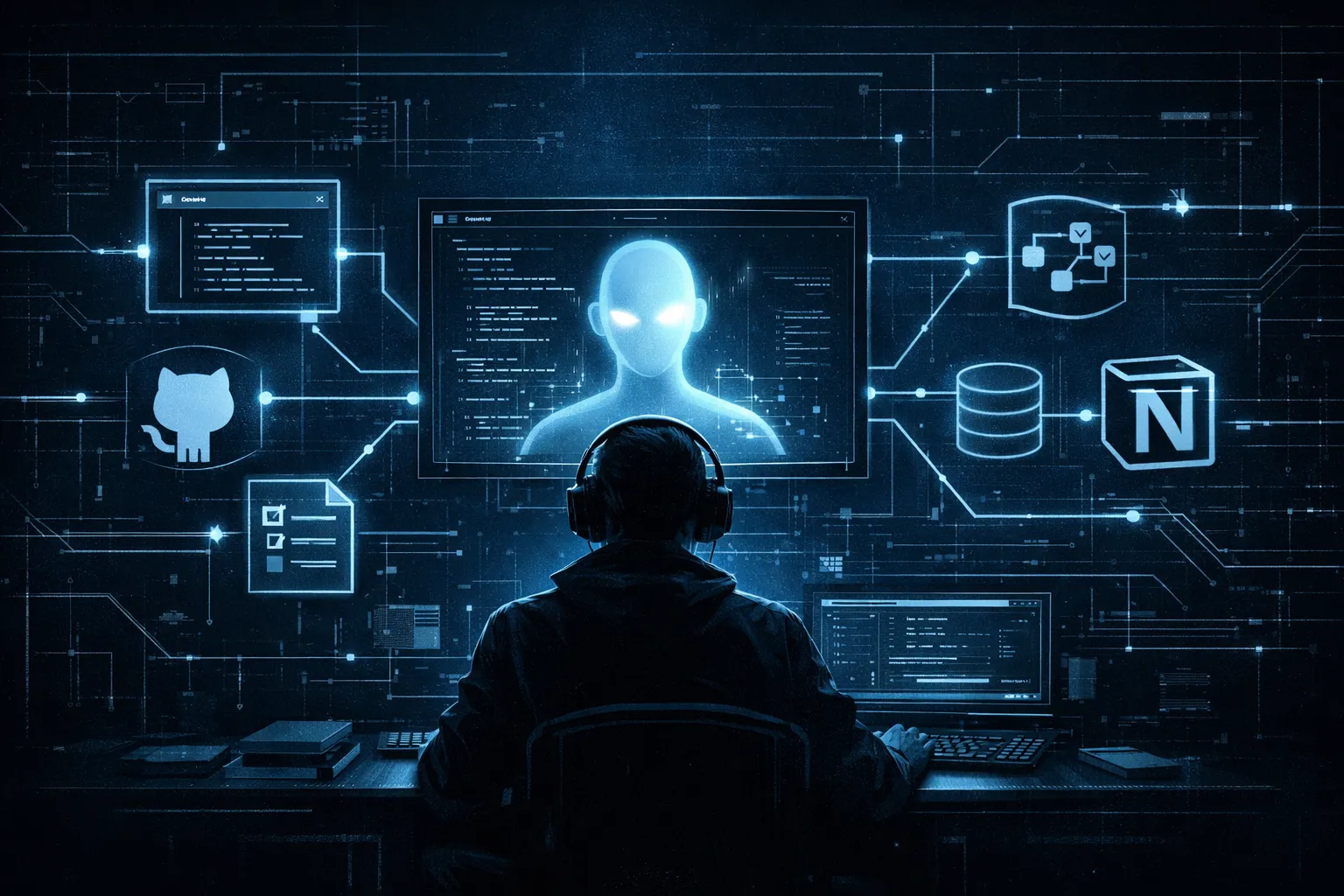
Most AI tools are built for developers. Copilots that autocomplete code, agents that write tests, assistants that debug errors. But PM work - tracking roadmaps, writing specs, querying issues, synthesizing meeting notes - is just as ripe for AI assistance. The challenge is that PM work spans so many tools: GitHub for issues, Notion for docs, spreadsheets for prioritization, Slack for context. No single AI tool connects them all. Until I started doing my PM work in Claude Code. Why Claude Code for PM? Claude Code is Anthropic's CLI-based AI coding assistant. It runs in your terminal, which might seem like an odd choice for a PM... But hear me out. First, it lives where I spend a relevant chunk of my time. I'm constantly in the terminal - running git commands, checking deployments, tailing logs when debugging with engineers. Having Claude available in the same context means I don't context-switch between tools for some of those use-cases. Second, the MCP (Model Context Protocol) system allows Claude Code to connect to external tools. GitHub, Notion, Linear, Slack - if there's an MCP server for it, Claude Code can query it. This turns a simple AI assistant into an actual workflow hub. Third, if there's no MCP server, I can still use shell commands to connect to any tool with a CLI. The GitHub CLI (gh) is perfect for PM work. Claude can run gh commands to list issues, view details, create new items, and more. This gives me read and write access to my GitHub issues directly from Claude. Forth, the CLAUDE.md file gives Claude persistent context about how I work. My conventions, my templates, my preferences. Every conversation starts with Claude already knowing my workflow. And finally, the permissions system keeps everything safe.


Add a comment: