
30 Days of Vibe Coding - Day 30 - miniOs
A web-based desktop operating system built entirely in the browser, with all 30 Vibe30 projects as installable apps.
A web-based desktop operating system built entirely in the browser, with all 30 Vibe30 projects as installable apps.
Day 30. The last one. I built an operating system.
Not a real one. A fake one in the browser. But the kind of fake where you boot it up, log in, open a file manager, resize some windows, snap them to corners, switch workspaces, open a terminal that runs neofetch, change the wallpaper, and then launch any of the 29 projects I already built this month as apps inside it. That kind of fake.
This is the capstone. Every project from the last 30 days lives inside this one.
The Prompt
> "Build a web-based desktop OS. Window management with drag, resize, minimize, maximize, snap. Multiple workspaces. Taskbar, start menu, spotlight search, alt-tab. Boot sequence, login screen, lock screen, screensaver. Dark and light themes with accent colors. Wallpapers with parallax. Desktop widgets. Built-in apps: File Manager, Text Editor, Terminal with neofetch, Browser, Calculator, Settings, Music Player, Image Viewer, Paint, Calendar. And every single Vibe30 project should be accessible as an installed app."
The biggest prompt of the challenge, for the biggest project.
Try it out yourself here
How It Was Built
Watchfire broke this one down into 25 tasks. Not the highest count of the challenge (the code editor hit 43), but this one had the widest scope. This wasn't one app. It was a shell that had to contain all the other apps.
The tasks covered everything you'd expect from an OS build (if you can call it that): core window management, the workspace system, taskbar and system tray, start menu, spotlight search, the alt-tab switcher, boot and login flows, the lock screen and screensaver, theming engine, wallpaper system with parallax, desktop widgets, and then each built-in app as its own task. The final tasks handled integrating all 30 Vibe30 projects as launchable apps and building a welcome tour.
I spent the most hands-on time with this one out of all 30 days. Not writing code, but testing interactions. Window snapping has a lot of edge cases. What happens when you drag to a corner? What about maximizing a snapped window? What if you switch workspaces while a window is being dragged? Those are the kinds of things I had to try and report back on.
What I Got
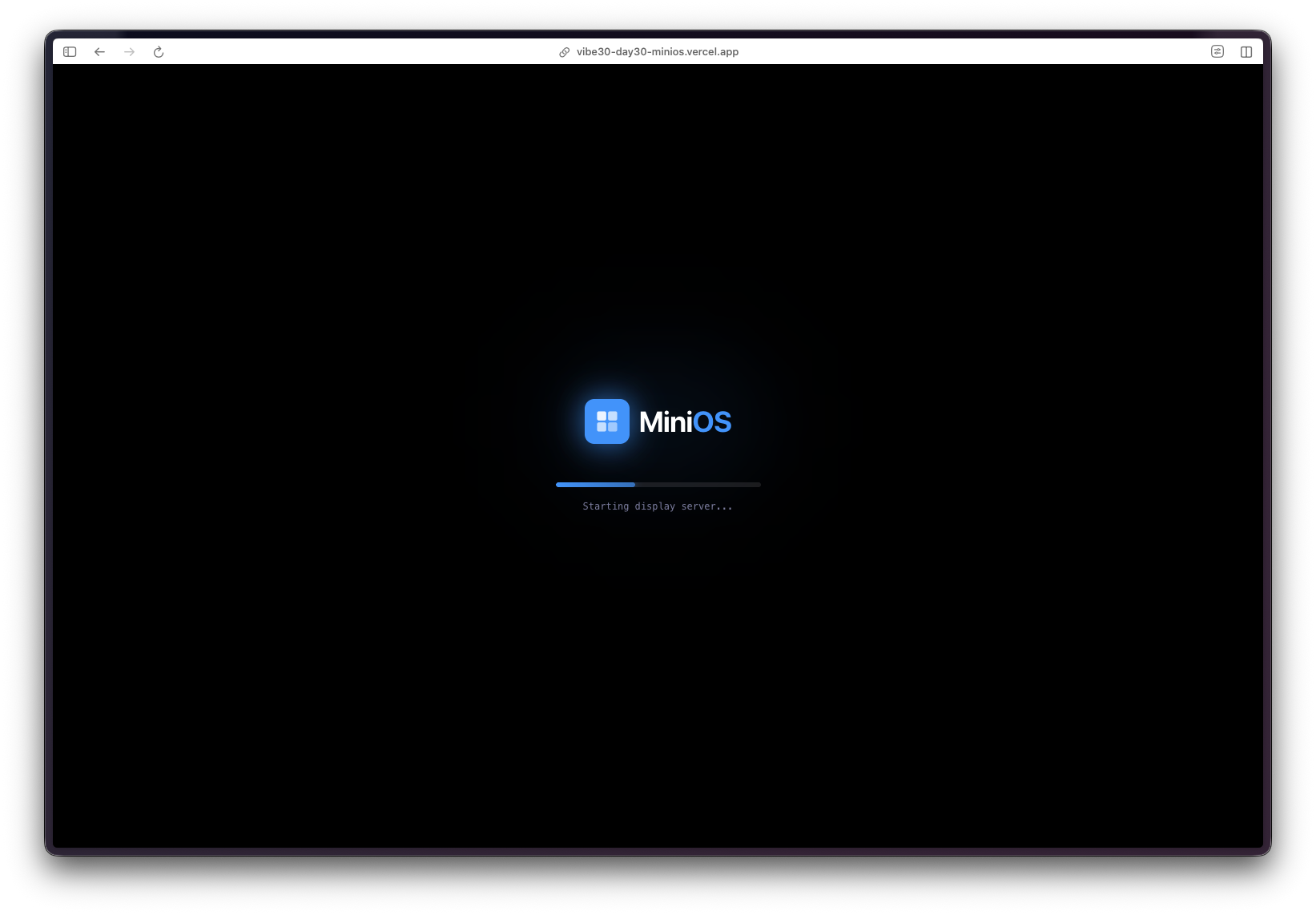
It boots. There's a boot sequence animation with a loading bar and system messages scrolling by. Then a login screen. Then the desktop loads.
...
---
Read the full article →


Add a comment: