
30 Days of Vibe Coding - Day 21 - ChatRooms
An anonymous real-time chat rooms app with Firebase, reactions, file sharing, and presence indicators.
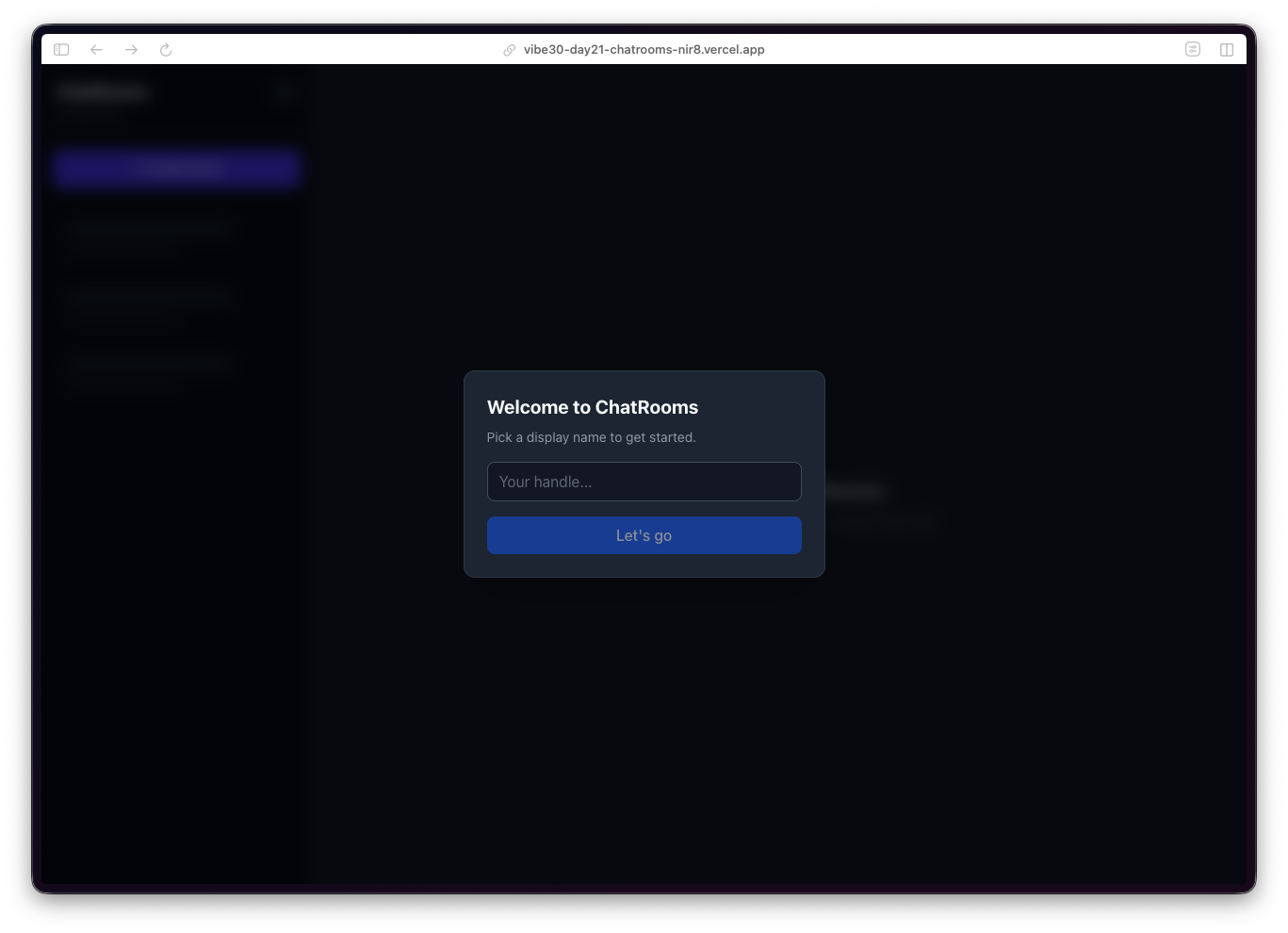
An anonymous real-time chat rooms app with Firebase, reactions, file sharing, and presence indicators.
Day 21. I wanted to build something that feels alive. Something where you can see other people doing things in real time. So today it's anonymous chat rooms.
The Prompt
> "Build a real-time chat rooms app. Anonymous auth with custom handles, room creation, live messaging, reactions, file sharing, typing indicators, and online presence."
Try it out yourself here
How It Was Built
This one went through 7 Watchfire tasks, and the order made a lot of sense for a real-time app like this:
1. Firebase Realtime Database. The foundation. Setting up anonymous auth, database rules, and the data model for rooms, messages, and users. This is the plumbing that everything else depends on.
2. Room creation. The ability to create new rooms and browse existing ones. A sidebar with room names, participant counts, and last message previews.
3. Real-time messaging. The core feature. Messages appear instantly for everyone in the room. Firebase listeners handle the sync so there is no polling, no refresh button. You type, you send, everyone sees it.
4. Reactions. Tap a message to react to it. Small feature, but it makes the chat feel more interactive than just walls of text.
5. File sharing. Upload and share files within a chat room. Another layer of utility beyond plain text messaging.
6. Presence and typing indicators. See who is online, see who is typing. These are the details that make a chat app feel like a real chat app instead of a message board.
7. Mobile polish. Responsive layout tweaks, touch targets, making sure the whole experience works well on a phone screen.
What I Got
Dead simple onboarding. You land on the app, pick a handle, and you are in. No email, no password, no OAuth flow. Firebase Anonymous Auth handles the identity behind the scenes. You just type a name and hit "Let's go."
A clean room browser. The left sidebar shows all available rooms with participant counts. There is a "Create Room" button at the top, and a search bar to filter rooms. The default state shows a welcome message prompting you to select a room or create a new one.
...
---
Read the full article →


Add a comment: