
Windows Aero Remnants

Remember, when I reached the point in time when, eventually, I had to reinstall Windows (after years without a clean reinstall) but a sudden inspiration had me install Ubuntu instead, and after I did, I immediately realised that I'm not ready to go back yet, so I just reinstalled Windows 11?
No? Well, the reason why you don't remember is because I haven't told you yet. Anyway, that's what happened. One of the reasons, why I thought it would be time to go back to Linux is GNOME, particularly GNOME's "Core Apps". Among them: A native contacts app and a native calendar app. Even though very rudimentary in their appearance, nevertheless it's beyond my wildest dreams to have dedicated apps for calendar and contacts–something that is totally missing in Windows.
But think again, Niq. Windows actually does have a contacts app. I realised this, when I extended my contact page to offer a downloadable contact card (I know–pretty cool idea). But before setting it live, I wanted to try out my vCard locally. And when I did, I didn't expect that this would even work on Windows. I downloaded the VCF file and was convinced that it wouldn't recognise the file format. Wrong! When I opened it, it offered me to open the vCard in "Windows Contacts". Windows Contacts? What in the bloody hell is that?
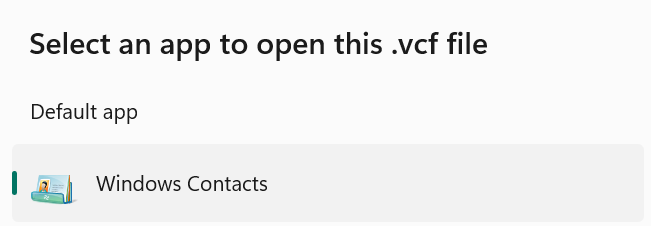
It is a legacy app in Windows Aero style, whose only reason for existence seems to be rare use cases such as this one (backwards compatability)! But don't get your hopes up just yet, as you can't use this app autonomously to manage your contacts, but merely to open VCF files. 😔
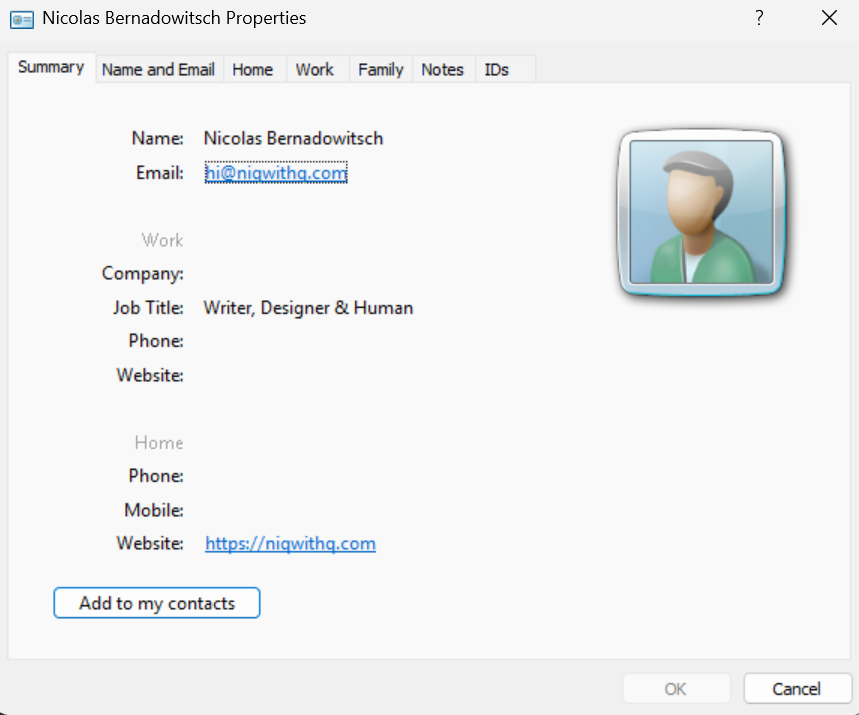
Still, I found it funny how Microsoft left this program in Windows 11 but didn't bother to translate its design from Windows Aero, which was the design language used in Windows Vista and 7 to its modern flat UI design, used in Windows 10 and 11.
Before I discovered this odd user interface anomaly, I was confronted with yet another strange Windows Aero UI. I had just reinstalled Windows (mind–without any drivers for my built-in keyboard, trackpad and network adapter), and when I finally made it to the desktop, well–I still didn't have a working network adapter to download aforementioned drivers so I wondered how to continue from there?
Wise people on Reddit (god bless them), suggested setting up USB tethering from my phone. I opened up the network settings and what did I find? Yet another legacy dialog.
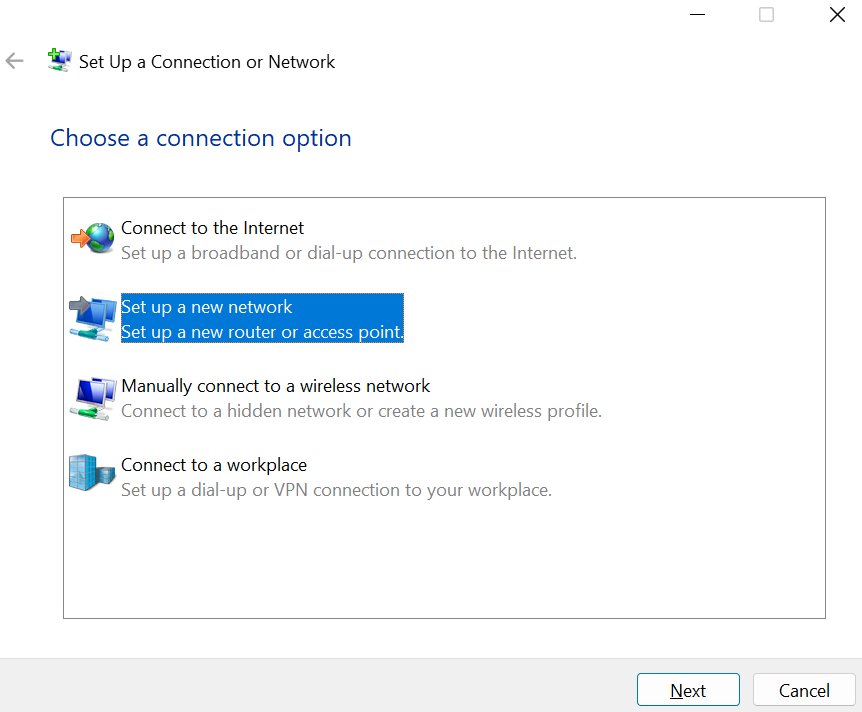
And the story doesn't end there. Today's Windows is full of remnants from older generations of the old operating system: Character Map, Control Panel or Windows Media Player Legacy, just to name a few.
In the end, I think it's charming that Windows is full of legacy tools and user interface bits that remind its users of where it's coming from.