
3 Tips + 😴 Snooze Tasks in Defer
Snooze those tasks
Defer helps you get tasks out of your head. Sometimes, the task is something you really don’t need to deal with ASAP, or you want to deal with it on a specific day. Let’s say you want to remember to cancel a subscription, but not until next week.
Well, now you can do that in Defer! Each task in Defer can now have a “snooze date” if you want. Anything with a snooze date after today will go into the “later” pile until its snooze date, at which time it’ll pop into the “now” pile automatically. You can add a snooze date with buttons or just by including natural language like “tomorrow” or “Monday” or “July 3” in the task itself.
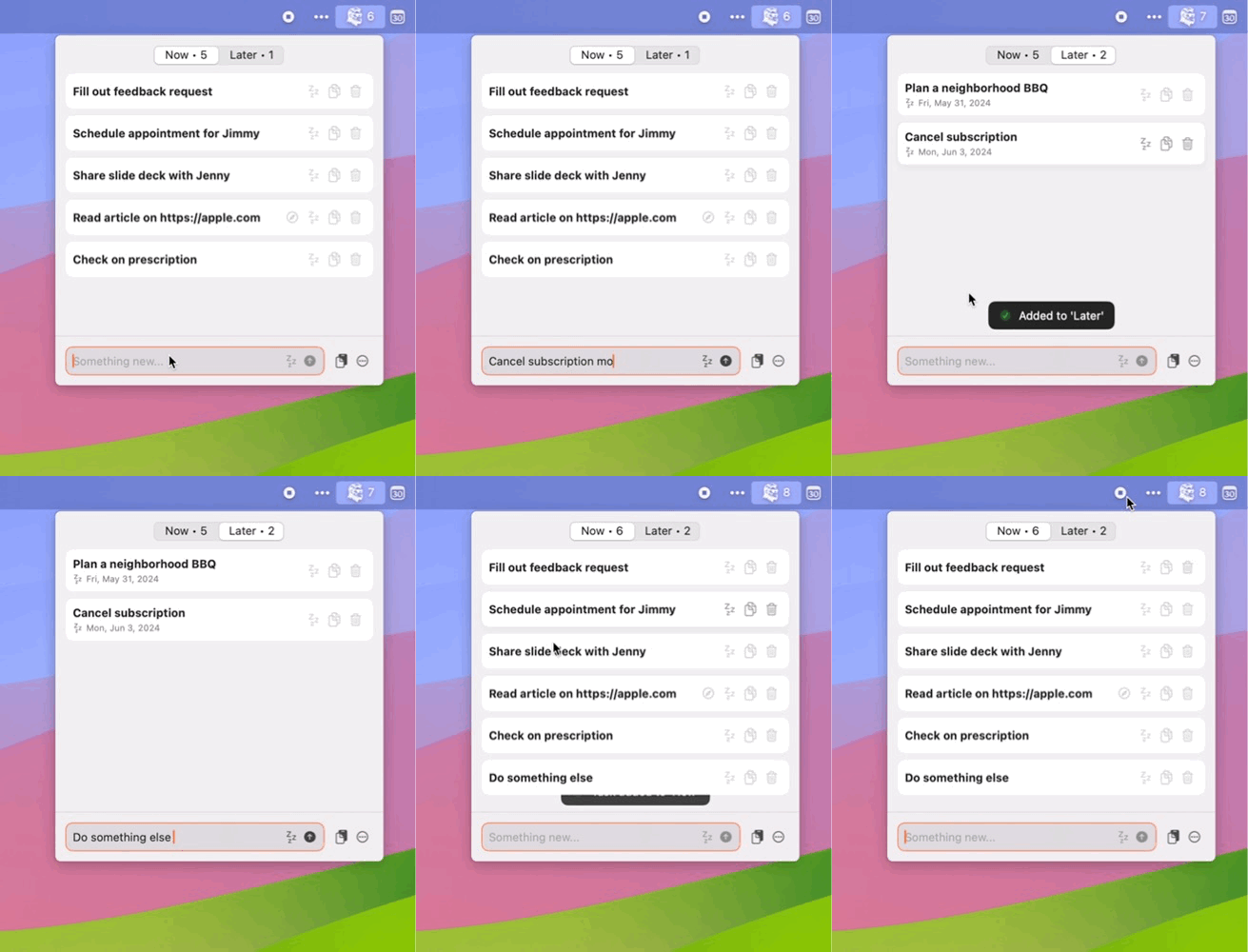
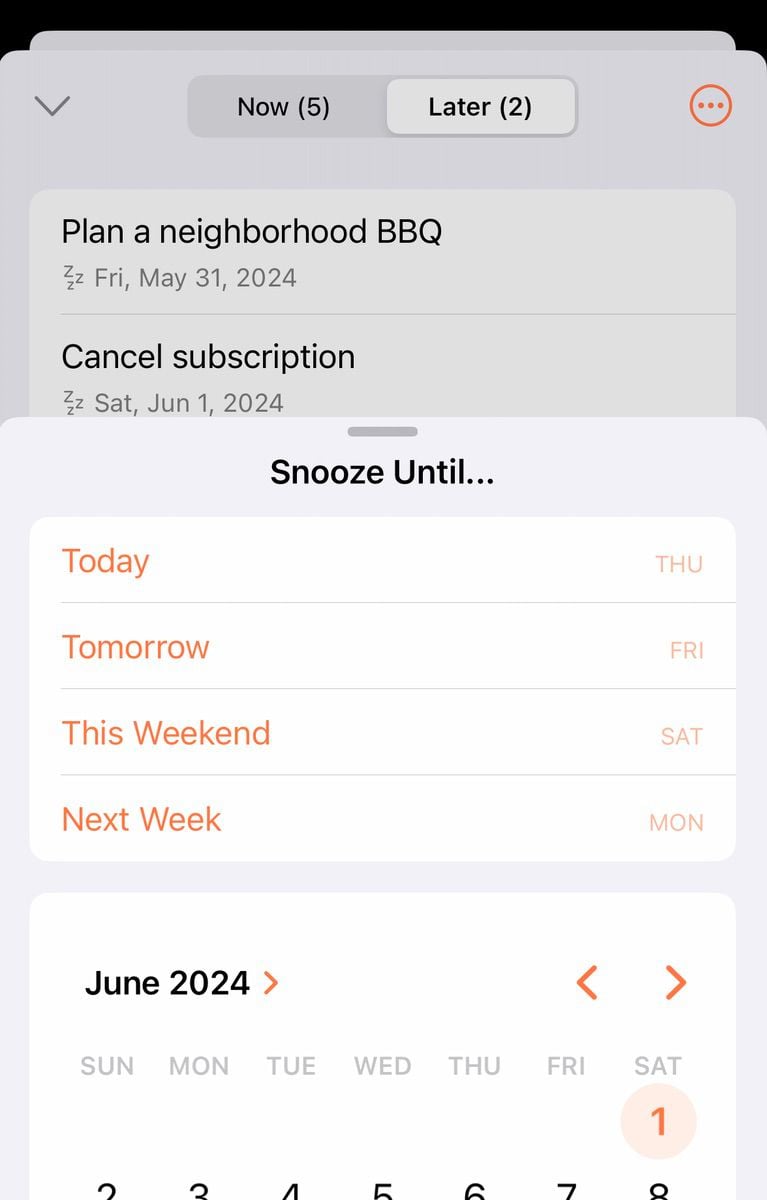
I don’t really have a vision for Defer becoming a full-on replacement for your to-do app. I’ve always envisioned it as very simple layer in front of your “real” work management. But snooze dates felt like a good middle ground for those that want to use Defer for a bit more than just an inbox.
3 Tips
The Flip Side Newsletter
The only general news-related newsletter in my inbox. I really try not to get caught up in the urgent news cycle, but I like to have a general awareness of big issues going on. The Flip Side helps me do that with a polarization-avoiding format: each email covers one big news item with stories from equal parts left- and right- leaning media.
True Classic Tees
If you know me, my “uniform” is generally all black. I’ve tried all sorts of black tees, and am always looking for good value: high quality and a good fit. I keep coming back to True Classic - the fit just works for my un-athletic body, and they’re comfy!
Packing Cubes
The perfect example of how a little work up front leads to less stress/chaos later on. If you’re going on a trip, pack your clothes in packing cubes! Not only can you generally fit more, but it’s easier to find stuff once you arrive at your destination. I’ve had these Eagle Creek ones for years, but there are probably cheaper ones out there.


