
1000 iterations
How I created and used a tool to design an album cover
Yesterday For the Luminous Warmth, an album by bee paang, was announced. One song can be played online (so far) and the album is available for pre-order. The actual release is on November 5th. This has been (and continues to be) a huge journey, and I’ll share below some of my involvement on it.
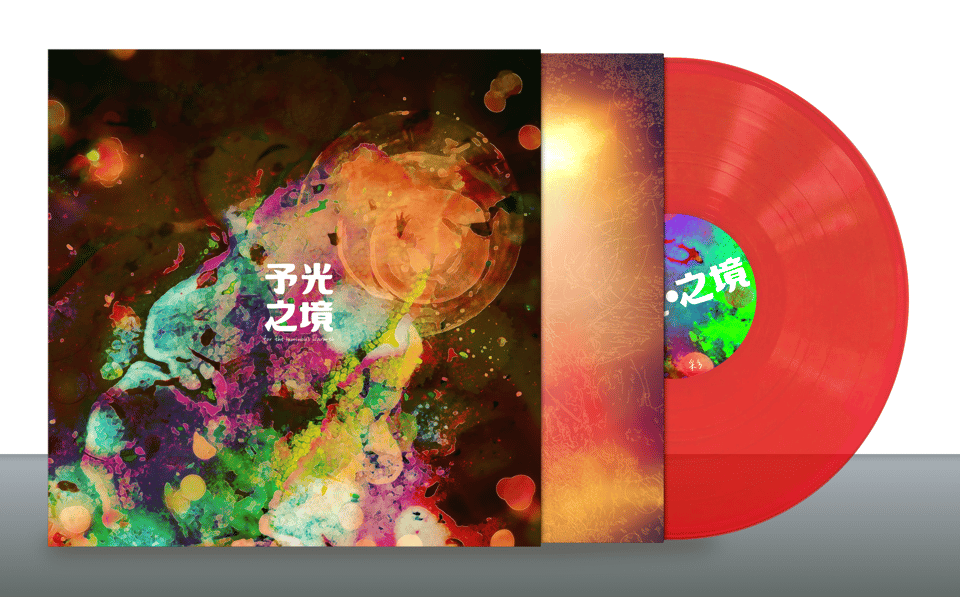
I had not planned working on the design: Mei-Fang had already paid a Taiwanese painter to create an organic looking work using water colors. You can see it as the animated background at beepaang.space.
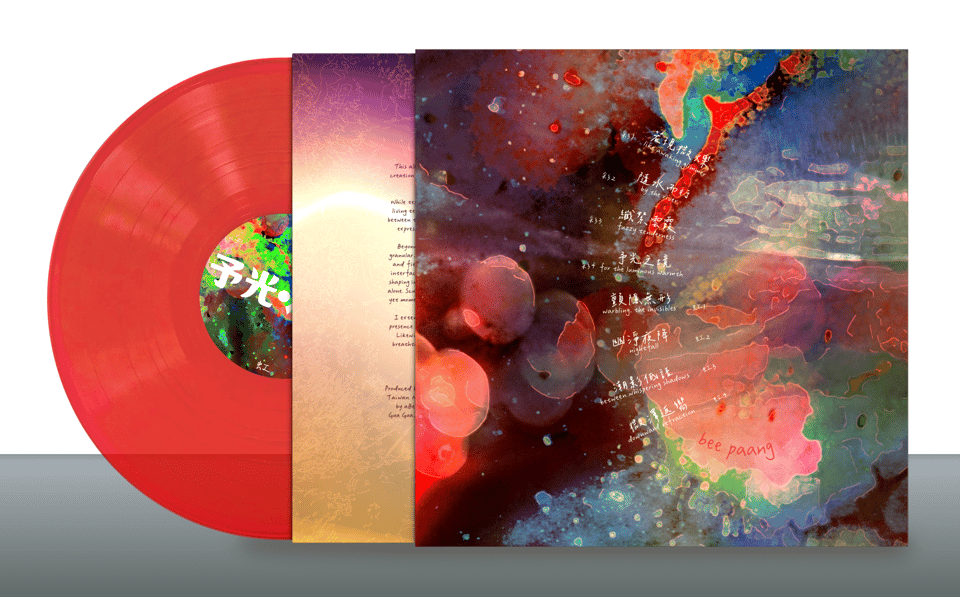
But the label owners did not find the design fitting their usual aesthetic and that’s how I got involved. Instead of my usual approach of writing code to fully generate images out of curves and pixels, I decided to write a program to mix photographs. This is something that I could have done with GIMP or Inkscape: both allow layering images with blend modes. Inkscape might have been better in the sense that edits would not be destructive: I could rotate, translate and scale the layers without affecting the source images. But none of the tools are designed for the fast experimentation and iteration I needed. I could have used them, but the process would have been slow and not very fun.
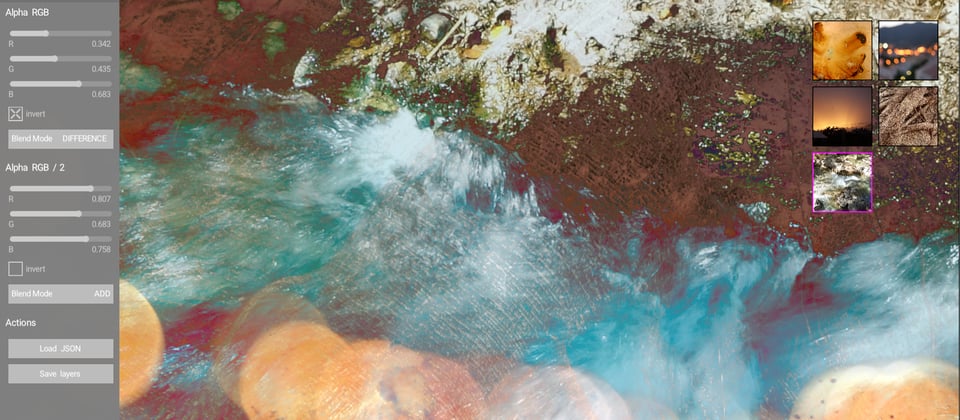
The program I came up with is only ~300 lines of Kotlin. Not bad for a photo layering software. One reason for this lightness is that OPENRNDR and ORX provide a lot of functionality by default. For instance, the GUI state is saved automatically when quitting, so when I open my program everything is in the same state I left it in. By default the state is saved under gui-parameters/name-of-the-program.json, but I can also save named presets when I find designs I like and load them later. What gets saved? The path of the used images, blend modes, RGB values for the alpha mask, an invert flag, and a transformation matrix (translation, rotation and scale).
By default, the program has 3 layers (configurable). All layers except the background have a texture and an alpha mask: an image to control the transparency of the texture. A texture can be selected by clicking. A magenta border indicates it can be moved, scaled and rotated with the mouse.
The way I use this tool is by running the program next to a separate OS window exploring my photos folder. When I see the thumbnail of a photo that might work well, I drag it to one of the 5 slots in my program and it instantly loads. Then I pan, rotate and scale the image, drag another image, adjust that one, drag again, adjust… It’s a very fast photo mixer that allows me to composite photos trying to create interesting high-resolution abstract images.
I see that I created my program folder, called coverGenerator, in February 6th. It is 8 Gb heavy. Half of that weight are images I generated with this program.
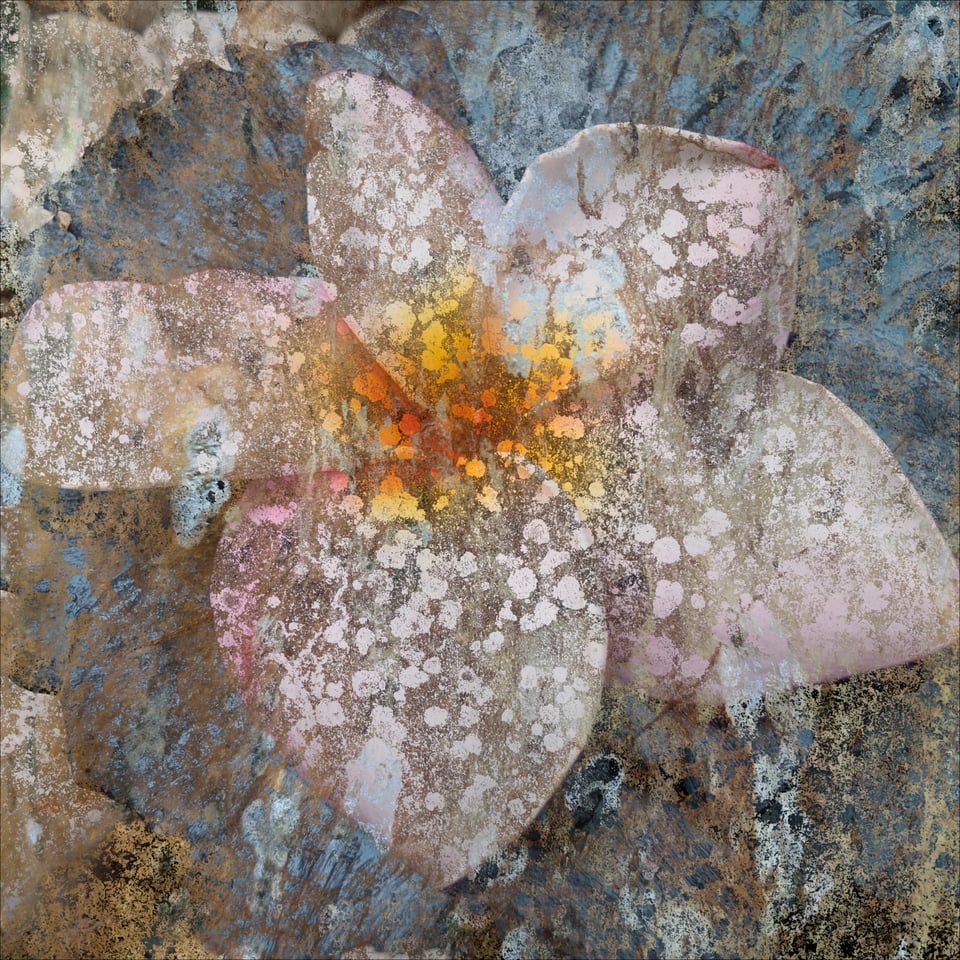
By looking at results, I believe I came up with the final ones at the end of March. But that’s not the end of the story. Not at all. After finding the right designs we experimented with dozens of fonts, layouts, blending modes, color curves, CMYK conversion. We did test prints in two large-format printers. I paid for a session at a studio with calibrated monitors and adjusted the designs based on the factory’s templates. Then I did it again when switching to a different factory and their slightly different templates.
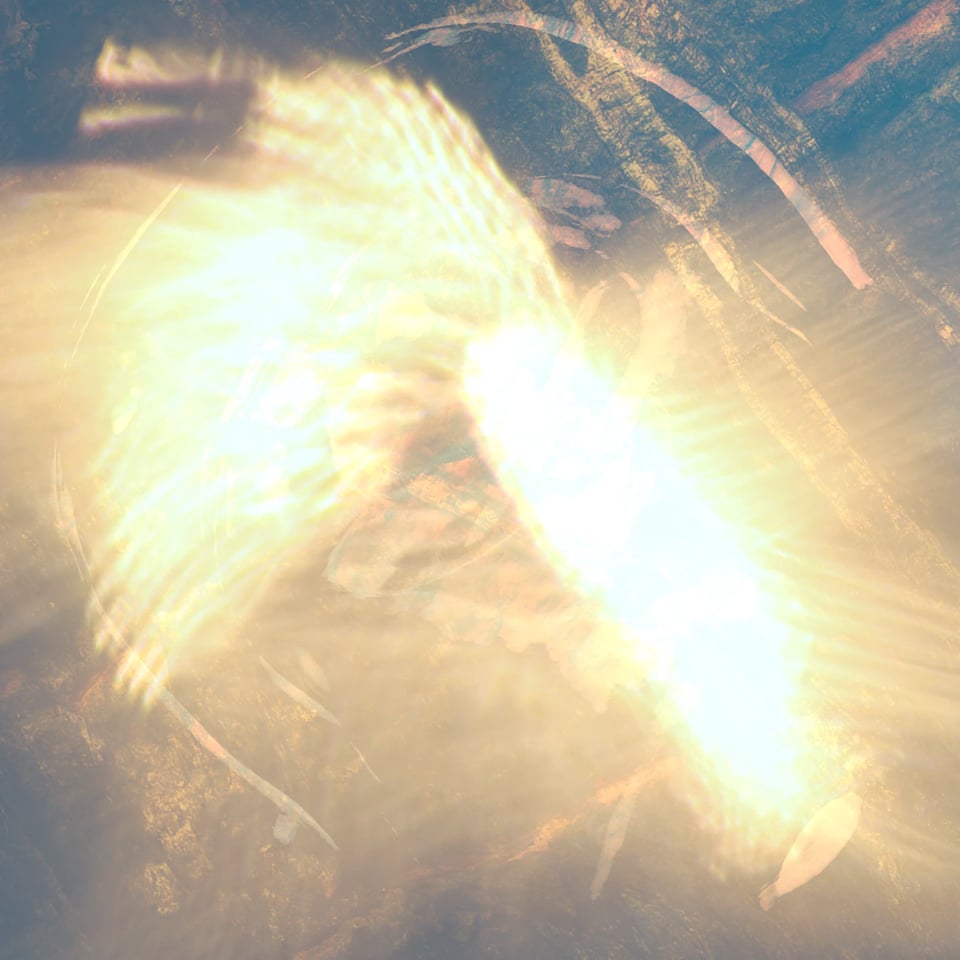
Next, I designed a simple card that comes with every vinyl with a download code. And mockup images for Bandcamp. And the simple website. The files in my FINAL folder are dated between early June to early July.
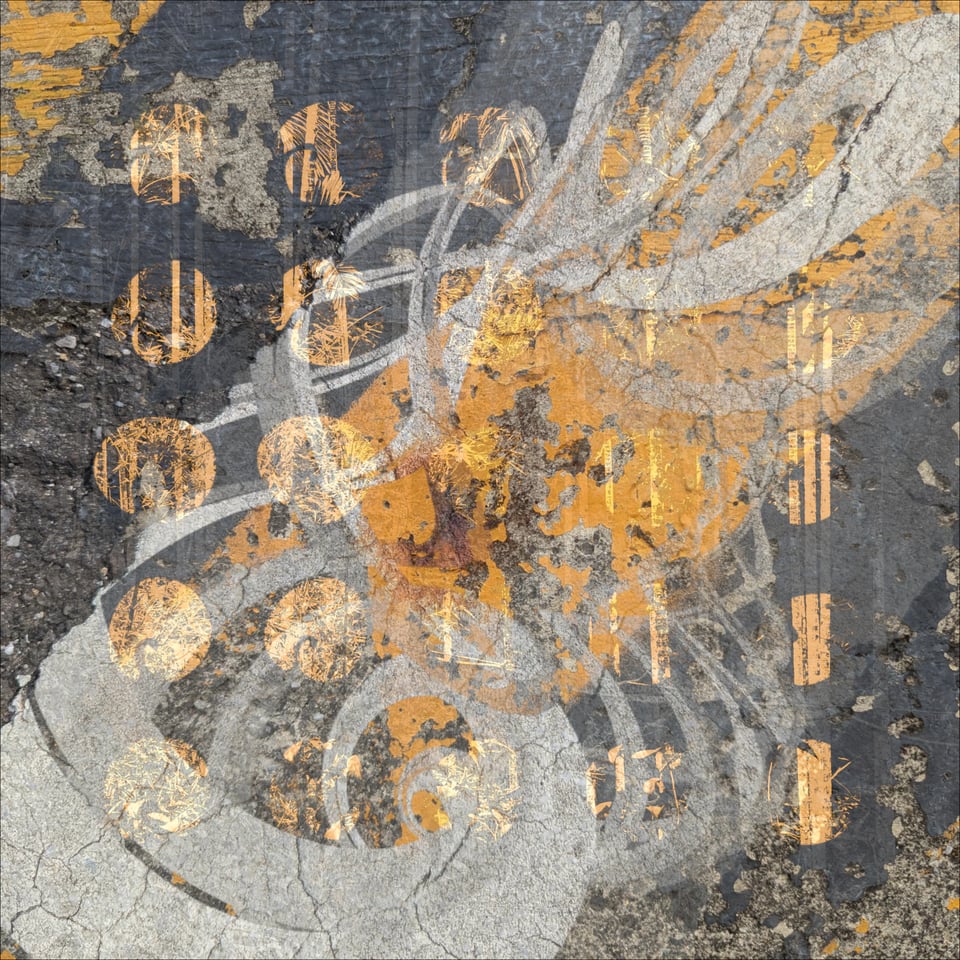
And this brings us back to yesterday’s announcement. Check out the video a good friend made for it!
I’m sooo looking forward to receive a vinyl, unwrap it and listen to it with my eyes closed :-) If you want to do the same visit Bandcamp ;-)
As always, I’ll be happy to read your questions and comments.
🍀

