You need a todo list
I’ve been online for a long time. I sent my first email in 1989 and have been through every boom, bust, trend, fad, and upheaval that has hit the internet ever since.
One thing has stayed the same throughout, a dependable rock-solid constant: people are overloaded by information, and they’re not sure what to do about it.
Of course the problem is worse today. Years ago we didn’t have social media feeds and AI slop trying to distract us and burn down democracy. But the overload was there, even in the early days, from the sheer amount of email coming in.
I created a system back in the 90s to deal with the flood of incoming information and still use it today.
The key is the todo list.
What you have to understand, first, is that the problem of overload can’t be solved by trying to make the flood go away – for example, by declaring “email bankruptcy” and deleting everything in the inbox. This may provide temporary relief, but soon enough we’re inundated again.
Instead, if we acknowledge that the flood is inescapable, the best approach is to manage our response. The trick is to exercise a strict sort of triage:
identifying the few items that are important now,
the several items that will become important in the future,
and the vast majority of items that aren’t important.
Here an item is “important” if it deserves your attention. Remember that the glut of incoming data is trying to distract you, trying to fully occupy your attention so that you sit, glued to the screen, getting nothing else done. Social media algorithms in particular are optimized for this: it’s your attention they’re after.
But in the daily tsunami of emails, texts, social media posts and DMs, Slack channels, and who-knows-what other sources coming at you, there are actually a few items that deserve your attention – either now or in the future.
What’s another way of describing something that deserves your attention? It’s an item that you need to attend to in some way: something you have to read, or consider, or otherwise take action on.
In other words, it’s a todo.
So your daily goal, your constant challenge throughout the never-ending flood, is to always be on the lookout for the occasional item you need to attend to – while letting everything else pass. (In email, that means archiving or deleting unimportant emails. Whatever you do, get them out of the inbox, so they don’t sit there piling up and making you crazy.)
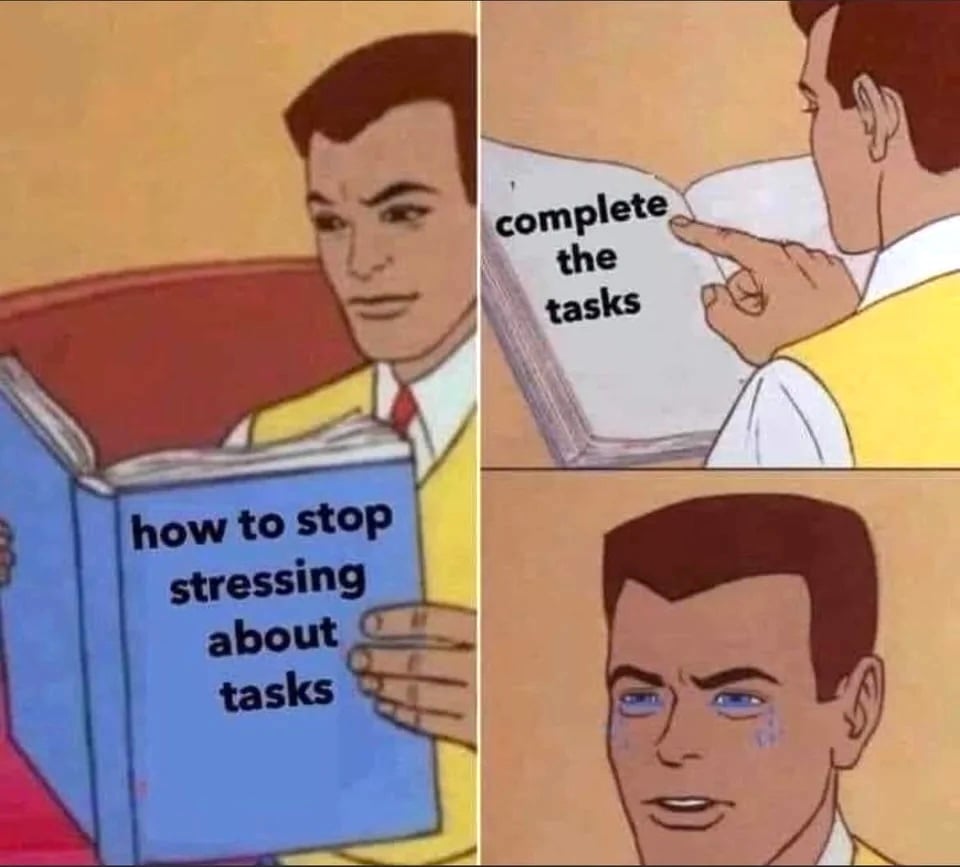
Now we know which items are important. But this is where people get tripped up. Because while the basic idea is pretty obvious – separate the wheat from the chaff, big deal! – not many people know what to do with the action items once they’ve identified them.
Common strategies don’t help much. Some people open dozens of browser tabs to store the emails or DMs or feed items they need to get back to. Others go old-school and scribble reminders on Post-It notes or little slips of paper. Others try to use software features: a “star” in an email program, a bookmark in a social media service, the “mark unread” option in some other platform.
The result of that haphazard approach is that now people are even more overloaded: they have the constant incoming flood to deal with, and now they have this profusion of tabs, starred emails, and unread items spread across multiple apps on their laptop and smartphone.
It’s no wonder so many people have given up on finding a solution to overload: the tools that promise to help actually end up making things worse.
But there is a way to solve the riddle. The key, the absolutely essential key to the solution, is a well-designed todo list. You are overloaded, and the flood is never going away, but you can fully manage the situation with this one tool.
You need a todo list.
Before I go further, I want to point out a very important word: “a.” You need a todo list, not several todo lists (and also not zero todo lists). The method starts with a simple, but strict, requirement that you have one. single. todo list.
The problem with multiple todo lists – all those browser tabs and Post-It notes – is that the multiplicity itself becomes another source of overload, posing the question: which todo list should I look at?
If you instead have a todo list, that becomes the one place where you put all your action items, the one place where you look to see what you should be attending to. If you ever have the question – what should I be doing next? – it’s on that one todo list. (And if you arrange the todos by priority, it should be the top item on the list.)
But there’s a problem. Having one todo list means committing to one platform, and not another, to hold your todos. How do we choose the right todo list?
I have some strong opinions on this subject, and I’m biased in favor of the todo list that I created (more on that in a minute) – but for now I’ll just return to the idea of triage that I wrote about above. Remember that we want to identify (1) what’s important now and (2) what will become important in the future. A good todo list must, above all, make this distinction: a view of “now” todos, separated from future todos, so that you can focus on the short list of what’s important today.
I’ll also observe that if overload is the problem, the todo list must have a simple interface, so that users aren’t further distracted by little clicky-things cluttering up the view. Some so-called productivity systems out there are really designed for people to spend all their time tweaking the system itself. A good todo list will be dirt simple so that it gets users off the todo list, and into doing the work they’re supposed to be doing.
With all that said, I’ll grant that tastes vary, and there are lots of todo lists out there to choose from. Check your favorite non-Google search engine for lots of options.
Here’s where I’ll make a shameless pitch for my own todo list. Back in 2006, as I worked on writing a book about online productivity, I realized that there were no cross-platform (Mac + Windows) todo lists I could recommend to readers. So I created it myself.
My todo list, Good Todo, just turned 20 years old. It was the first todo list on the web when it launched, and it continues to be the longest-running todo list service in the world. I’ve used it myself for 20 years, and there is a dedicated group of users who swear by it. Sadly I never see it mentioned in “best-of” lists or the occasional press piece on todo lists – but I still find it the best option. For my tastes, anyway. (Here’s a video showing how it works.)
But as I said, there are lots of options out there. Whatever option you choose, make it your one todo list.
You need a todo list.
If you’d like to support my writing, please join Creative Good.
Until next time,
-mark
Mark Hurst, founder, Creative Good
Host, Gel conference
Radio show/podcast: techtonic.fm
Email: [email protected]
Follow me on Bluesky or Mastodon