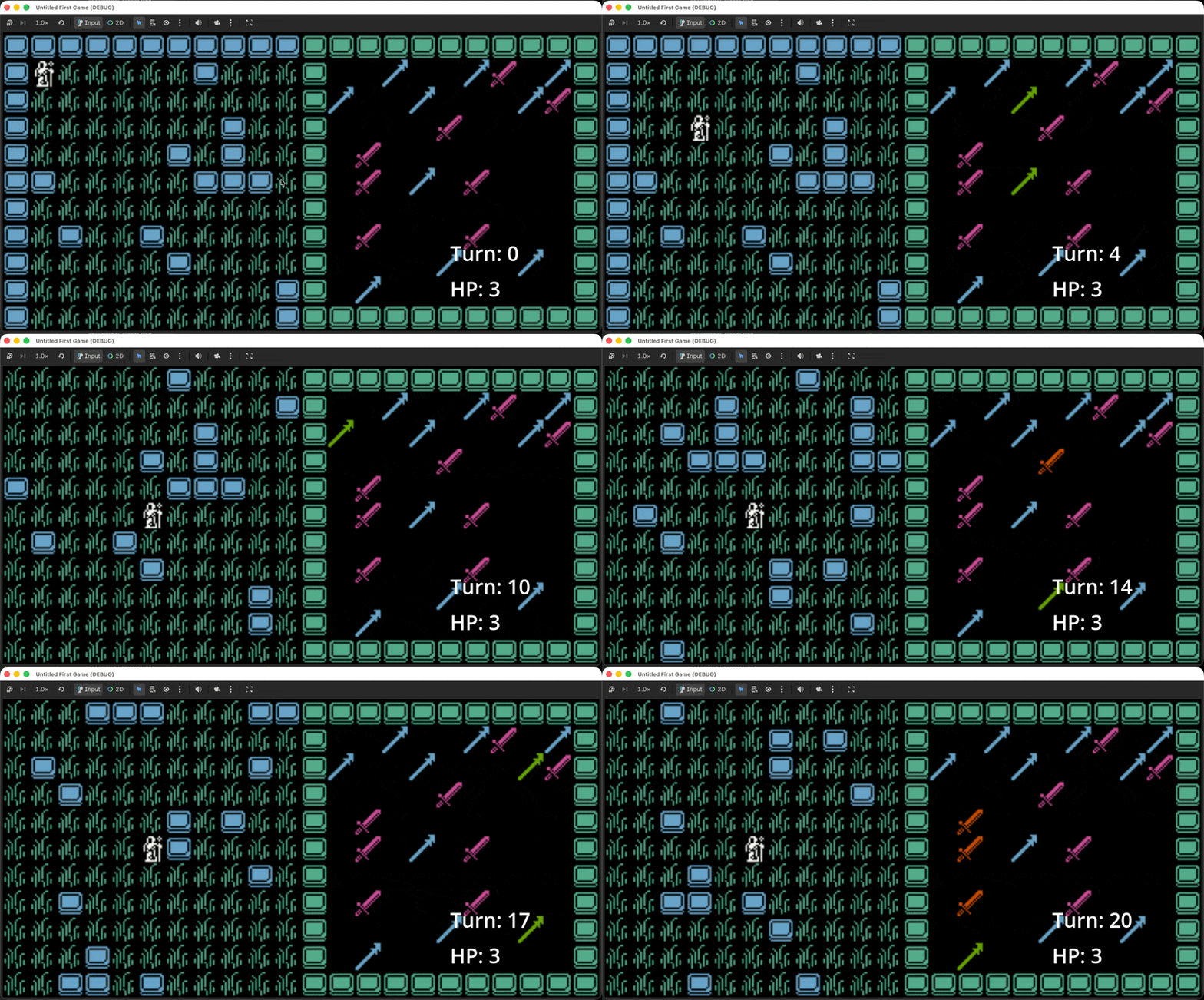
Since last week, I've updated the tiles to something less distracting and closer to the art style I can create. I can't wait to learn pixel art, by the way — I already bought Aseprite but have managed to hold off using it for now.
I added icons for strength and magic weapons. Right now each weapon is a 16x16 sprite, but I want them to span multiple tiles — a sword in the player's inventory would look like the letter "t," a staff like the letter "l." You get the picture.
I also learned about Camera2d's limit method, which stops the camera from following the character so it can expose the level's bounds. Before I found it, I'd planned to detach the camera from the player and lock it onto a tile whenever the level's edges came into view. Setting limits was much easier.
I stupidly skipped creating a Grid when I started building the level and inventory. Building it after the fact took a while, but I can already tell, from the handful of methods I've added, how useful this class will be for future games. I also understand Godot doesn't have a package manager like NPM, and I'm curious what installing packages looks like if I'm not just copy/pasting code.
class_name Grid
extends RefCounted

## Builds out both the level and inventory grids.
## Provides helper methods for the grid.

var num_cols: int
var num_rows: int
var _tiles: Array[Array] = []


## RefCounted isn't a node so we use _init() instead of _ready().
func _init(cols: int, rows: int, def_val: Variant) -> void:
    num_cols = cols
    num_rows = rows

    var base_state_col: Array = []
    base_state_col.resize(rows)
    base_state_col.fill(def_val)

    for col in cols:
        _tiles.append(base_state_col.duplicate())


## Returns the given tile's state.
func get_tile(coords: Vector2i) -> Variant:
    return _tiles[coords.x][coords.y]


## Sets the given tile's state with the provided value.
func set_tile(coords: Vector2i, val: Variant) -> void:
    _tiles[coords.x][coords.y] = val


## Determines if the given tile exists inside the grid.
func is_in_bounds(coords: Vector2i) -> bool:
    return coords.x >= 0 and coords.x < num_cols and coords.y >= 0 and coords.y < num_rows


## Determines if the given tile is vacant.
func is_vacant_tile(coords: Vector2i, vac_tile: Variant) -> bool:
    return _tiles[coords.x][coords.y] == vac_tile


## Checks if an entity can move to the given coordinates.
func is_walkable_tile(coords: Vector2i, vac_tile: Variant) -> bool:
    return is_in_bounds(coords) and is_vacant_tile(coords, vac_tile)


## Determines if the given tile is on the edge of the grid.
func is_edge_tile(coords: Vector2i) -> bool:
    return coords.x == 0 or coords.x == num_cols - 1 or coords.y == 0 or coords.y == num_rows - 1


## Loops through each tile and run the callback function.
func for_each_tile(xy: Vector2i, cb: Callable) -> void:
    for col in xy.x:
        for row in xy.y:
            cb.call(Vector2i(col, row))
Next, I need to make the active column stand out more. More importantly, I need to figure out where the weapons will do damage. Right now the character auto-attacks the tile in front of them after moving, which is boring, and I still don't know how to implement or show the player which tiles a weapon will hit. Thinking, thinking...
You just read issue #4 of Chichi Munga. You can also browse the full archives of this newsletter.
Add a comment: