
Introducing swift-build 🚀 Zero-Config Swift CI/CD
New GitHub Action eliminates Swift CI/CD complexity. Test Linux, iOS, watchOS, tvOS, visionOS with zero config. 65-85% build time reduction.
Issue #114
Hello everyone!
I'm excited to share a tool that's been transforming how I handle continuous integration across all my Swift projects. After years of wrestling with complex CI/CD configurations, I've created something that makes Swift testing truly effortless.
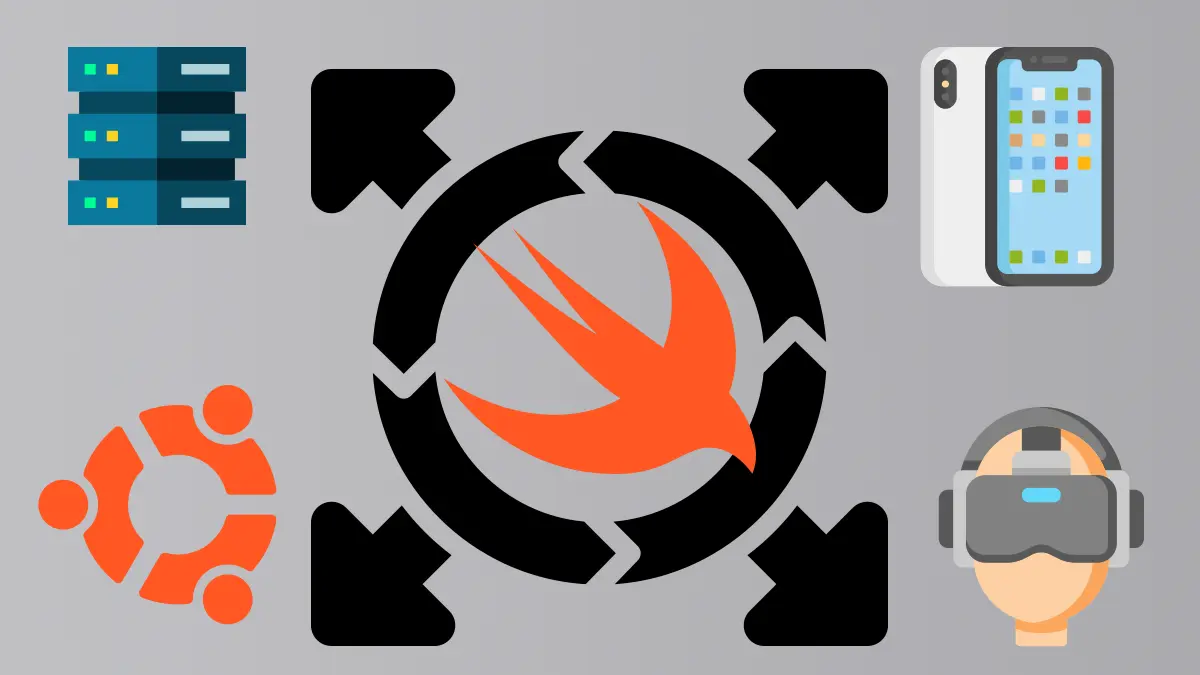
Introducing swift-build: Zero-Config GitHub Action for Swift
After years of copying and pasting the same CI/CD configurations across multiple Swift projects, I decided to solve this problem once and for all. swift-build is a comprehensive GitHub Action that handles all the complexity of Swift CI/CD with intelligent caching and zero configuration.
The Problem It Solves:
- Platform Fragmentation: Testing Linux requires different setup than macOS/iOS testing
- Caching Complexity: Each platform needs different strategies for optimal performance
- Configuration Overhead: Every project required extensive YAML configuration
- Version Management: Supporting multiple Swift versions across different platforms
- Repetitive Setup: Copy-pasting similar workflows across repositories
What swift-build Provides:
- Complete Platform Coverage: Linux, iOS, watchOS, tvOS, visionOS, and macOS
- Intelligent Caching: Platform-specific strategies that actually improve build times
- Zero Setup: Works out-of-the-box with minimal configuration
- Smart Defaults: Automatically chooses the best build approach
- Cutting-edge Support: Official Swift Docker images and nightly builds for Swift 6.2
Real-World Impact: I'm now using swift-build across all my Swift packages including SyndiKit, SyntaxKit, and ThirtyTo. What used to be hundreds of lines of complex YAML is now just a few lines that handle everything automatically.
The matrix testing capabilities are particularly powerful - you can test across multiple Swift versions on Linux using Docker containers, different Xcode versions on macOS, and all Apple platforms (iOS, watchOS, tvOS, visionOS) simultaneously with intelligent caching.
Matrix Testing Example:
strategy:
matrix:
include:
# Current production iOS
- type: ios
xcode: /Applications/Xcode_16.4.app
deviceName: iPhone 16 Pro
osVersion: '18.5'
runner: macos-15
# Future iOS 26 testing
- type: ios
xcode: /Applications/Xcode_26_beta.app
deviceName: iPhone 17 Pro
osVersion: '26.0'
runner: macos-15
download-platform: true
Simple Example:
jobs:
test:
runs-on: ubuntu-latest
container: swift:6.1
steps:
- uses: actions/checkout@v4
- uses: brightdigit/[email protected]
with:
scheme: MyPackage
That's it! No complex setup, no cache configuration, no platform-specific commands. swift-build handles everything automatically.
Check out the complete tutorial and GitHub repository to see how it can streamline your Swift CI/CD workflows.
Under the Hood: Composite Actions and Matrix Magic
swift-build is built as a composite action - essentially a "workflow within a workflow" that encapsulates all the complexity of Swift CI/CD setup.
Key Technical Features:
- Two-Tier Caching Strategy: Uses irgaly/xcode-cache for Xcode DerivedData (preserves nanosecond timestamps for true incremental builds) and standard actions/cache for SPM dependencies
- Automatic Platform Detection: Detects runner OS and configures appropriate build tools (swift command on Linux/macOS SPM, xcodebuild for Apple platforms)
- Smart Build Path Selection: Uses Swift Package Manager for cross-platform packages, Xcode build system when targeting specific Apple platforms
- Simulator Management: Automatic iOS/watchOS/tvOS/visionOS simulator setup with optional platform downloads for beta versions
The matrix testing capabilities transform what used to be sequential testing into parallel execution across multiple platforms, dramatically reducing CI/CD times while improving coverage.
I've been using this extensively for testing Swift packages across Linux containers (Swift 5.9-6.2) and all Apple platforms with different Xcode versions. The time savings and simplified maintenance have been remarkable.
Real-World Adoption and Community Impact
swift-build is now used by 25+ open source Swift packages and has proven itself in production environments. The action has processed thousands of CI/CD runs across different Swift versions, platforms, and configurations.
Community Examples:
- Cross-platform libraries: Testing Linux compatibility alongside Apple platform features
- iOS/macOS apps: Comprehensive simulator testing across multiple device types
- Server-side Swift: Multi-version testing across different Linux distributions
- Apple ecosystem apps: watchOS, tvOS, and visionOS testing with proper device pairing
The performance improvements are significant: typical build time reductions of 65-85% with intelligent caching, and elimination of 30+ lines of complex setup code per workflow.
If you're working with Swift packages or apps that need robust CI/CD, I highly recommend giving swift-build a try. The zero-configuration approach means you can start using it immediately without complex setup.
Repository: github.com/brightdigit/swift-build\ Tutorial: brightdigit.com/tutorials/swift-build
I'd love to hear how swift-build works for your projects or if you have any questions about implementing it in your CI/CD workflows.
Thanks,
Leo


