BowSmith.app newsletter

Archives
Log in
Subscribe
November 3, 2026

Sight setups for the indoor season

Scope, lens and pins as named setups: add the parts, pick one per session, let BowSmith compare indoor and outdoor.

Sight setups for the indoor season

Having trouble viewing this email? / Problemy z wyswietleniem? If this email doesn't render correctly, click the title above. / Jesli email nie wyswietla sie poprawnie, kliknij tytul powyzej.

BowSmith - Archery App
Jump to your language / Przejdz do swojego jezyka:
English Polski
(links work in browser view / linki dzialaja w przegladarce)
ENGLISH

Sight setups for the indoor season

Hi there,

Indoor season changes the front of a lot of bows. The 3D pins come off, a scope and a lens go on, and in spring it all swaps back. Until the October update BowSmith had no idea which one you were using, so your indoor and outdoor sessions sat in one pile. Sight setups fix that. Here is how to set one up in five minutes.

Target sight with a sight tape on a compound bow

1. Add the parts once

Go to Gear → Equipment Library. Next to Sights there are now Scopes (housing size, pin and fiber details) and Lenses (with their magnification). Add the scope and lens you use indoors.

2. Name the combination

In Equipment Library → Sight Setups, tap Add Sight Setup. Give it a name you will recognise on the line — “Indoor 18 m”, “3D pins” — then pick the Sight, and the Scope and Lens if you use them. If the lens does not fit the scope housing, the form tells you before you save.

3. Pick it when you shoot

Practice, competition and tuning setups now have a Sight Setup row. Choose the setup and the session remembers it.

4. Let it compare

After a few sessions, open the sight setup and look at How this setup compares. It splits your results by indoor and outdoor and by distance band (18 m and under, 18–30 m and so on). From a comparison you can choose Prefer this setup for a bow, so new sessions on that bow start with it.

Indoor tip: Start with less magnification than you think you need. A stronger lens makes the target bigger and your float bigger too. Change one thing at a time, and let the comparison show you whether it helped.

Where your sight marks live

Marks belong to the sight itself, not the setup. Record them with Tinkering → Sight Tuning → Multi-Distance Sighting, and your 18 m mark is there next time you swap back.

One honest note: free accounts can save a limited number of sight setups. Two — indoor and outdoor — is where most of us start.

New to the parts? The Learn library has short explainers on the scope, the sight tape and the peep sight.

Not updated since October? Get it in the App Store

Open BowSmith →
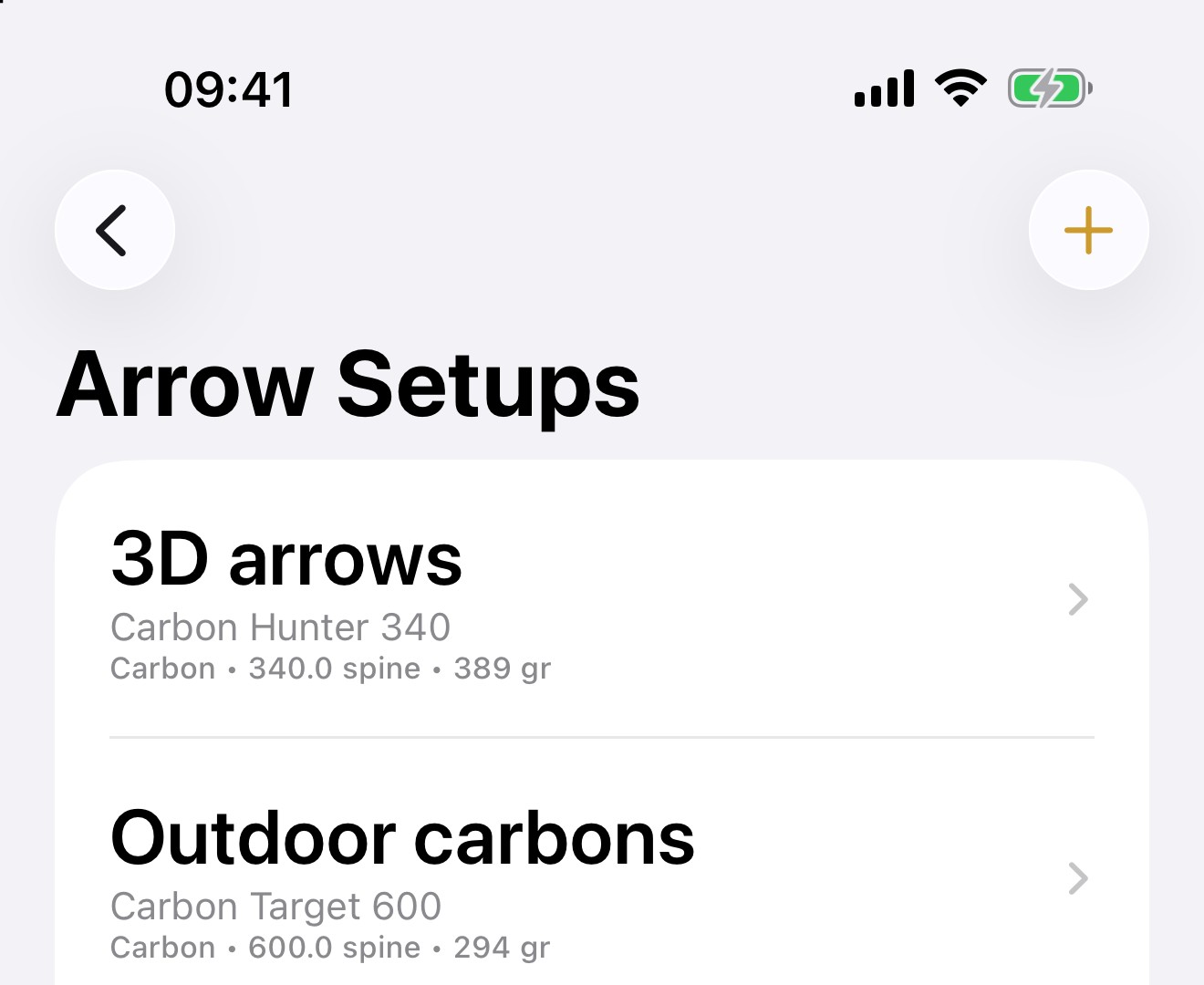
Arrow Setups in the Equipment Library
POLSKI

Ustawienia celownika na sezon halowy

Czesc,

Sezon halowy zmienia przod wielu lukow. Piny do 3D schodza, wchodzi lunetka z soczewka, a wiosna wszystko wraca. Do pazdziernikowej aktualizacji BowSmith nie wiedzial, czego uzywasz, wiec sesje halowe i plenerowe lezaly na jednej kupce. Ustawienia celownika to naprawiaja. Oto jak ustawic jedno w piec minut.
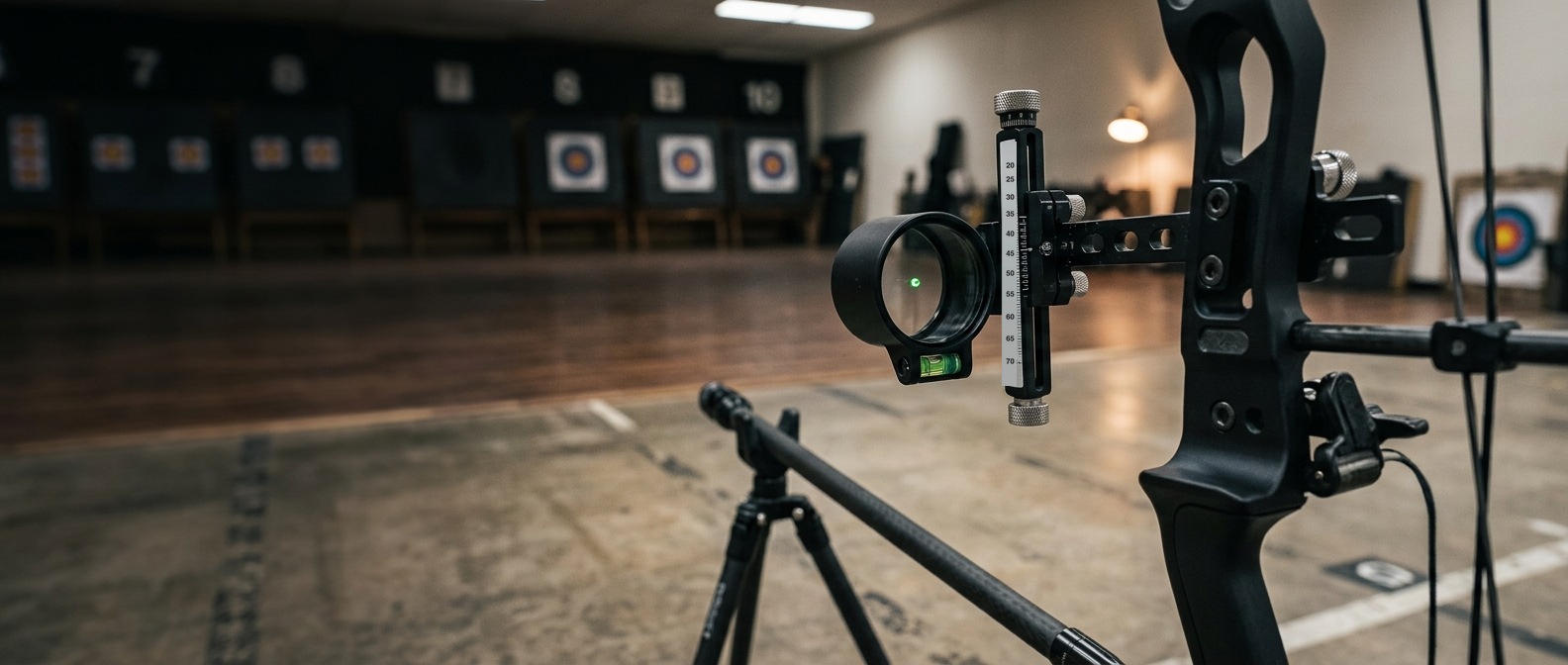
Celownik tarczowy z tasma celownicza na luku bloczkowym

1. Dodaj czesci raz

Wejdz w Gear → Equipment Library. Obok Sights sa teraz Scopes (rozmiar obudowy, pin i swiatlowod) oraz Lenses (z powiekszeniem). Dodaj lunetke i soczewke, ktorych uzywasz na hali.

2. Nazwij zestaw

W Equipment Library → Sight Setups stuknij Add Sight Setup. Nadaj nazwe, ktora rozpoznasz na linii — „Hala 18 m”, „Piny 3D” — potem wybierz Sight, a takze Scope i Lens, jesli ich uzywasz. Jesli soczewka nie pasuje do obudowy lunetki, formularz powie Ci o tym przed zapisem.

3. Wybierz go, kiedy strzelasz

Ustawienia treningu, zawodow i strojenia maja teraz wiersz Sight Setup. Wybierz zestaw, a sesja go zapamieta.

4. Pozwol mu porownac

Po kilku sesjach otworz ustawienie celownika i zajrzyj do How this setup compares. Wyniki sa rozdzielone na hale i plener oraz na przedzialy odleglosci (do 18 m, 18–30 m i tak dalej). Z porownania mozesz wybrac Prefer this setup dla luku, zeby nowe sesje na tym luku zaczynaly sie od niego.

Wskazowka na hale: Zacznij od mniejszego powiekszenia, niz Ci sie wydaje. Mocniejsza soczewka powieksza tarcze, ale tez Twoje plywanie. Zmieniaj jedna rzecz naraz i pozwol porownaniu pokazac, czy pomoglo.

Gdzie mieszkaja nastawy celownika

Nastawy naleza do samego celownika, nie do zestawu. Zapisz je przez Tinkering → Sight Tuning → Multi-Distance Sighting, a nastawa na 18 m bedzie czekac, kiedy wrocisz do tego celownika.

Uczciwa uwaga: darmowe konta moga zapisac ograniczona liczbe ustawien celownika. Dwa — hala i plener — to dobry poczatek.

Nowe czesci? W bibliotece Learn sa krotkie objasnienia (po angielsku): lunetka, tasma celownicza i przeziernik.
Nie aktualizowales od pazdziernika? Pobierz w App Store

Otworz BowSmith →
Arrow Setups w Equipment Library

Talk soon, / Do uslyszenia wkrotce,
Michal

bowsmith.app

[email protected]

You're receiving this as part of the BowSmith community. / Otrzymujesz to jako czlonek spolecznosci BowSmith.
Unsubscribe / Wypisz sie

Don't miss what's next. Subscribe to BowSmith.app newsletter:
← Newer The BowSmith workshop is open (on Etsy) Older → BowSmith has one App Store rating. In the whole world.
bowsmith.app
Powered by Buttondown, the easiest way to start and grow your newsletter.