Indoor Season Kickoff — Switch Your Setup in 5 Steps
Hi there,
Ranges are moving indoors. The archers who keep clean data through the season switch are the ones whose winter analytics actually mean something in spring — and the switch takes about ten minutes in BowSmith. Five steps:
1. Clone your profile — do not edit it
Equipment → your outdoor profile → Clone, name it “Indoor 2026/27”. Your outdoor season stays frozen exactly as it ended; the indoor season starts clean. Same rule as the spring switch, opposite direction.
2. Change what actually differs
Usually: sight tape or sight marks for 18 m, heavier points or different arrows entirely, sometimes stabiliser setup. Edit only those on the new profile. If you switch arrows, re-enter the components — indoor analytics with outdoor arrow data is the same trap as mistake #1 from the launch-week email.
3. Set the indoor default format
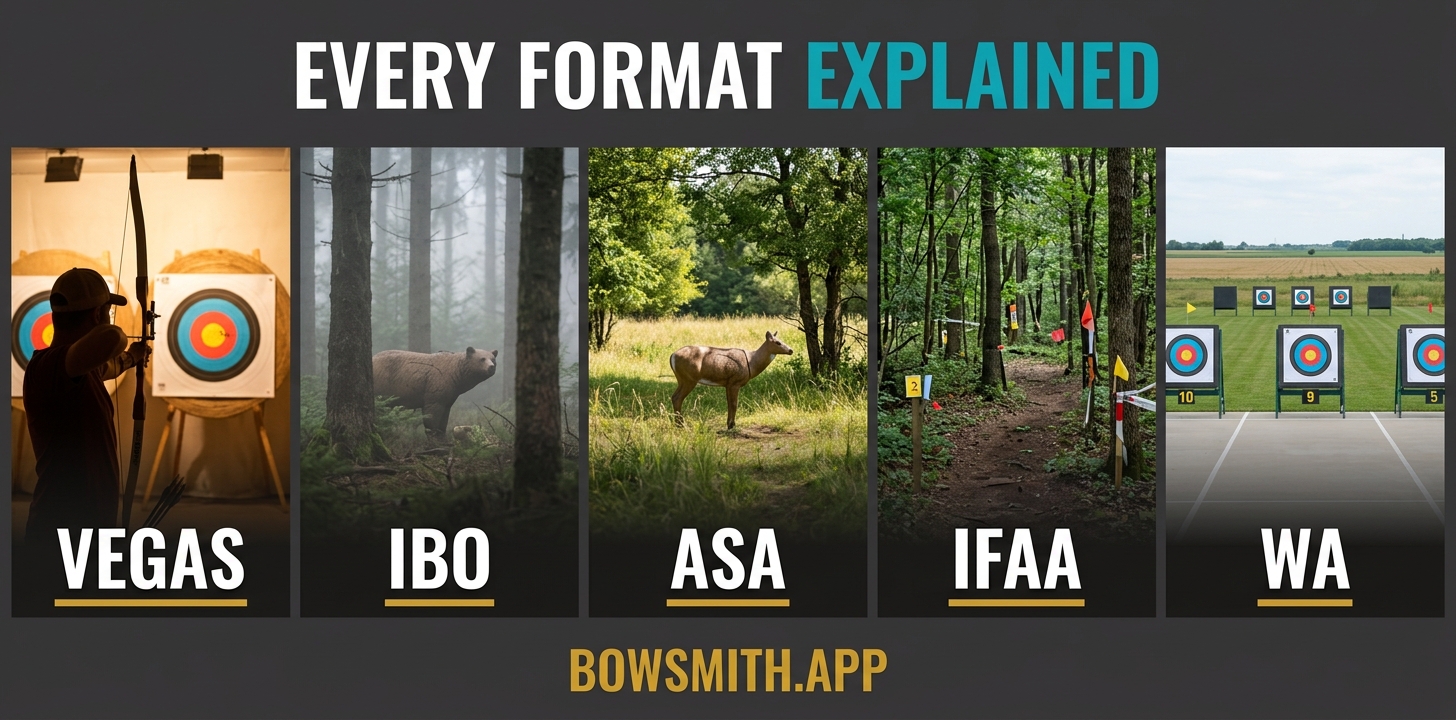
Settings → Competitions → Default format — Vegas 300, WA 18 m, or whatever your league shoots. Every casual scoring session all winter then lands in the right bucket without you thinking about it.
4. Recompute your numbers
New points or new arrows mean new FOC and total arrow weight. The free calculators on bowsmith.app/learn take two minutes, and the printable 60-arrow indoor score sheet on the same page is a good clipboard backup for club nights where a phone is awkward.
5. Shoot a two-session baseline before changing anything
First two indoor sessions: log everything, change nothing. That baseline is what makes every later tuning decision this winter readable. If you jump straight into adjusting, you will never know what the switch itself cost you.
Why it mattersIndoor is the best data season of the year — same distance, same light, no wind. Whatever your analytics show indoors is signal, not noise. Set it up clean and let it accumulate. 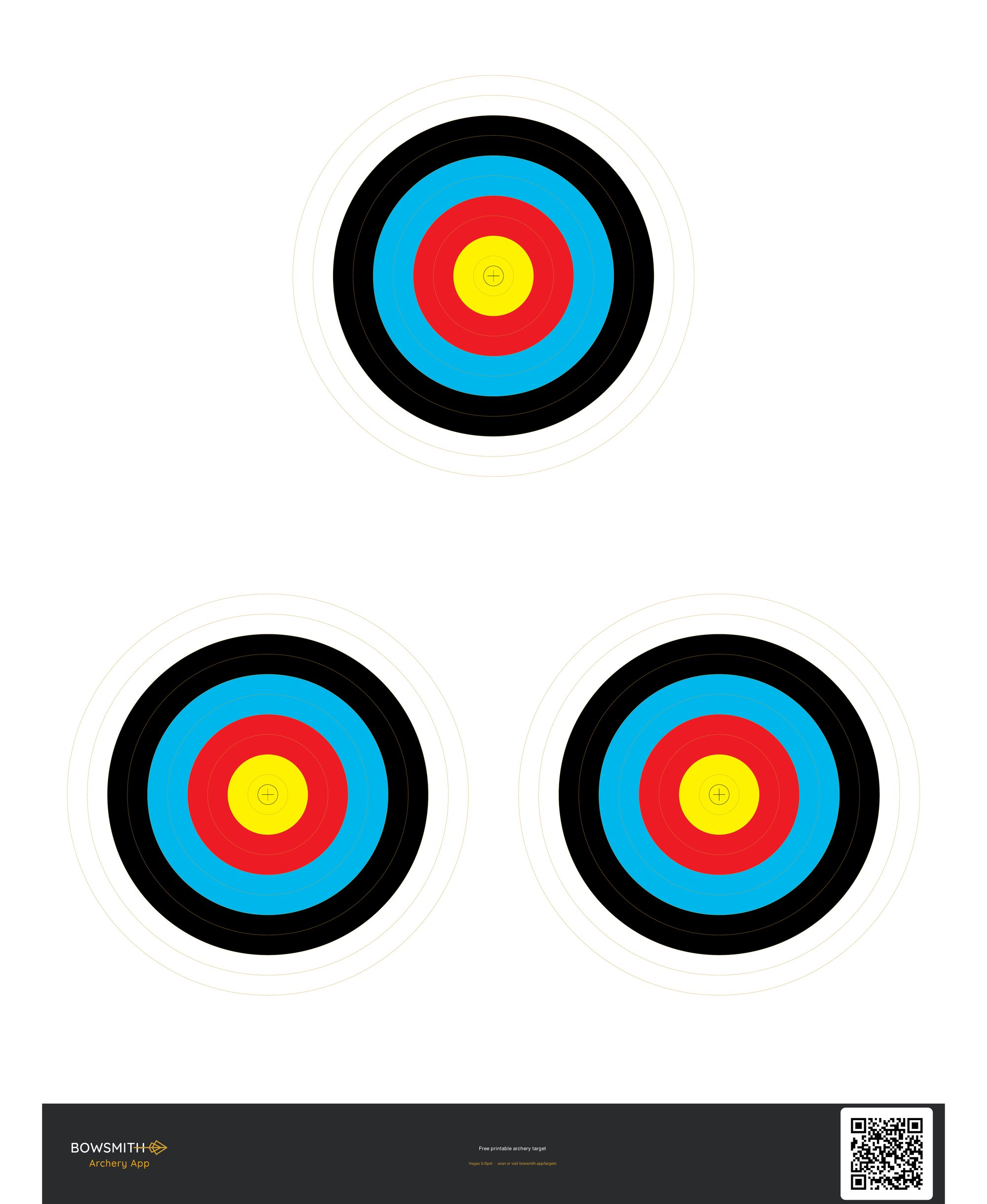
|
Start sezonu halowego — przestaw konfiguracje w 5 krokach
Czesc,
Tory przenosza sie do hal. Lucznicy, ktorzy utrzymuja czyste dane przy zmianie sezonu, to ci, ktorych zimowa analityka naprawde cos znaczy na wiosne — a przestawienie zajmuje w BowSmith okolo dziesieciu minut. Piec krokow:
1. Sklonuj profil — nie edytuj go
Sprzet → twoj profil outdoor → Klonuj, nazwij „Hala 2026/27”. Twoj sezon na powietrzu zostaje zamrozony dokladnie tak, jak sie skonczyl; sezon halowy zaczyna sie czysto. Ta sama zasada co przy wiosennej zmianie, tylko w druga strone.
2. Zmien to, co faktycznie sie rozni
Zwykle: tasma celownika albo znaczniki na 18 m, ciezsze groty albo zupelnie inne strzaly, czasem konfiguracja stabilizacji. Edytuj tylko to na nowym profilu. Jesli zmieniasz strzaly, wprowadz komponenty od nowa — halowa analityka z danymi strzal terenowych to ta sama pulapka co blad #1 z maila po premierze.
3. Ustaw halowy format domyslny
Ustawienia → Zawody → Format domyslny — Vegas 300, WA 18 m albo to, co strzela twoja liga. Kazda luzna sesja punktowana przez cala zime trafi wtedy do wlasciwej kategorii bez twojego udzialu.
4. Przelicz swoje liczby
Nowe groty albo nowe strzaly to nowy FOC i nowa masa calkowita strzaly. Darmowe kalkulatory na bowsmith.app/learn zajmuja dwie minuty, a arkusz wynikow na 60 strzal do druku z tej samej strony to dobry zapasowy clipboard na klubowe wieczory, kiedy telefon jest niewygodny.
5. Ustrzel baze z dwoch sesji, zanim cokolwiek zmienisz
Pierwsze dwie sesje w hali: loguj wszystko, nie zmieniaj niczego. Ta baza sprawia, ze kazda pozniejsza decyzja strojeniowa tej zimy bedzie czytelna. Jesli od razu zaczniesz regulowac, nigdy sie nie dowiesz, ile kosztowala cie sama zmiana sezonu.
Dlaczego to wazneHala to najlepszy sezon danych w roku — ta sama odleglosc, to samo swiatlo, zero wiatru. Cokolwiek pokazuje twoja analityka w hali, to sygnal, nie szum. Ustaw to czysto i pozwol danym sie kumulowac. |