
More String Building
Last time, we looked at a number of ways of constructing strings. This is something you might use to create log messages or define variables. There is also...
Building Better Strings
Let’s continue exploring other .NET classes you might want to incorporate into your PowerShell scripting. Today, I want to cover a .NET class that I know is...
Environmental Impact
Let’s continue our exploration of using the [System.Environment] class from the .NET Framework. As I explained last time, there is no way to construct an...
Taking Care of the Environment
We all know that PowerShell is based on the .NET Framework. PowerShell exposes a lot of the framework through abstractions like cmdlets and providers....
Extending RESTful Objects
Welcome to 2024! I want to thank all of my subscribers once again for making it possible for me to do this newsletter. I have a full slate of articles...
A Final REST API Course
Over the last few articles, I’ve demonstrated various techniques for consuming REST API data in your PowerShell code. Let’s wrap up this discussion with a...
A Second Helping of REST APIs
We’ve been dining on REST APIs served up by PowerShell. I hope you got a chance to try out the code examples from the previous article. I want to continue...

Who's Hungry for a REST API?
One of my favorite uses of PowerShell is how it can consume data from a REST API. You don’t have to be a web developer, although there are a few concepts you...

More Tips for Better PowerShell
Let’s continue our look at ways to take PowerShell code from good to better. I’m basing my talking points on a code review I did on a friend’s GitHub...
Writing Better PowerShell Code
Recently, a friend of mine announced a new PowerShell module he had published to the PowerShell Gallery. Naturally, I had to take a look at his code. Like...

Tooling for Custom PowerShell Logging
Over the last several articles, we’ve been exploring how to create custom event logs for our PowerShell work. Instead of logging into a text file, write to...
Scripting with Integrated Logging
Let’s continue working with custom event logs and PowerShell. This could be a useful logging mechanism that is persistent and searchable. If you’ve ever...
Integrated PowerShell Logging
PowerShell on its own doesn’t have logging capabilities other than Start-Transcript. There’s no common parameter you can add to a function to log script or...
The Zen of PowerShell Code
As you might imagine, I have written a lot of PowerShell code in my career. I’ve also seen plenty of code created by others. These experiences have shaped...
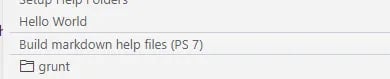
More Tasks with VSCode
We’ve been looking at how to set up tasks in VS Code. This is a handy way to execute common activities. You can streamline your workflow with a few...
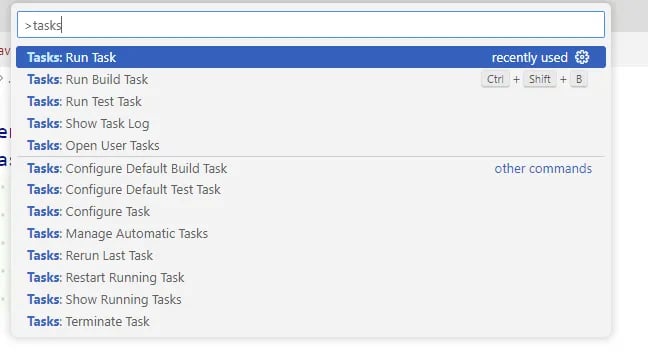
Put VSCode to Task
Today’s content isn’t exactly PowerShell-related. But I assume many of you use VS Code to create PowerShell content. If you’ve been using VS Code for any...
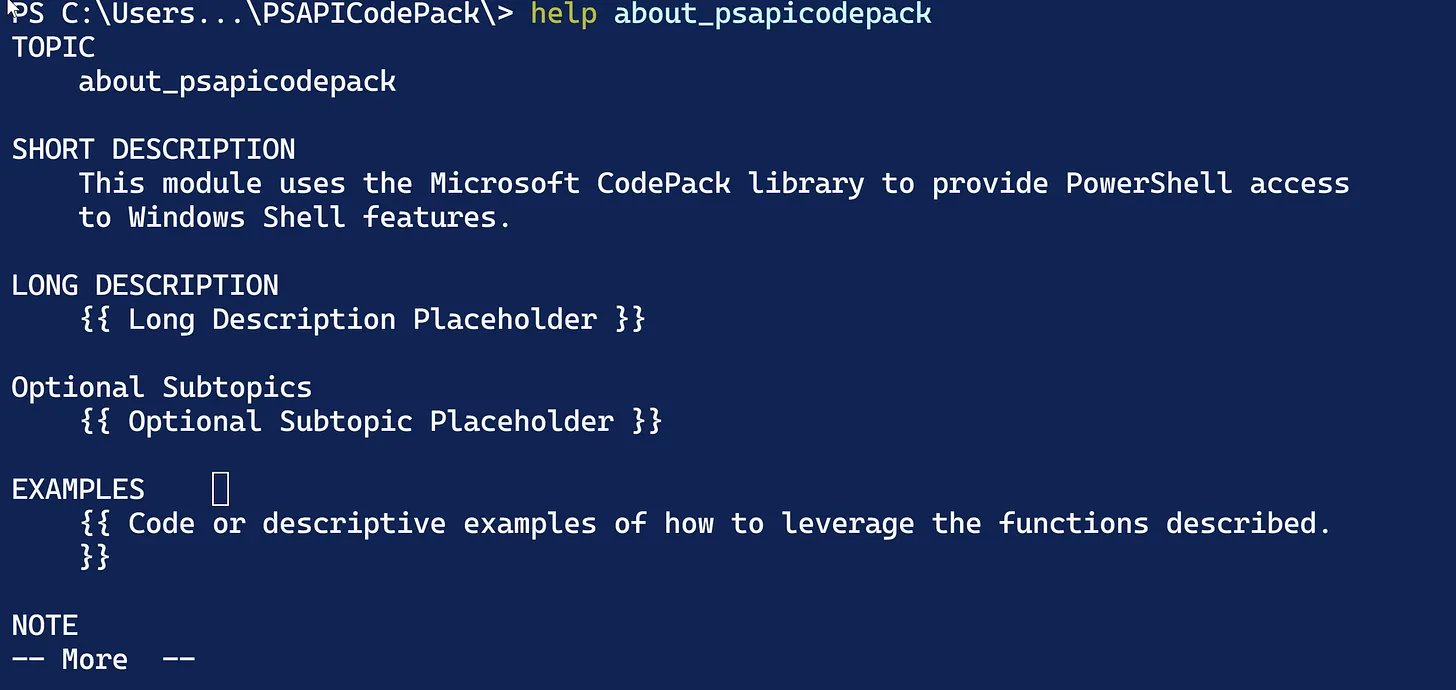
More Module Documentation
Welcome back. We’ve been exploring how to use the Platyps module to create professional-looking documentation for your PowerShell module. We ended last time...
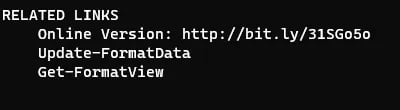
More Platyps Power
Last time, I demonstrated how to use the Platyps module from Microsoft to create external help for your PowerShell commands. The concept is to create a...

Professional PowerShell Documentation
We all know the importance of documentation regarding our PowerShell commands. We also all know this is one of the last things to get done, if ever. That’s...
Can I Get Some Help
Recently, I posted an article about using localized data in your function’s messages. My reasoning is that I want to have a consistent user experience across...


