

PowerShell Pot Luck May 2024
Here we are again at the end of another month. I hope you learned a few things from the newsletter this month. Don't forget that premium subscribers have...

PowerShell Filters and Functions
The other day I saw social media post from Adam Bertram about PowerShell filters. Talk about a blast from the past. Back in the early days of PowerShell,...

What Are We Talking About?
Most of the time PowerShell is pretty clear about what it is doing. The language attempts to be concise but not cryptic. For example, PowerShell commands...

Exposing PowerShell Module Scope
In the previous article, I demonstrated how to take advantage of the module scope. This is what allows you to have functions and variables available to...

Using Module Scope
One of the most perplexing topics in PowerShell, especially for beginner scripters is scope. Referencing items like variables and functions that may or may...

More PSReadLine Power
Last time, I showed you how to customize PSReadLine in your module by taking advantage of examples in the sample PSReadLine profile script. But since this...

PSReadLine Profile Power
The PSReadLine module is one of the most useful tools we have in PowerShell. You utilize it every day without realizing it. An early version of the module...
Using Synchronized HashTables
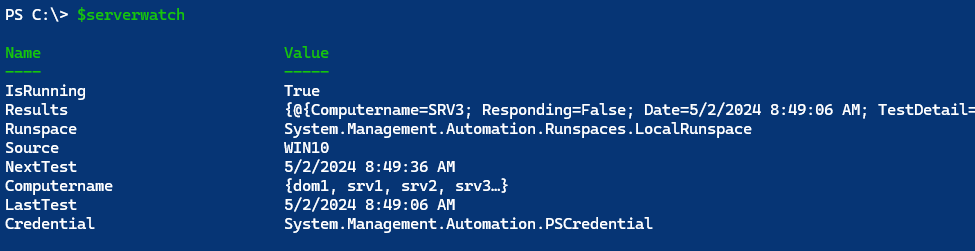
Last month, I introduced you to the topic of creating and using PowerShell runspaces. This is definitely and advanced topic and for those special use cases...
PowerShell Round-Up April 2024
Thank you for sticking around for another month. There's always something new to learn. Don't forget that premium subscribers have full access to the archive...

More PowerShell Runspace Fun
In the last article, we began to explore how to use custom runspaces in our PowerShell scripting. Is still believe that using cmdlets like `Start-Job` and...

Scripting with PowerShell Runspaces
A great deal of what we do in PowerShell is based on the use of runspaces. These are are configured containers, not in the Docker sense, that allow us to run...

Going Out with a Bang!
I'm sure you'll agree that PowerShell is a terrific management and automation tool. The concept of passing objects through the pipeline is a powerful feature...
Cross-Platform PowerShell Scripting Tips
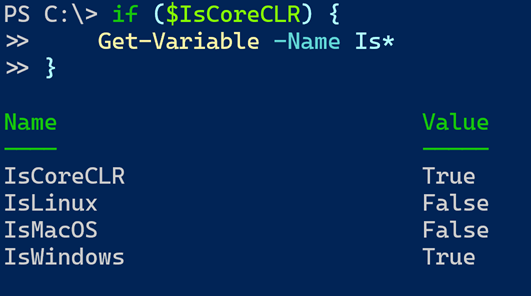
I was at the PowerShell+DevOps Global Summit last week, helping to run the OnRamp program. I was demonstrating a PowerShell example in PowerShell 7 on my...
Defining WPF with XAML
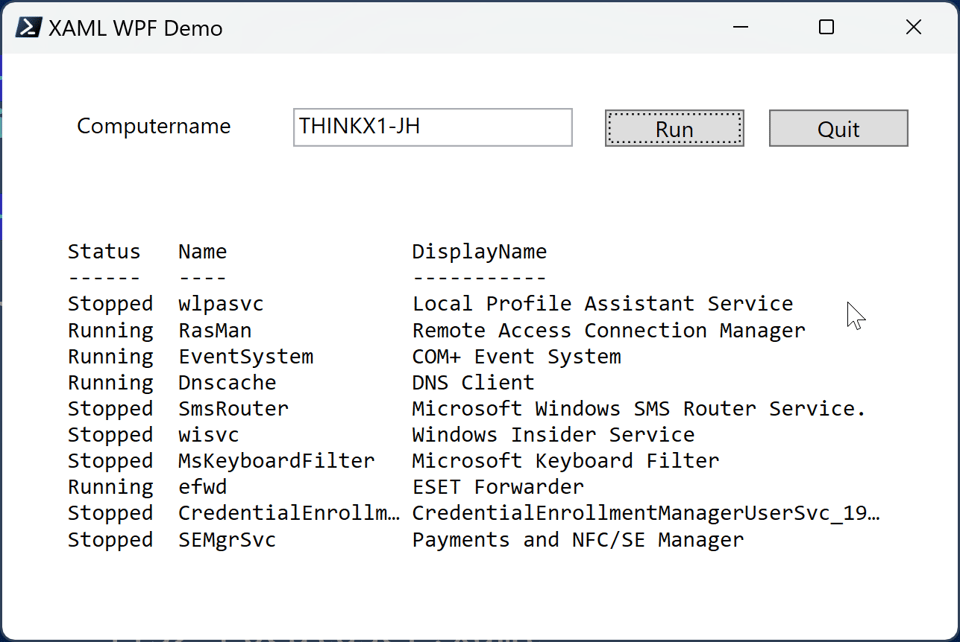
During our exploration of creating a Windows Presentation Foundation (WPF) PowerShell script, I've been taking a programmatic approach. That is, I've been...
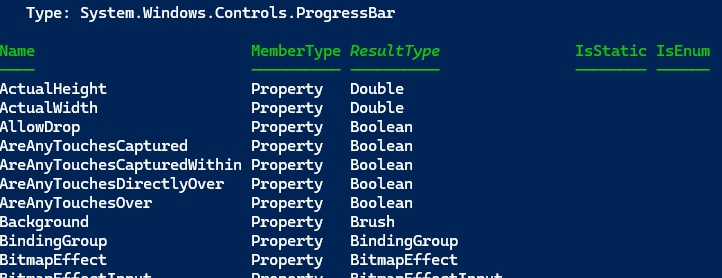
Decorating Your PowerShell WPF Script
Let's get back to exploring what we can do with Windows Presentation Foundation (WPF) PowerShell scripts. You've seen how to create a simple form using a...

PowerShell Regex Groupies
Learn how to use regular expression named captures in PowerShell to extract data from log files, and created custom objects for structured data storage.

JSON Serialization Options
In the previous article in this series, we explored PowerShell serialization. This is the process of converting an object into a format that can be stored or...

PowerShell Potluck - March 2024
Month-end recap: PowerShell presentations, Git aliases, Test-Path tips, future plans. Email [email protected] for questions.
Serialization Situation
One of PowerShell's greatest strengths, and one of its greatest challenges, is its object-oriented nature. Once you get your head wrapped around this...
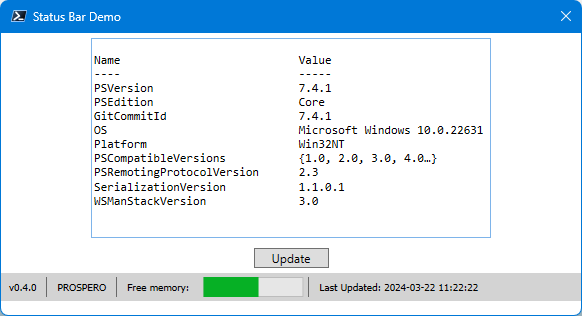
WPF PowerShell Applications
In the last article, I demonstrated how to use common WPF controls in your script. There is a lot of code to write to create a WPF-based PowerShell script,...


