
March 2026 PowerShell Potluck
In this issue:
Let's jump right into my monthly potluck of PowerShell tidbits.
Is Elevated
When scripting, we can add a requirement that the user be running an elevated PowerShell session by insert #requires RunAsAdministrator. But what if you want to test outside of running a script. In the past there was a complicated .NET expression you could run.
Now it is easy as this in recent versions of PowerShell 7:
PS C:\> [environment]::IsPrivilegedProcess
True
This also works cross-platform.
PS /home/jeff> [environment]::IsPrivilegedProcess
False
I love when simple things are the solution.
PowerShell 7.6
In case you missed the announcement, PowerShell 7.6 was released earlier this month. There aren't a lot of new features but this is now the latest LTS release. If you are looking to standardize a version in a corporate environment, this is the version to move to.
Unfortunately, the Get-WhatsNew command has not been updated to reflect this version, but you can find the information online at https://learn.microsoft.com/en-us/powershell/scripting/whats-new/what-s-new-in-powershell-76?view=powershell-7.6.
Deck
I'm gearing up for PowerShell conferences, so I was intrigued with a new project I learned about this month. I'm always looking for PowerPoint alternatives and the Deck PowerShell module looks promising. The module requires PowerShell 7 and relies on a few other module like pwshSpectreConsole. With the module, I can create a presentation in a Markdown file and run it in Windows Terminal.
You can configure the markdown to display images, code samples, and more.
---
background: black
foreground: white
border: magenta
borderStyle: rounded
pagination: true
paginationStyle: fraction
h1Font: 048_24__
h1Color: cyan
h2Font: small
h3font: TinyUnicode
h2Color: magenta
---
# Introduction to Deck
---
<H3 id='requirements'>Requirements</H3>

- <green>PowerShell 7.4</green>
- <gold1>pwshSpectreConsole</gold1>
- <aqua>TextMate</aqua>
- <italic>Will be installed automatically</italic>
Learn more at https://github.com/jakehildreth/Deck
---
<H3 id='installation'>Installation</H3>
```powershell
PS C:\> Install-PSResource Deck
PS C:\> Import-Module Deck
PS C:\> Show-Deck -Path https://exampledeck.jakehildreth.com
```
The module has a single command, Show-Deck, to start the presentation.
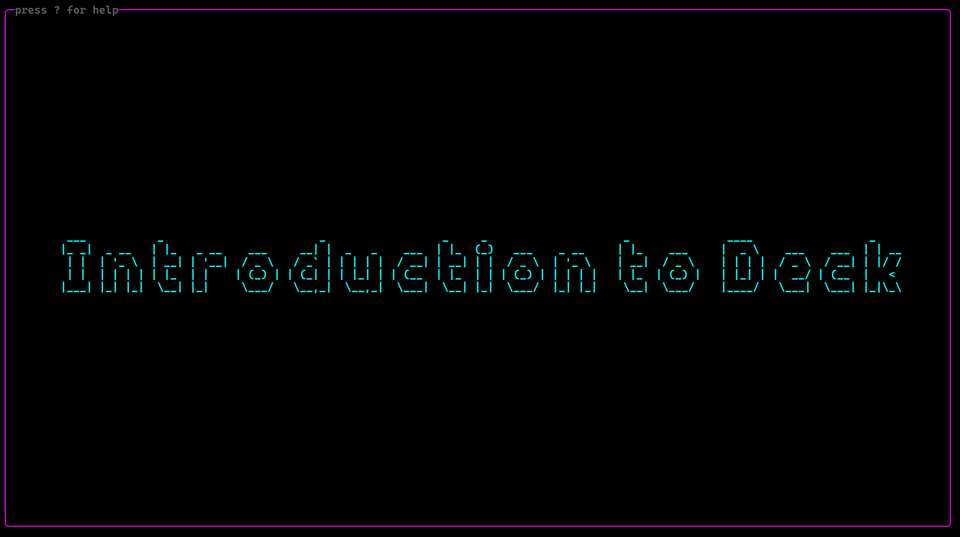
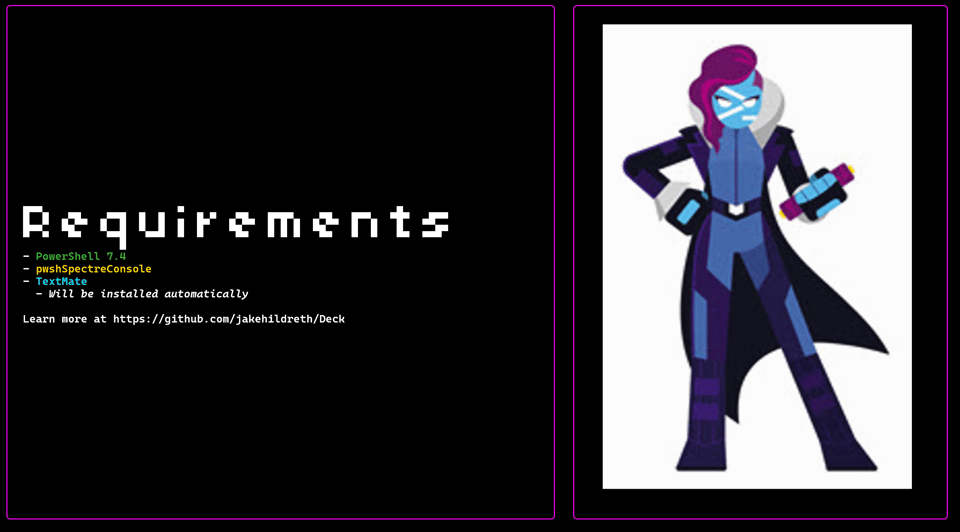
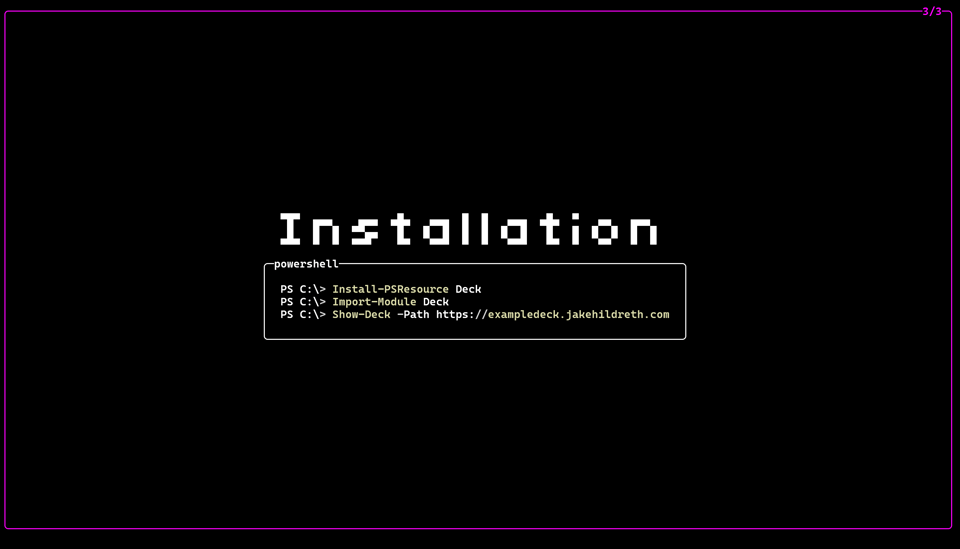
You should run the example deck to see the features in action. Detailed instructions on creating the Markdown file are in the GitHub repository. This project is still in its early stages. Checkout the Discussions section to see where the project might be headed and add your ideas.
Show-SpectreSystemStatus
A while ago I shared a SpectreConsole function to display system information in a visually engaging format. I've updated the code and put all the necessary files in a Github gist at
https://gist.github.com/jdhitsolutions/45e090ff61878a57eb466844a864bd12 Save all the files to the same directory. Make sure you rename the ps1 and psd1 files without the numbers. Dot source the ps1 file and run Show-SpectreSystemStatus or use the sss alias.
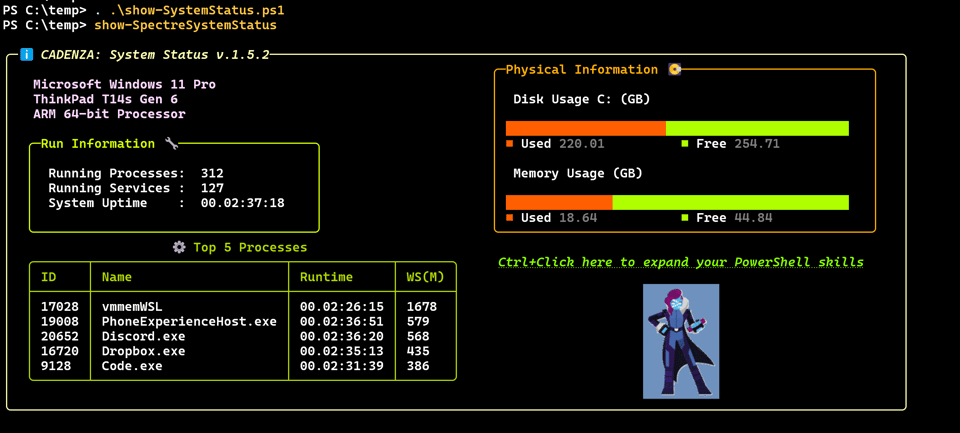
The function has parameters to query a remote computer.
You can play around with different color schemes, preferably by modifying the psd1 configuration data file.
Scripting Challenge
Finally, it is time for your next scripting challenge. Some of this I think should be easy. See how much you can figure out.
First, get number of modules folders in each location that is part of %PSModulePath%. Include the scope, such as current user, and the size of each folder.
Next, get the total number of modules installed for the AllUsers and CurrentUsers scopes. This should be an object that includes at a minimum the computer name.
Finally, get the total number of module versions for each module. The output should reflect the scope and computername.
You can create three different scripts or functions. Try to make your code as efficient as possible.
Summary
That should wrap up another month together. Thank you for your support. Don't forget that you can manage your subscription with links in the email footer, including upgrading to a premium subscription. I'll be in Bellevue in a few weeks for the PowerShell Summit. If you are attending, I hope you'll find me and say "Hi".


Add a comment: