
Actions for Obsidian: Progress Report #1
Hello, Productivity Friends!
My name's Carlo, and I'm the author of the app Actions for Obsidian for macOS & iOS. You're receiving this email because a while ago, you've signed up for updates about the app on my website.
Today, I'll tell you about where I'm at with the app, about a YT video I've made and about the beta for macOS. Let's get this show on the road!
The State of the App
I'm happy to tell you: Actions for Obsidian ("AfO" from here on out) runs and performs well. I've implemented 30+ Obsidian-related Shortcuts actions on macOS 13:
Daily Notes
- Check For Existence Of Daily Note
- Create Daily Note
- Get List Of All Daily Notes
- Get Daily Note
- Get Most Recent Daily Note
- Append Text To Daily Note
- Prepend Text To Daily Note
- Search And Replace In Daily Note
- Open Daily Note In Obsidian
- Open Most Recent Daily Note In Obsidian
Dataview
- Get Dataview List
- Get Dataview Table
Notes
- Check For Existence Of Note
- Create Note
- Get List Of All Notes
- Get Note
- Append Text To A Note
- Prepend Text To A Note
- Search And Replace In A Note
- Search Notes
- Open Note In Obsidian
Vaults
- Get List Of All Files
- Get List Of AII Folders
- Get List Of All Non-Markdown Files
- Get List Of All Tags
- Get Vault Path
- Get Attachment Folder Path
- Get "New File" Folder Path
- Open Vault
- Close Vault
I doubt this'll be the final list of actions, but it's a good foundation to build on, and I'm very happy with it.
Things yet to be done: the trial period & in-app purchase mechanisms need to be implemented (one-time payment, not a subscription); more stability tweaks to AfO's Obsidian plugin, Actions URI; a new website with proper documentation and FAQs; and a few more short videos on how to use the app.
"German software developer DESTROYS youtube!!!1"
Which is to say: I've made an introduction video about the app. I'll show you how to use AfO to create a daily note in Obsidian, and then update it with data from Apple's Weather and Calendar apps using Shortcuts. And to top it off, I'll build a simple journaling workflow and a task logger.
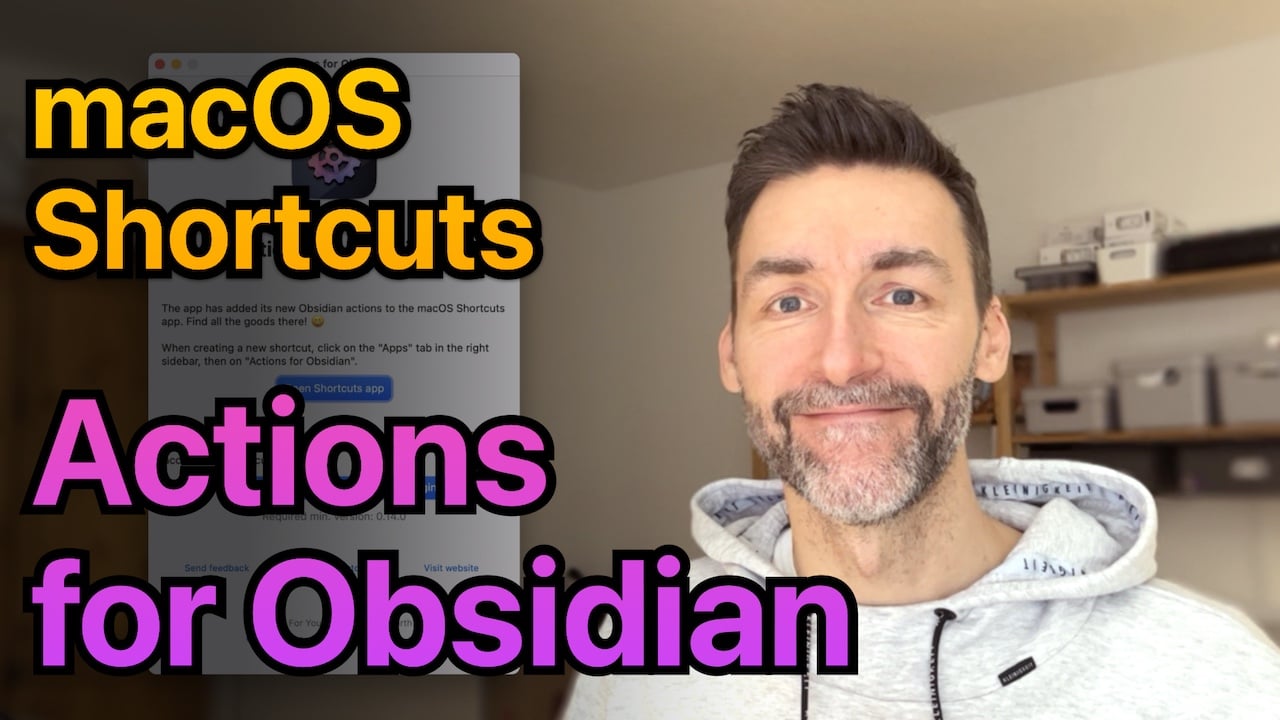
It's my first ever video, so it's a bit rough around the edges, but I think it gets the job done. Hey, yet another skill to get better at!
Want to see more videos like this? Maybe "How to do X using AfO"? Let me know, please, I'm all ears!
Also, if you feel like passing that YT link around, I wouldn't mind. 😅
TestFlight Inbound
Finally: I'm happy to announce that Actions for Obsidian on macOS is ready to be tested!
I've decided on a staggered test rollout. It'll start with a small group of people. I'll expand the group as I get feedback, fix bugs, make the app more stable, and introduce new functionality. And I promise everyone on this list will get a chance to test the app before its release, just not everybody right away.
If you'd like to be in the first batch of the macOS TestFlight, when the app's likely at its most brittle, please send me an email and let me know. macOS 13 is a requirement. I'm looking for 30-40 active people to start with, who give me feedback about what they find, so I can make Actions for Obsidian as good as I can.
What about iOS?
It's coming, but not at the same time as the macOS app. AfO itself runs fine on iOS, but iOS as a platform has some quirks and limitations that I need to find out how to work around first. As they say: The devil's in the details.
But I'm on it, and I will keep you posted.
Thanks for reading!
To recap: If you want to be in the first round of the beta, please send me an email!
If you have questions or ideas for actions or videos, email me or say Hi on Mastodon: @actionsdotwork@pkm.social.
Thanks again for your interest in my work, it means a lot to me 🙏🏼
Have a great festive season,
– Carlo
PS: This is the first email to this list. I'm aiming for a bi-weekly schedule. Should you decide it's not what you want anymore: there's an Unsubscribe link at the bottom of each email!

